Decisions 10.0.0 (July 15, 2026)
Overview
Version 10 introduces a significant evolution of the Decisions platform, delivering major user experience and styling enhancements designed to create a more modern, governable, and intelligent environment for enterprise automation. These updates improve visual consistency, usability, and navigation across the platform while establishing a foundation for future innovation.
Breaking Changes
- [DT-047804] Remove Theme Editor from V10: Theme Editor has been removed from the Portal. This means theme settings will no longer be reflected after upgrade. Users who have applied themes or custom styles in previous versions should note that these configurations will not be retained after upgrading to v10.
- Multi-Tenancy Deployment Tower Compatibility: Traditional Multi-Tenant (MT) architecture is not supported with the Deployment Tower in v10. Instead, the MT model is being replaced by Organizations within the Deployment Tower. Customers currently using MT should create each instance as a separate organization and then associate the required environments with that organization. This approach provides the same benefits of tenant isolation and centralized account management, while aligning with the new v10 architecture.
MT Customers can still upgrade to v10 without using the Deployment Tower. Everything will function as it did previously. - UCM: A restart may be required after making changes to the Application Settings for a few settings (e.g Single Sign On, Timezone Translation, etc.)
- [DT-047568] Color Picker old RGBa Misinterprets Blue As Pink: In v10, hex color values with alpha channels are formatted according to the W3 Standard, with opacity at the end of the hex code instead of at the beginning. If upgrading from a v9 instance to a v10 instance, colors that have been saved with custom opacity in the color picker may appear differently in the v10 environment. In such a case, the color needs to be picked and saved again in the updated color picker.
- Repository Server Requires Migration to Version 10: Repository Server is not supported as a standalone legacy setup in version 10. Before upgrading to version 10, existing Repository Server environments must be migrated to the Deployment Tower model. Review and complete the Repository Server to Deployment Tower migration before upgrading to avoid deployment, check-in, check-out, or environment synchronization issues.
For migration guidance, see Migrating Repository to Deployment Tower.
UI Improvements
Decisions has received major styling updates that create a more modern, governable, and intelligent platform for building, deploying, and scaling enterprise automation.
.png)
New Features
| Feature | Description | Screenshot |
|---|---|---|
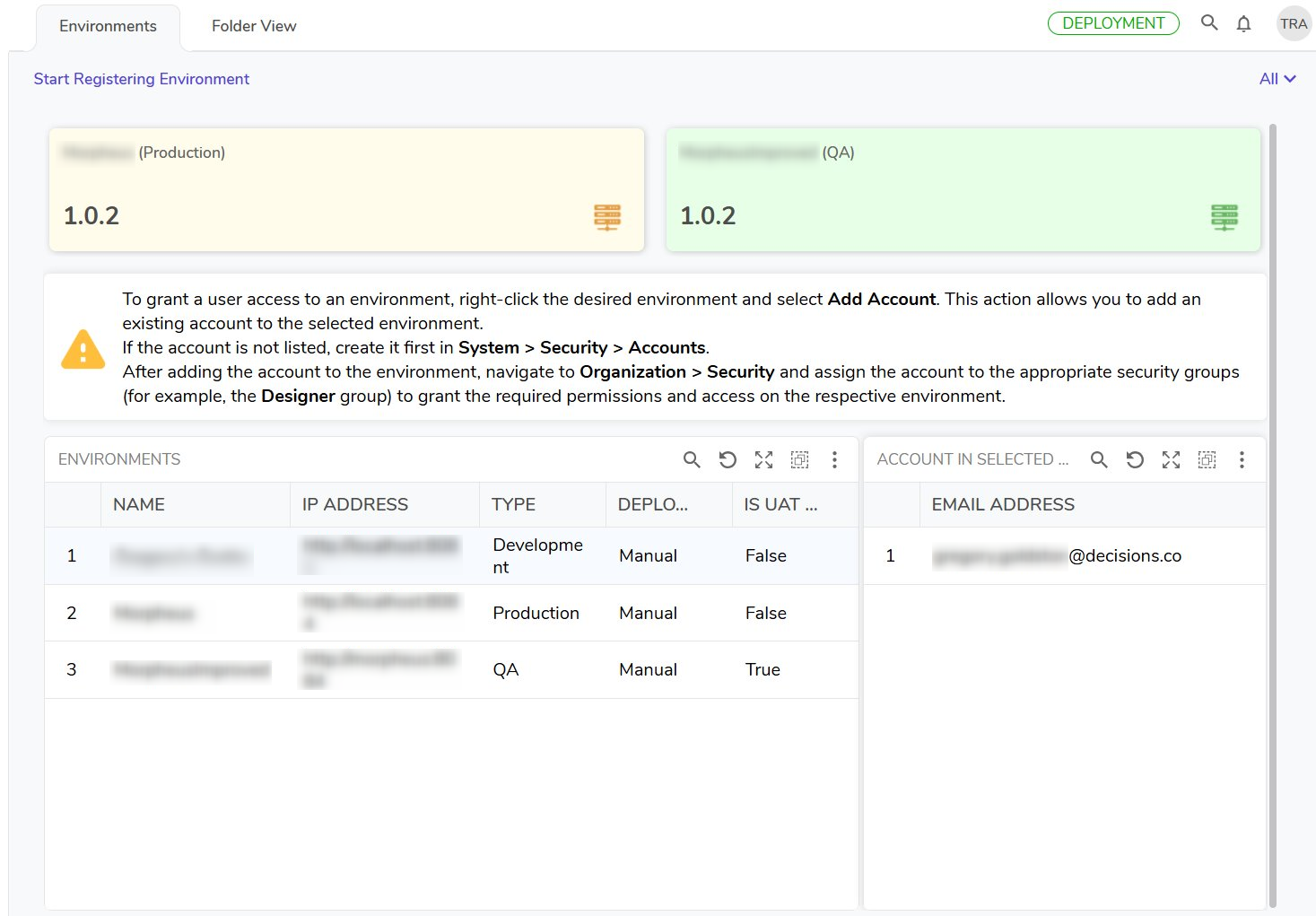
| Deployment Tower Features | The Deployment Tower replaces the legacy Repository Server and has received the following updates:
|  |
| ERD Generation | A new Entity Relationship diagram has been implemented that allows Users to see table relationships. | 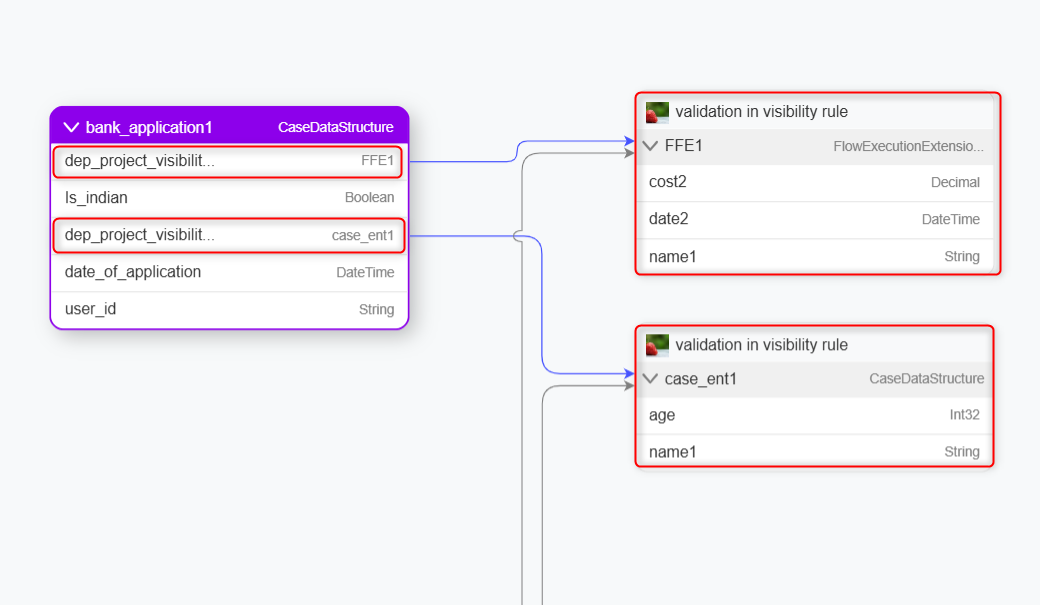 |
| Create JavaScript Controls via Wizard | A new JavaScript Control Wizard has been added to guide Users on the creation of JS controls in the platform. | 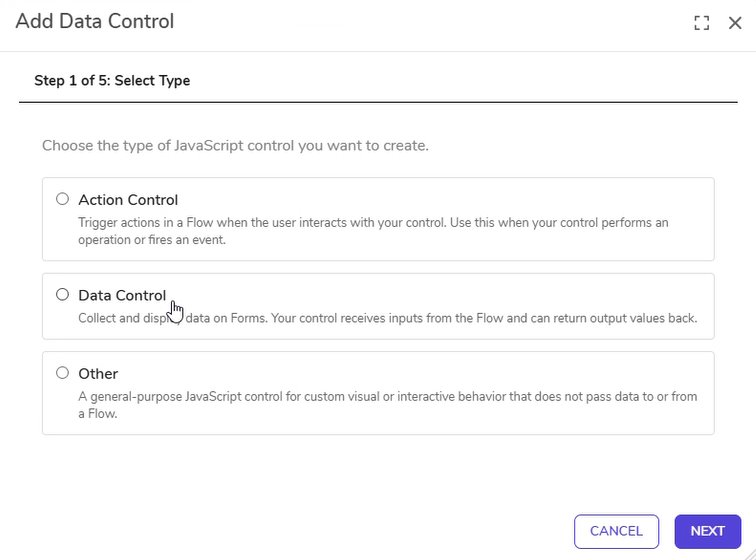 |
| Custom React App Generation | Custom Web Apps have been added behind a Feature Flag. When enabled in global settings, a Custom Web Apps public folder is automatically added to the Public Project folders. Users can download a React template Project for existing case entities, which can then be utilized by LLMs to generate a frontend to display case data quickly. As a part of this new feature, all newly created Case Entities will automatically have a CaseDataService created with them, and existing Case Entities can generate this service using the Generate Case Data Service action. | |
| UCM | All settings previously stored in the database have been migrated to the File System. This will enable future versions of v10 to push environment settings along with code pushes from the Deployment Tower. Settings.xml is now settings.json. Application-level settings will be in applicationsettings., with settings.json containing node-specific settings (e.g file storage paths, certs, ports). | |
| Virtual Folders | Virtual Folders are no longer behind a Feature Flag. Previously, all Case and Flow Extension (FEE) folder data was stored in a single Entity_Folder table. With Virtual Folders, each Case or Flow Execution Extension structure stores Folder data in its own dedicated table, improving scalability and performance. | 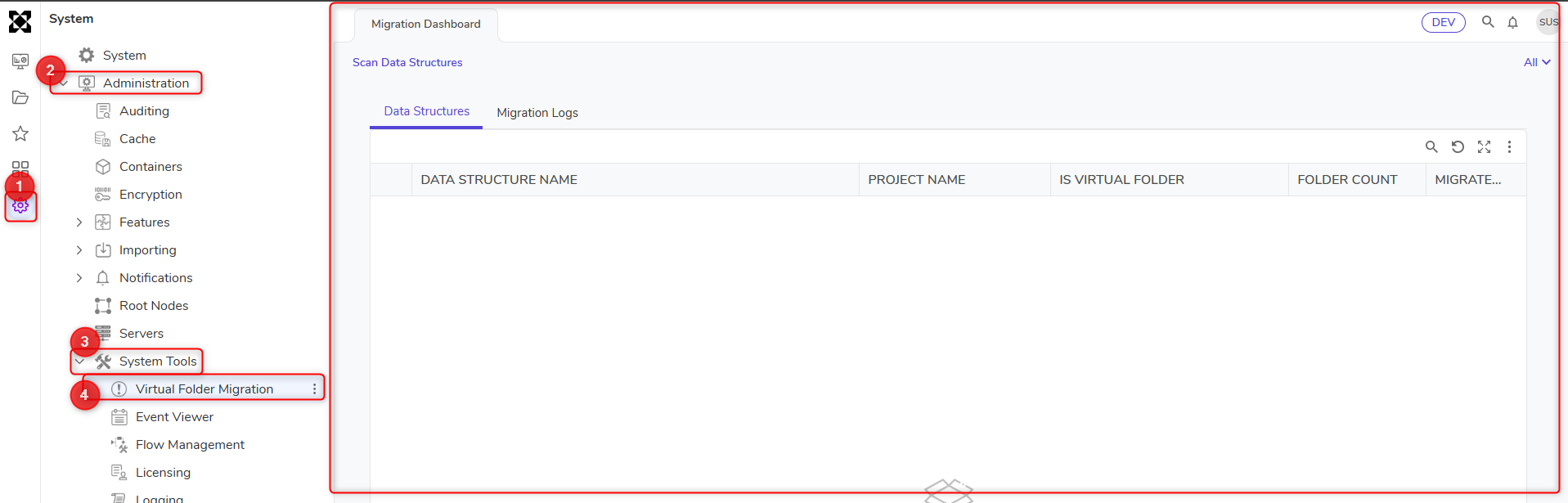 |
Enhancements
| Feature | Description | Screenshot |
|---|---|---|
| All Projects Landing Page | The Decisions Portal has implemented styling updates to align with the modernized platform experience. | 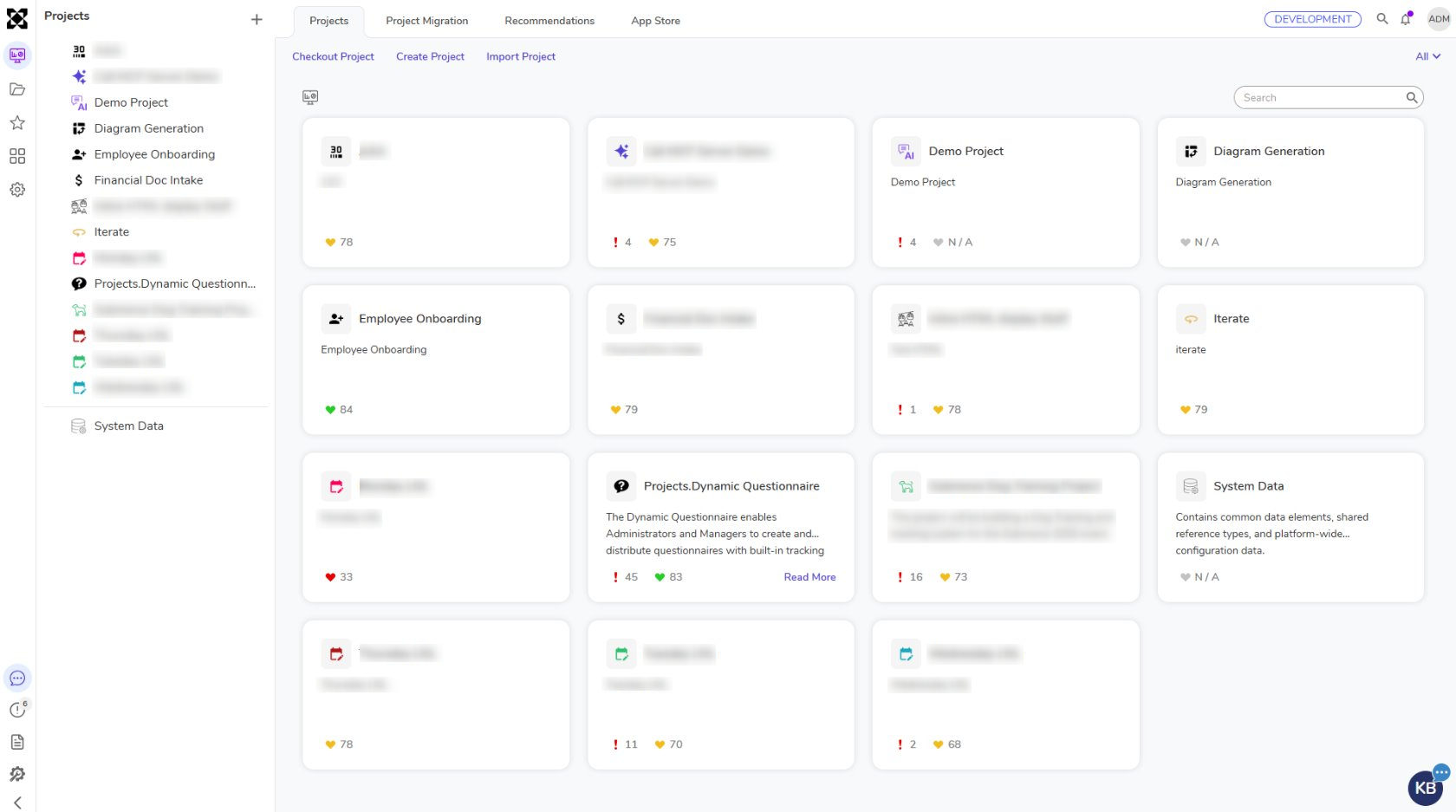 |
| Context Menu Styling | The Context Menu has implemented styling updates to align with the modernized platform experience. | 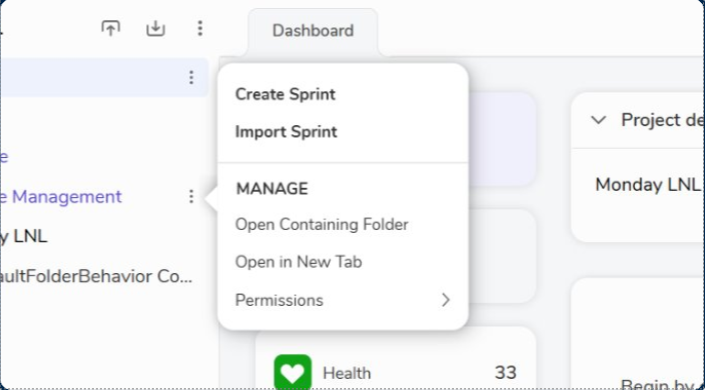 |
| Project Info Page | The Project Dashboard has implemented styling updates to align with the modernized platform experience. | 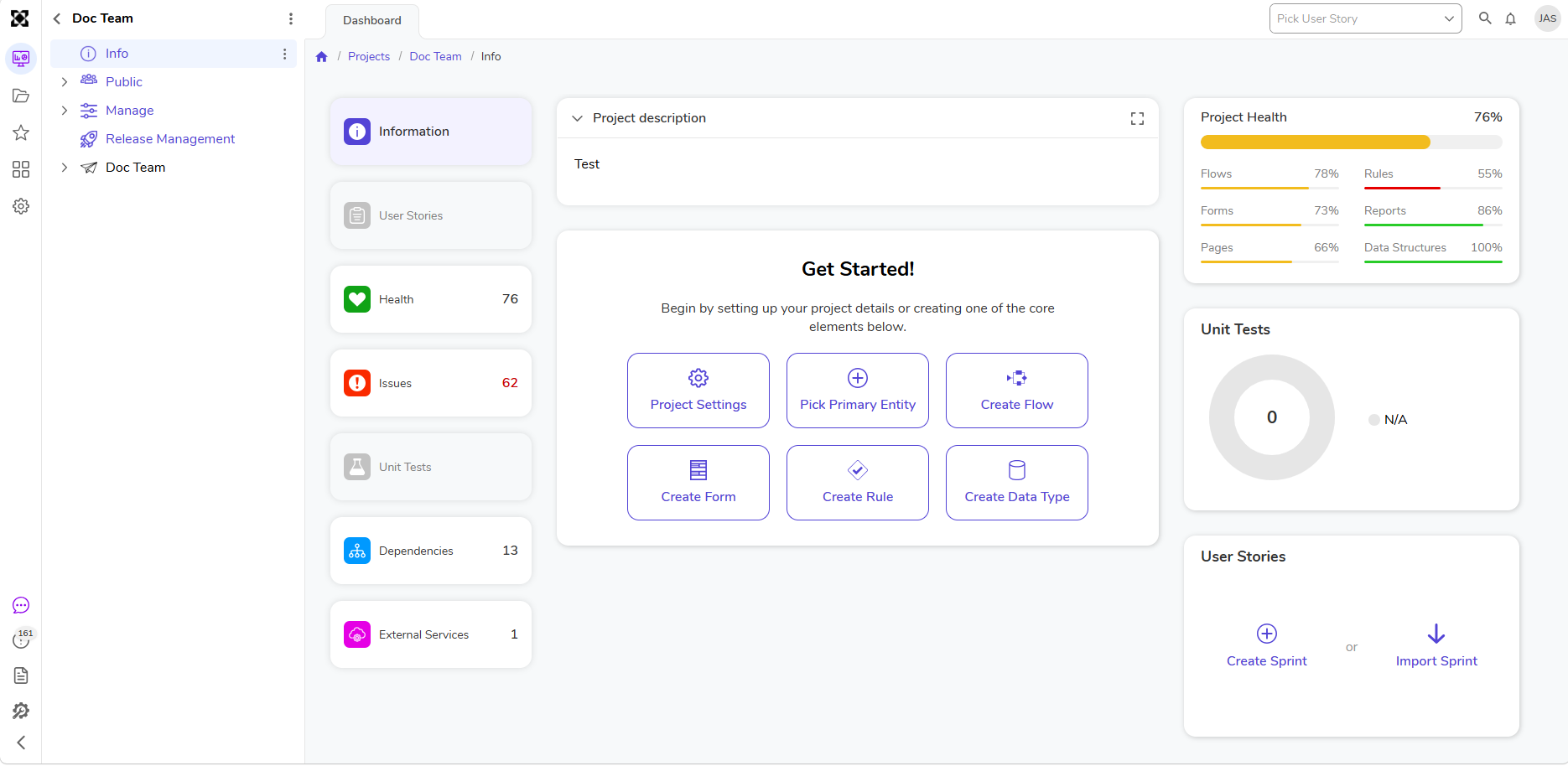 |
| Flow Designer | The Flow Designer has implemented styling updates to align with the modernized platform experience. | 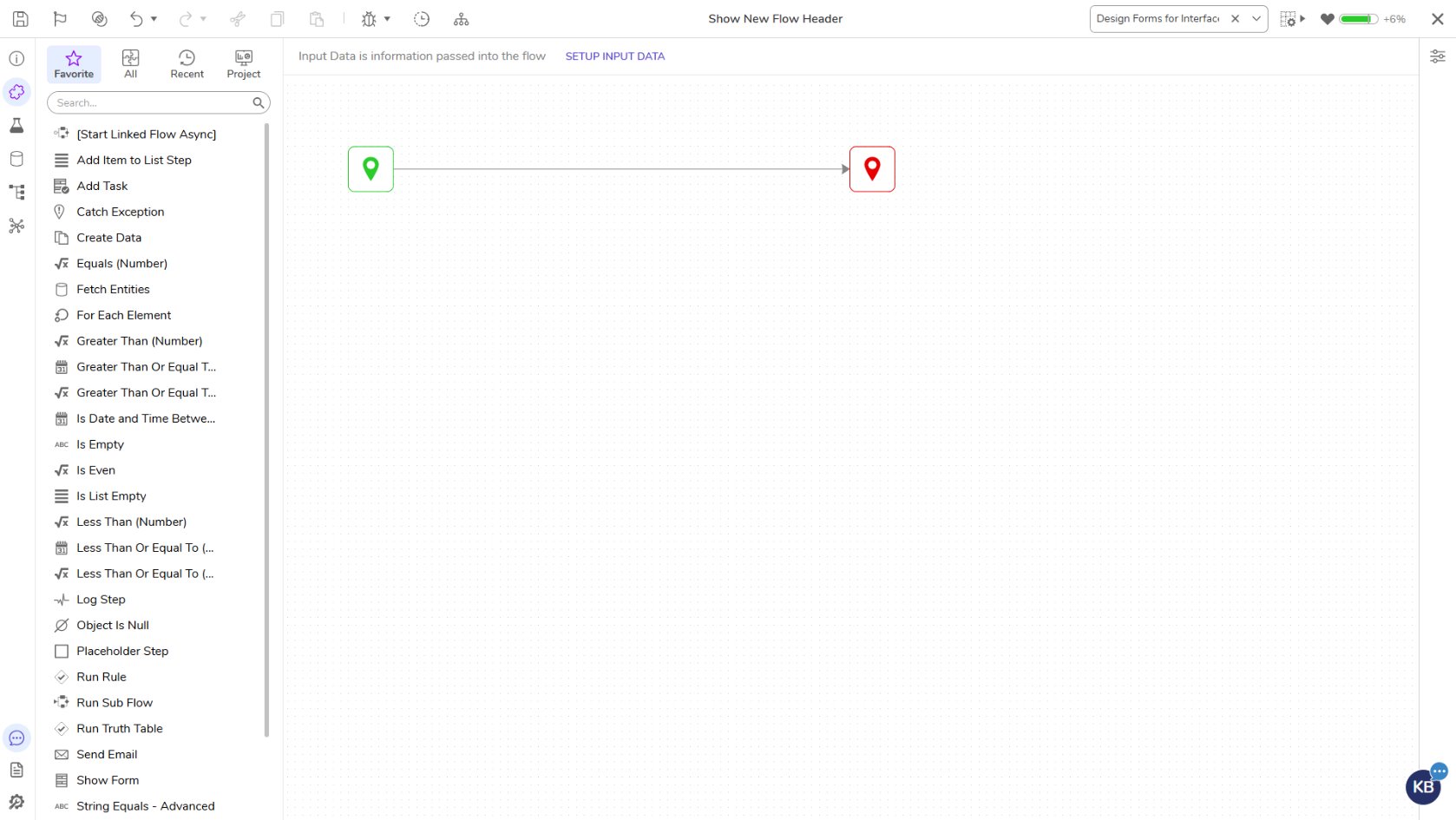 |
| Report Designer | The Report Designer has implemented styling updates to align with the modernized platform experience. | 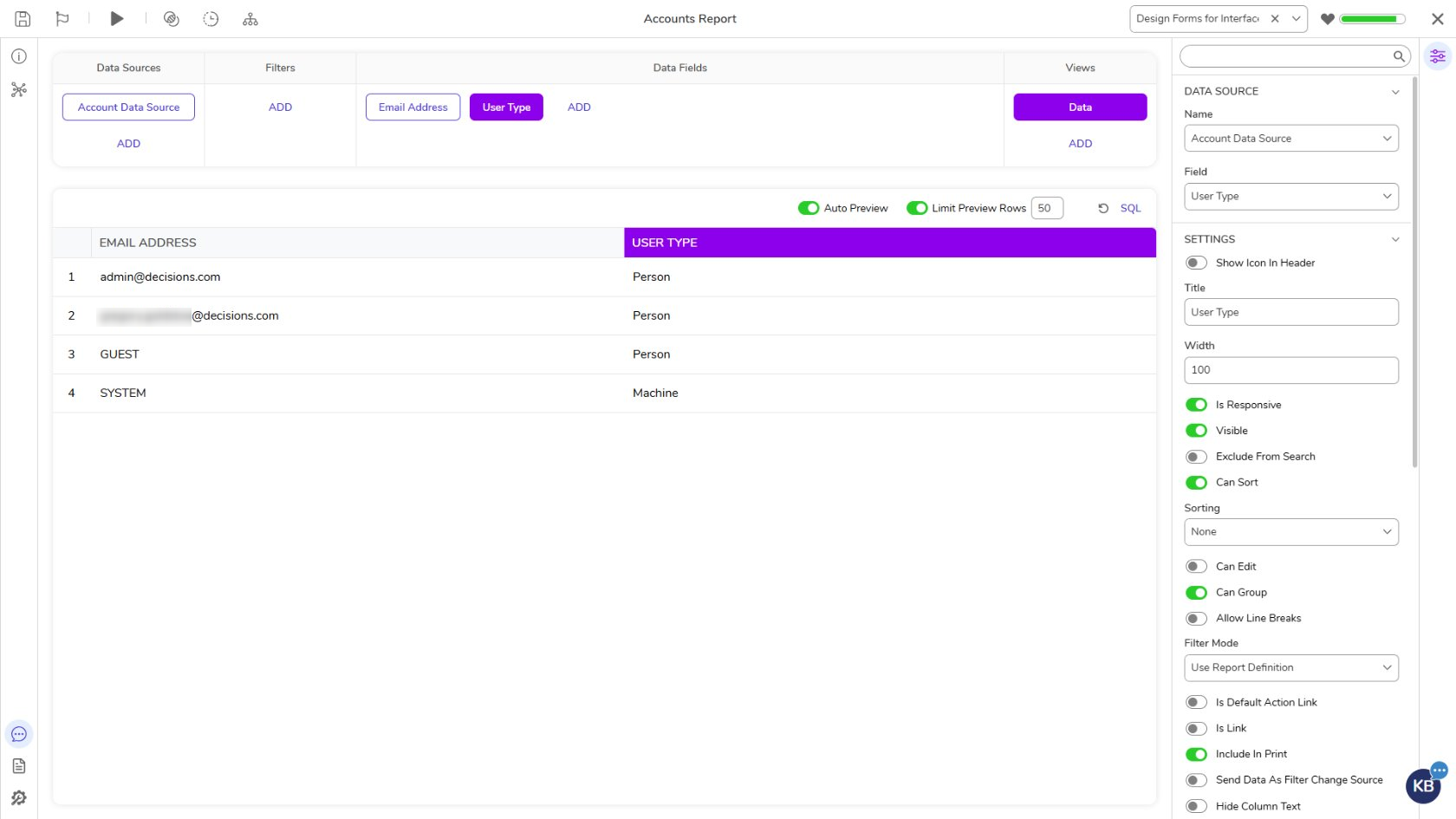 |
| Form Controls | The Form Designer has implemented styling updates to align with the modernized platform experience. | 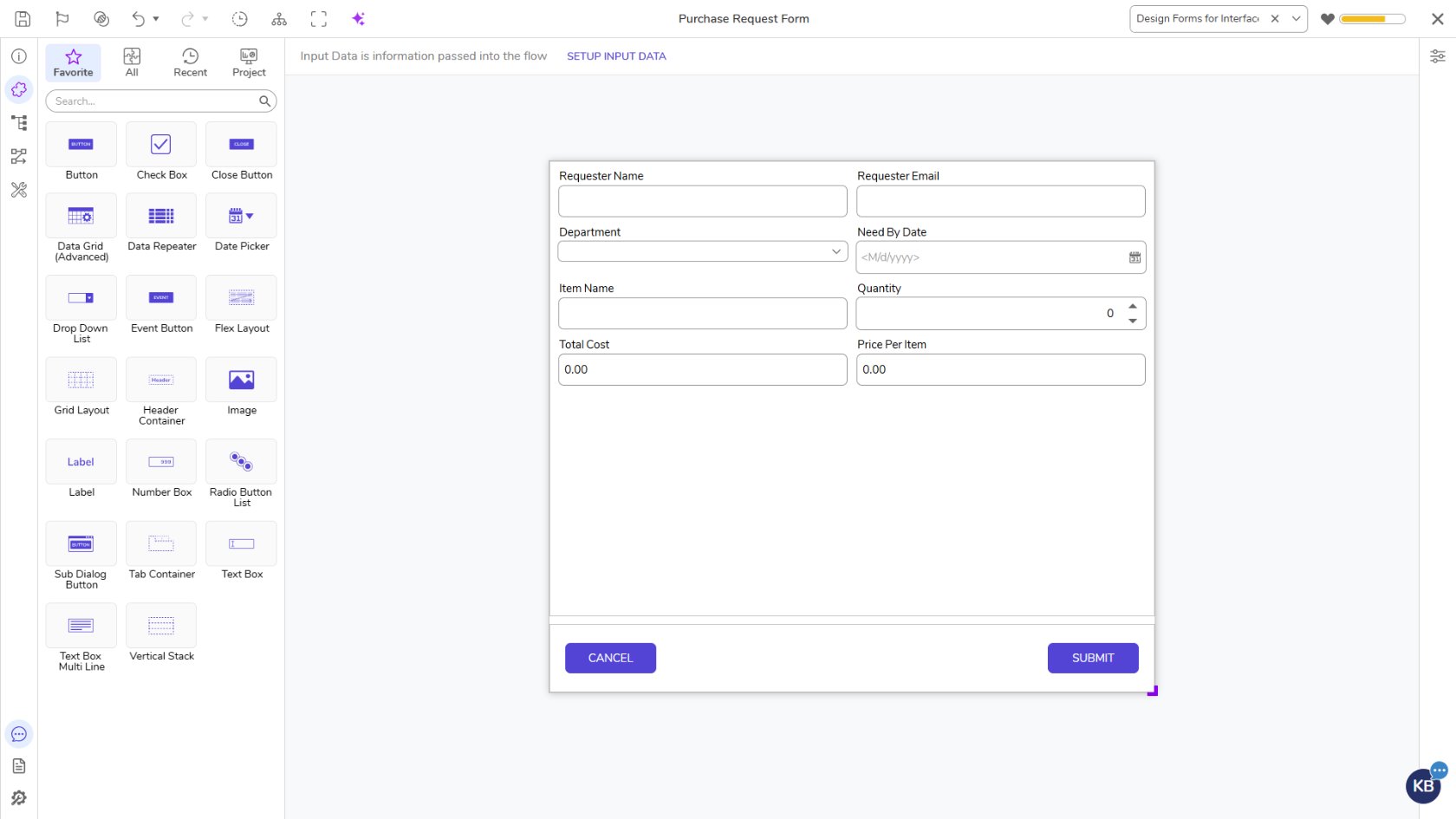 |
| Statement Rule Designer | The Statement Rule Designer has implemented styling updates to align with the modernized platform experience. | 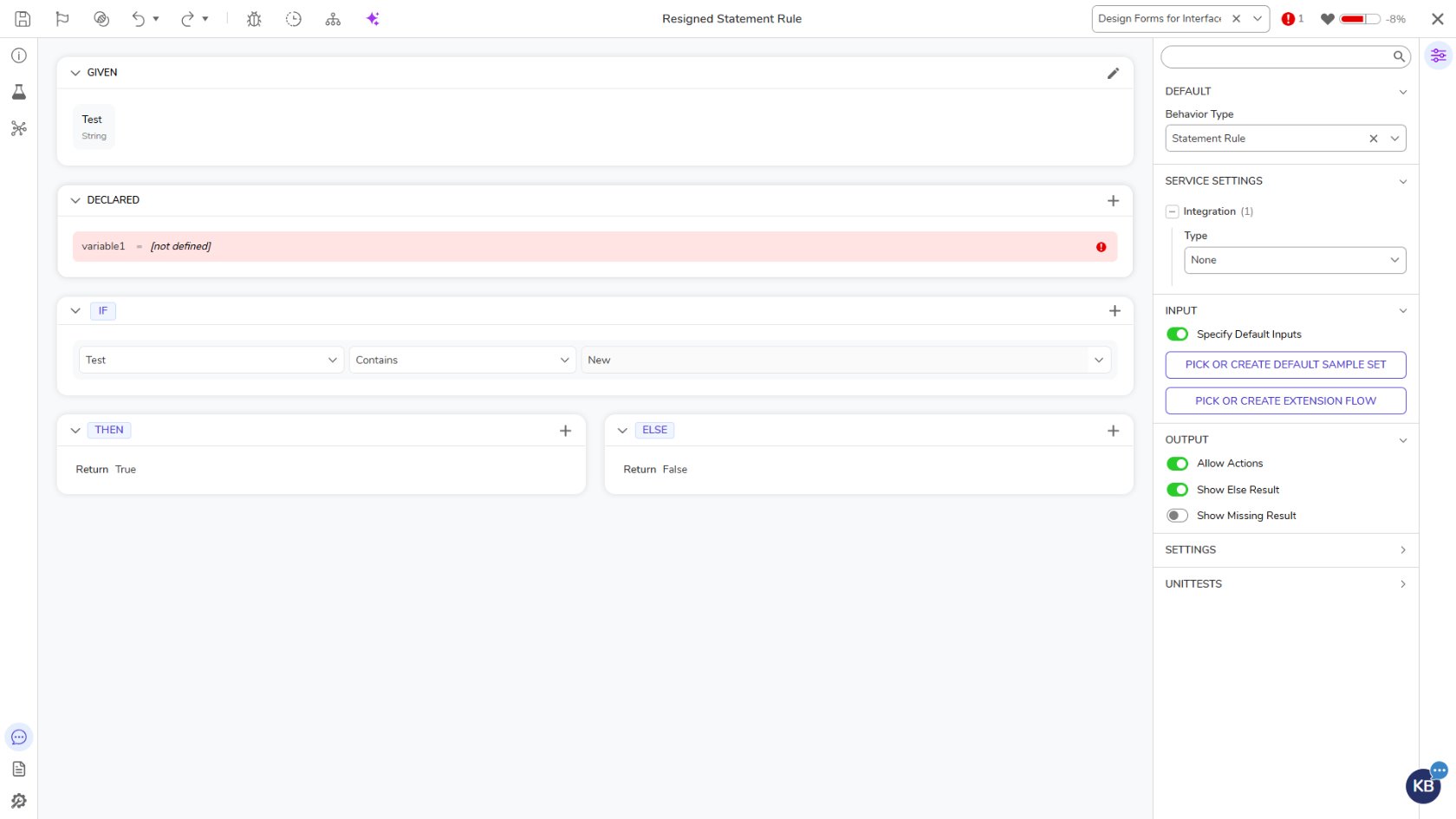 |
| Debugger Color Consistency | The Debugger has implemented styling updates to align with the modernized platform experience. | 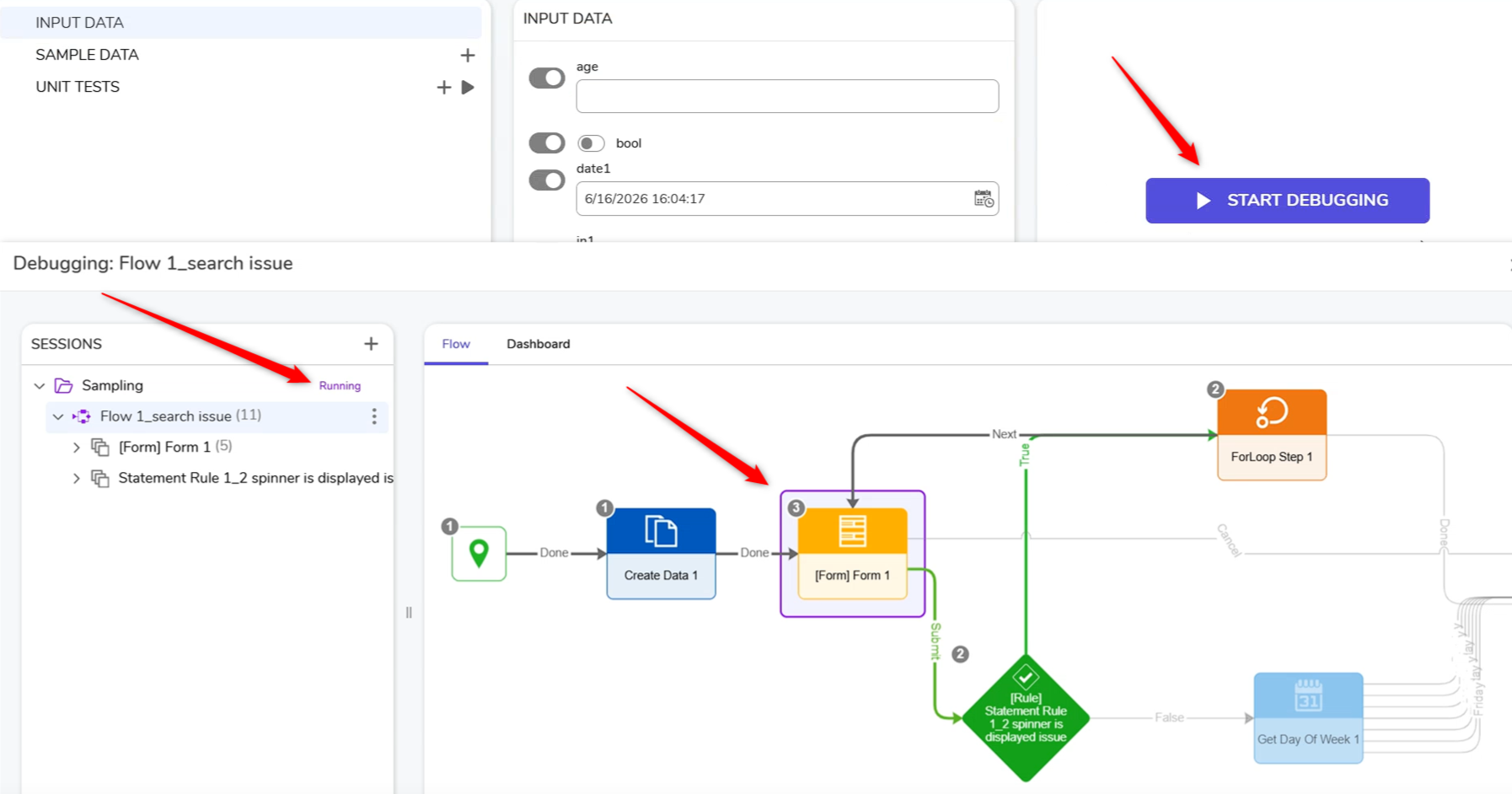 |
| Truth Table Designer Canvas | The Truth Designer has implemented styling updates to align with the modernized platform experience. | 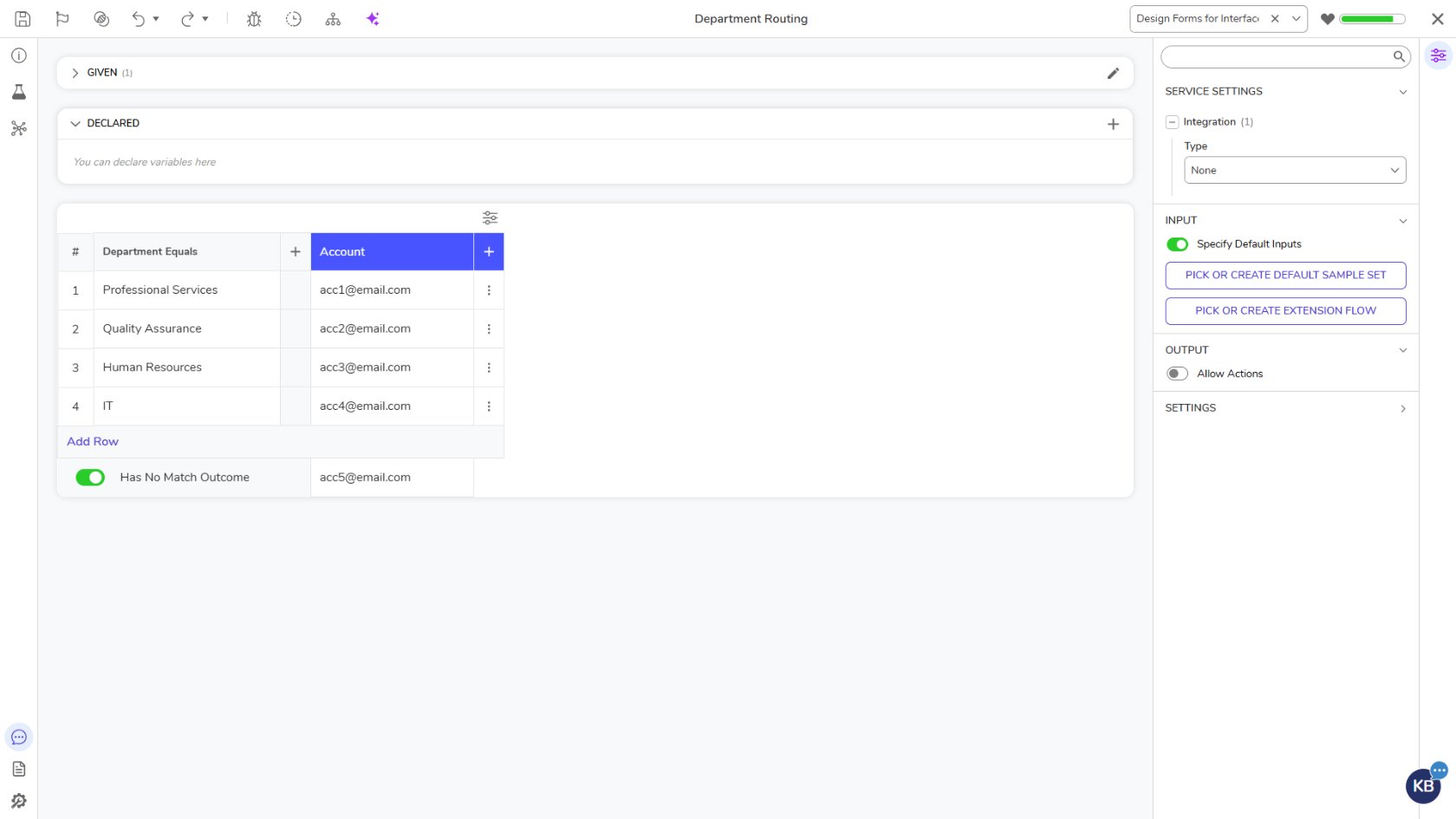 |
| Mapping Editor | The Mapping Editor has implemented styling updates to align with the modernized platform experience. | 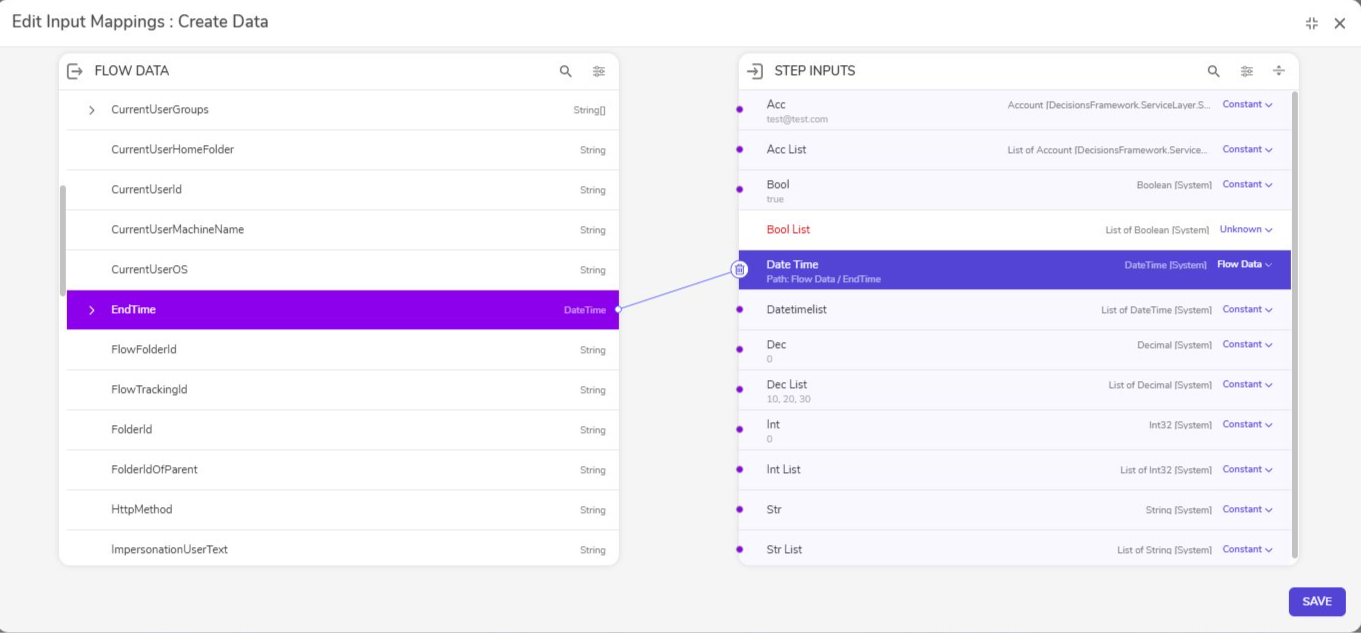 |
| New Brand on Installer | The Installer has implemented styling updates to align with the modernized platform experience. | 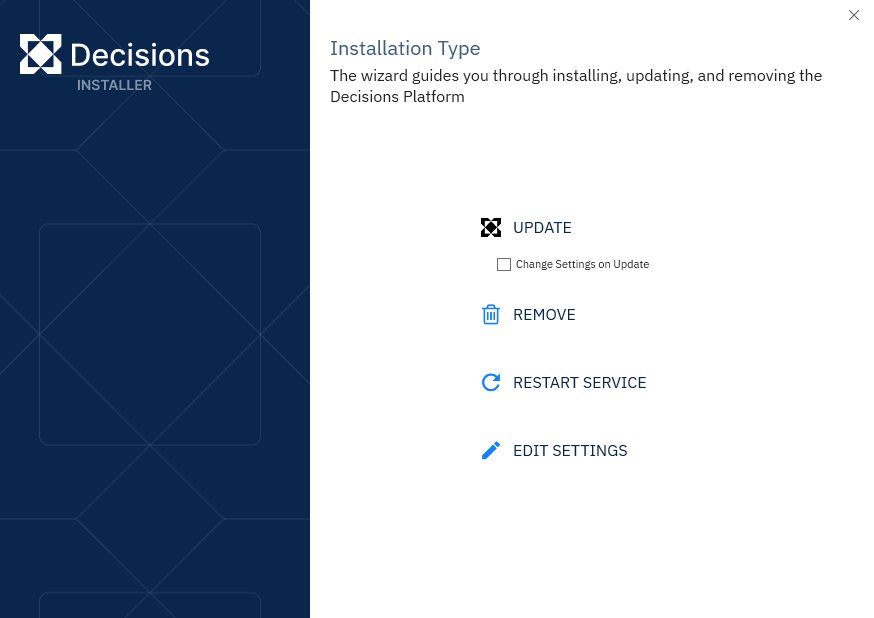 |
| WYSIWYG Page Designer | The Page Designer has implemented styling updates to align with the modernized platform experience. It will also now display live data during design time. | 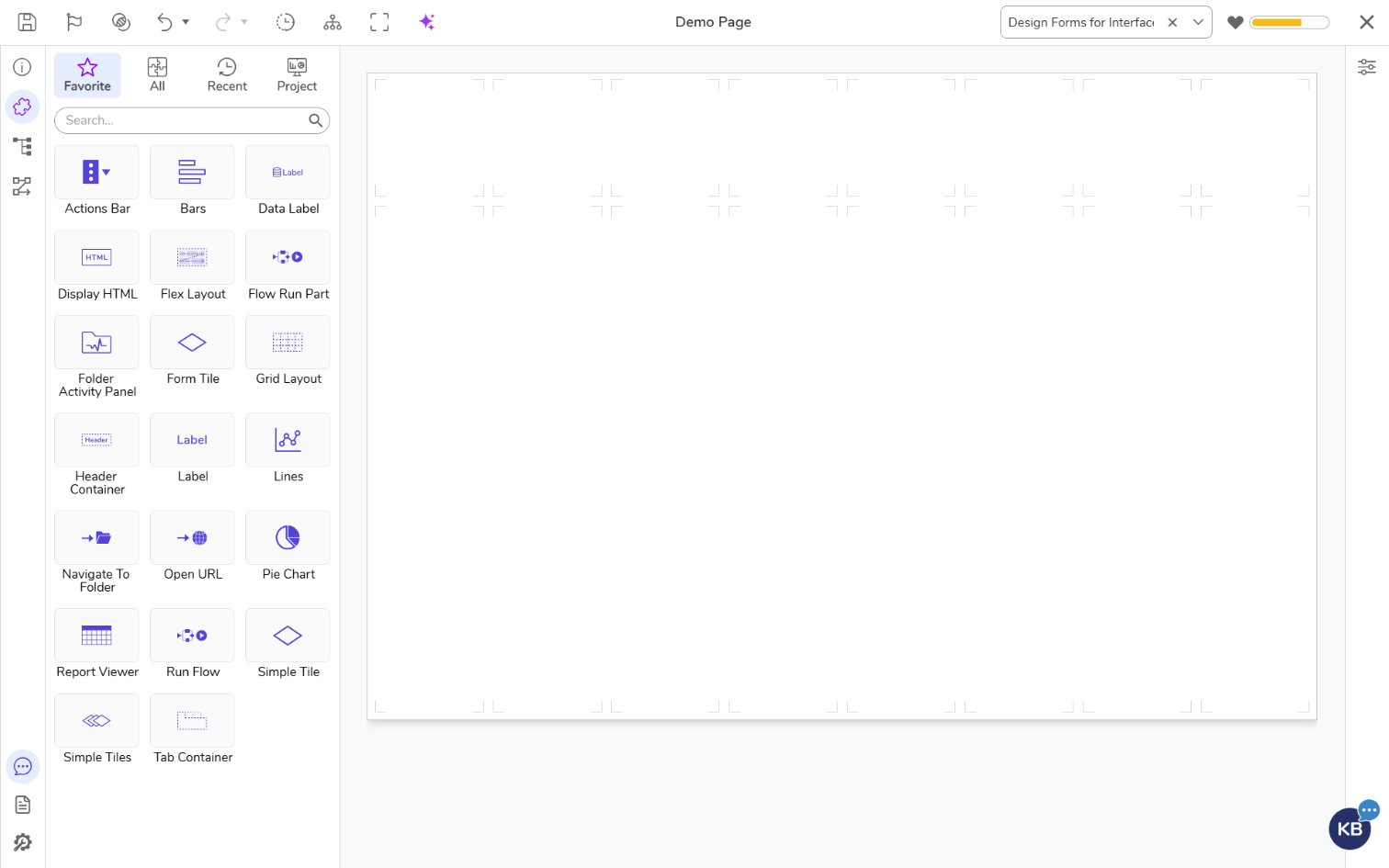 |
| Updated Icon Picker | The Decisions Icon Picker has implemented styling updates to align with the modernized platform experience. | 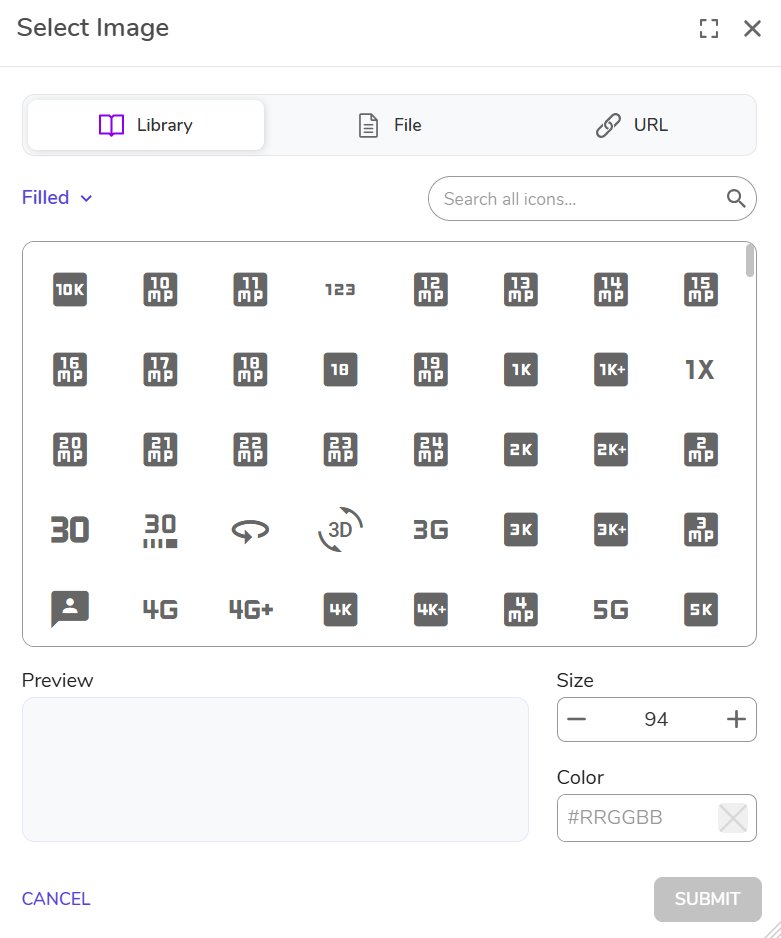 |
| ConvertDocumentToHTMLStep | Added a new Output with Responsive Layout option to the Convert Document to HTML step. When enabled on a Word conversion with Output with Images Embedded turned on, the resulting HTML reflows to fit the browser viewport instead of preserving fixed page dimensions. | 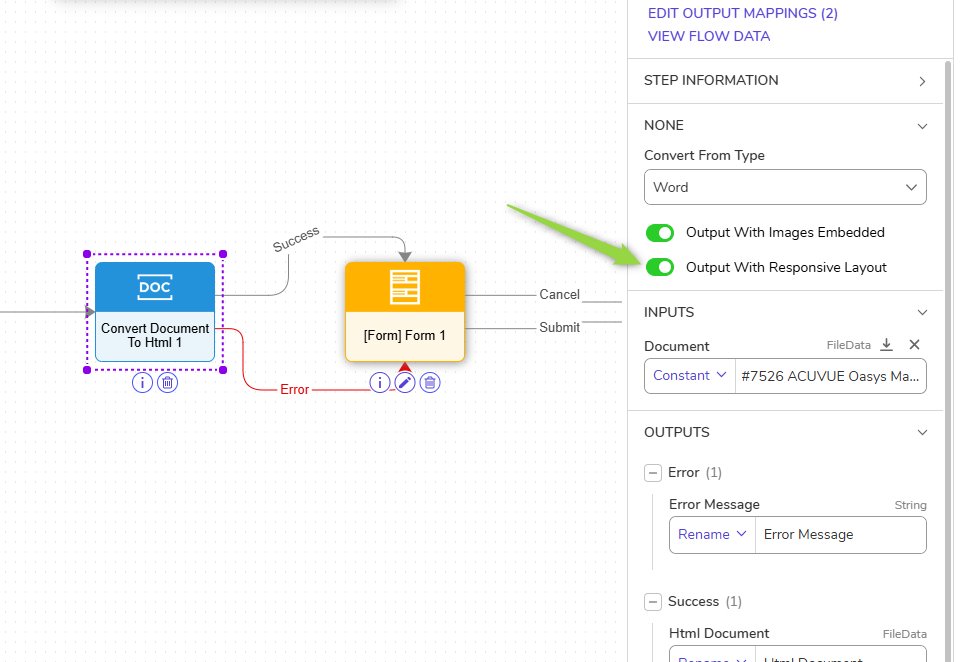 |
| Modernize Color Picker | The Decisions Color Picker has implemented styling updates to align with the modernized platform experience. | 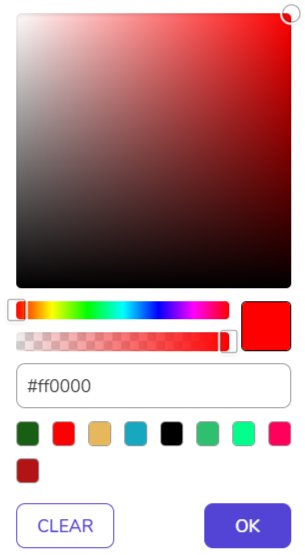 |
| Unit Test Page | The Unit Test Page has implemented styling updates to align with the modernized platform experience. | 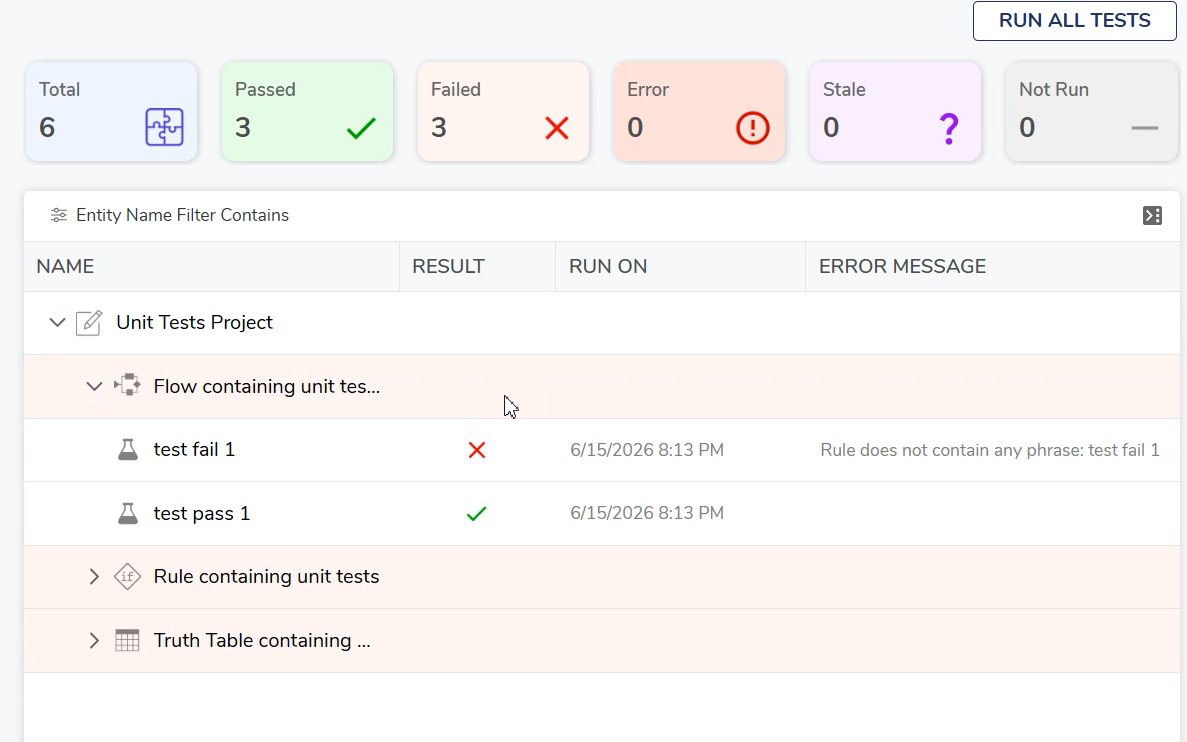 |
| Activity Panel | The Activity Panel has implemented styling updates to align with the modernized platform experience. | 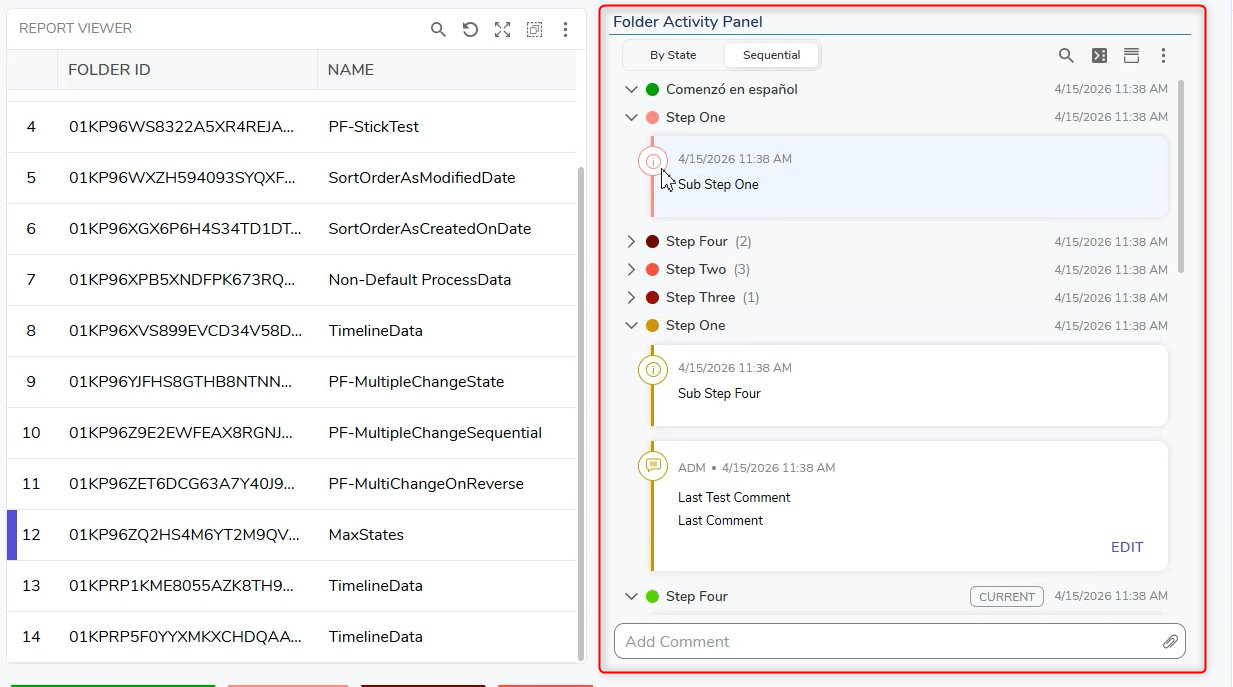 |
| Integrations Page on All Designers | The Integrations page has been moved to the left in all designers to align with the modernized platform experience | 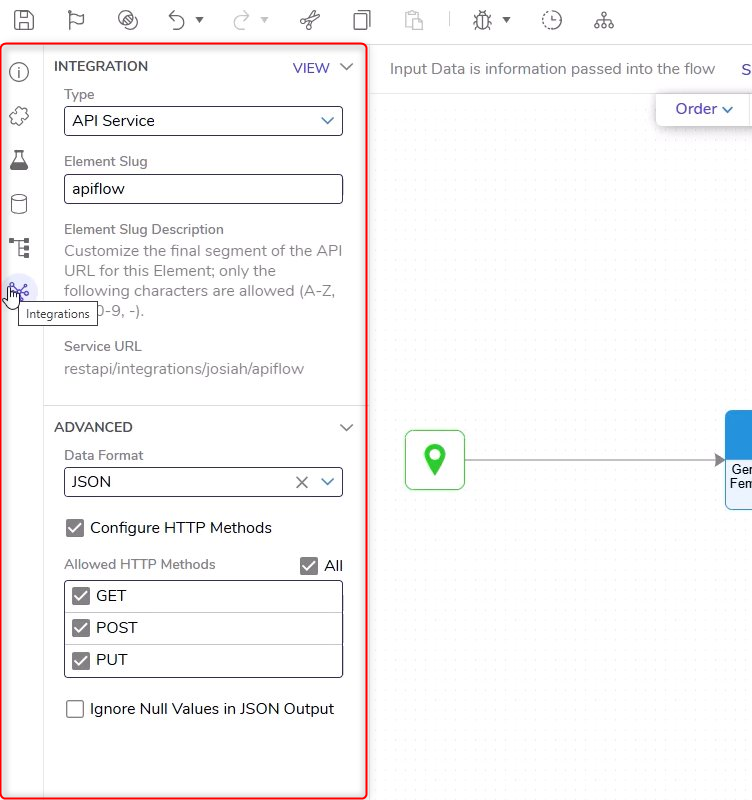 |
| Add Configurable Action Button for No-data State | A new property has been added to the Report Viewer and Folder Viewer: Show Action Button When No Data Is Available. When enabled, it allows you to configure:
| 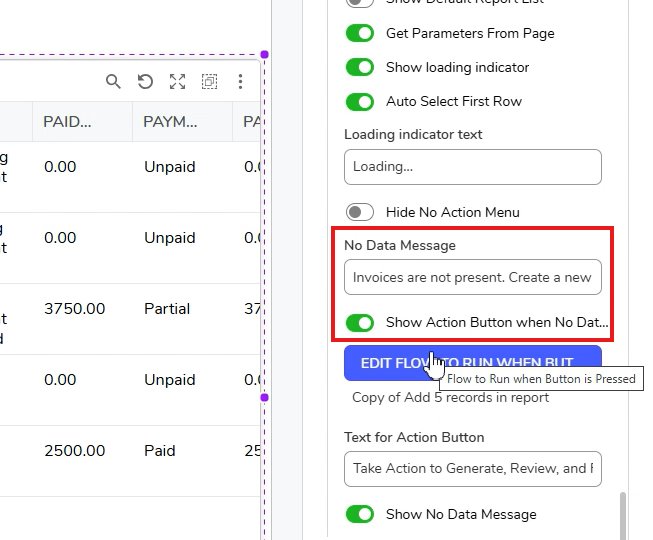 |
| Page Name Support in Browser History | A new setting has been added to the Portal Settings to allow browser tabs and history to be more descriptive for specific pages visited in Decisions. | |