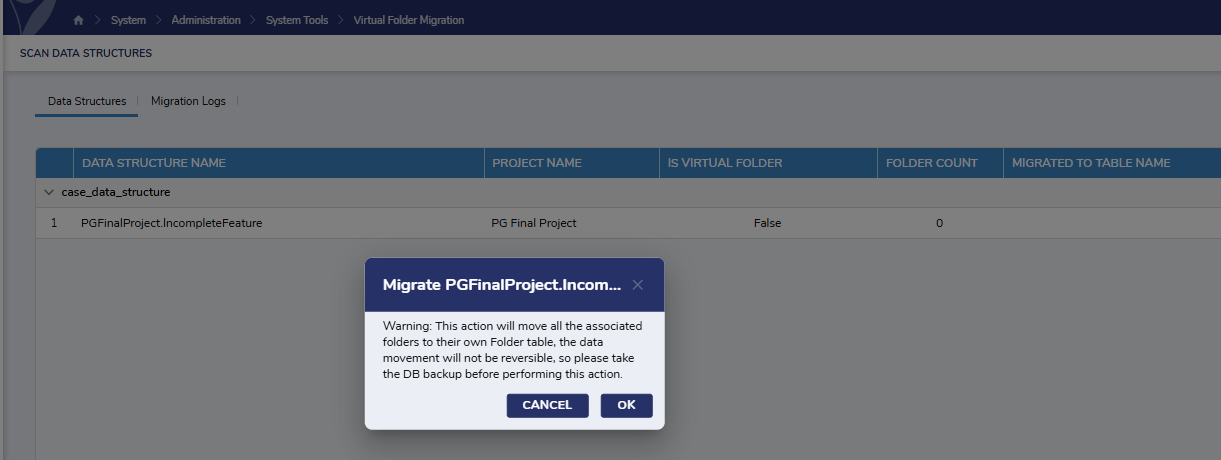
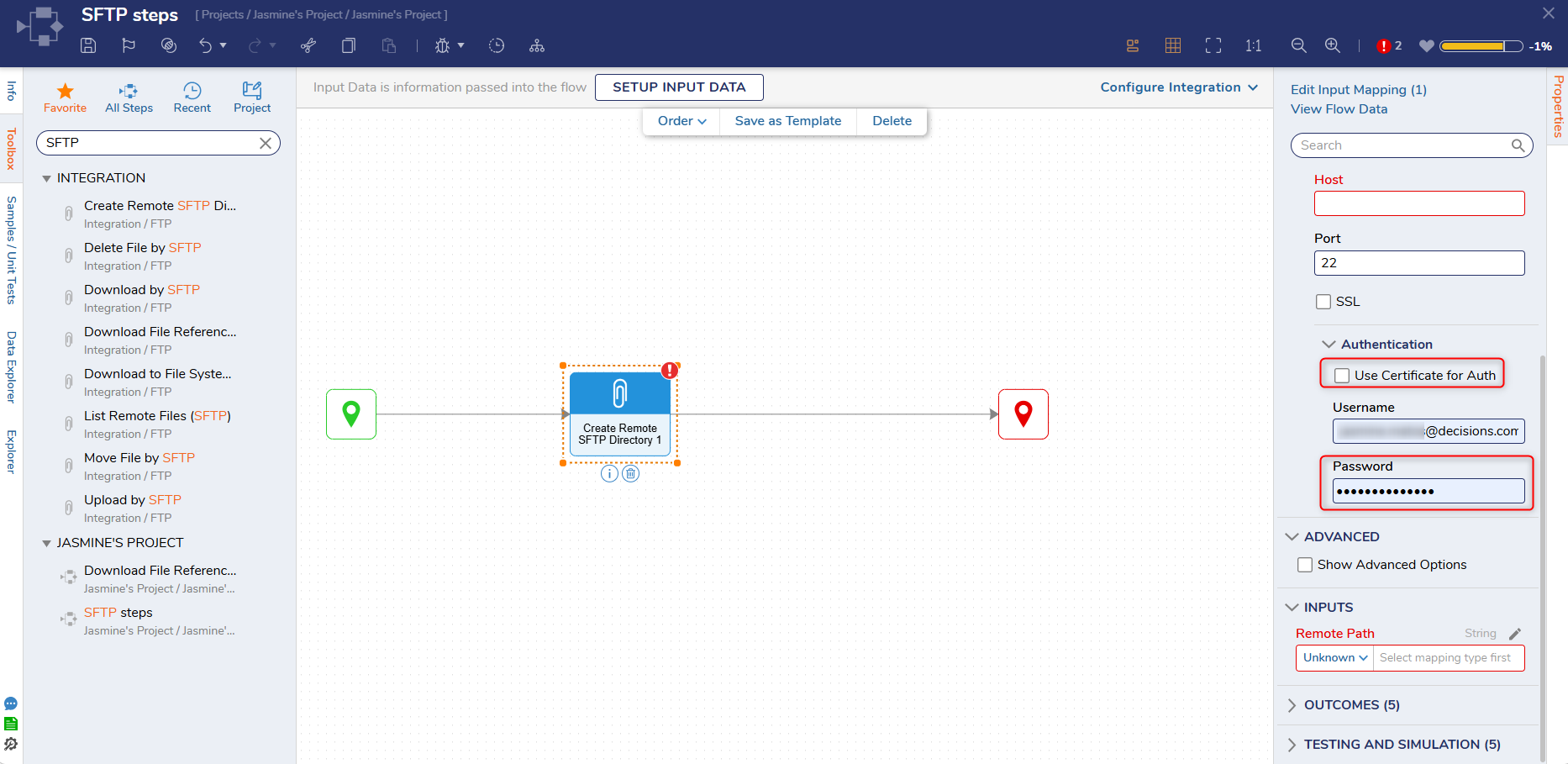
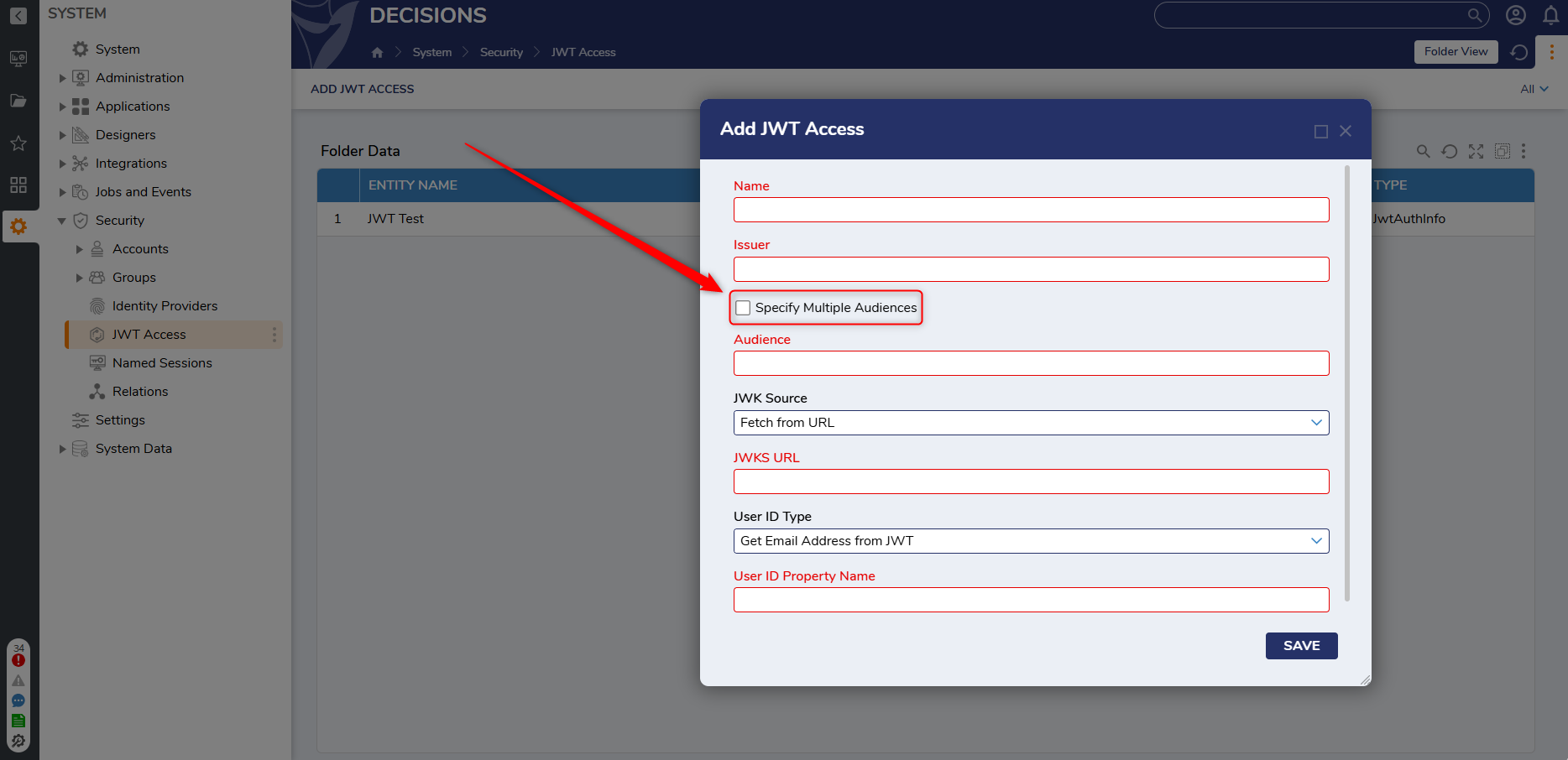
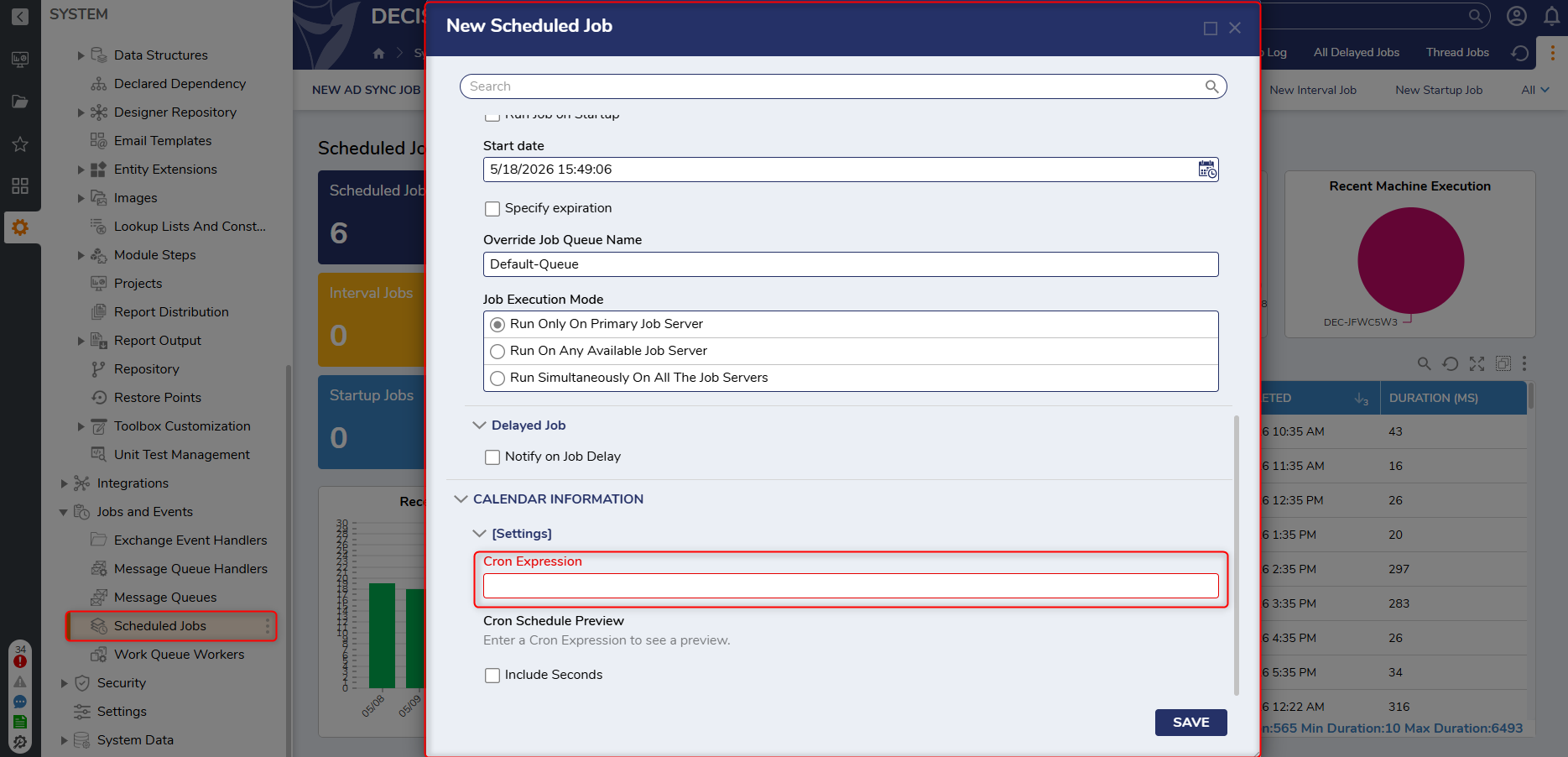
It has been recently identified that the feature pictured below has inadvertently surfaced in the product. This feature is not yet complete and may not function as expected.
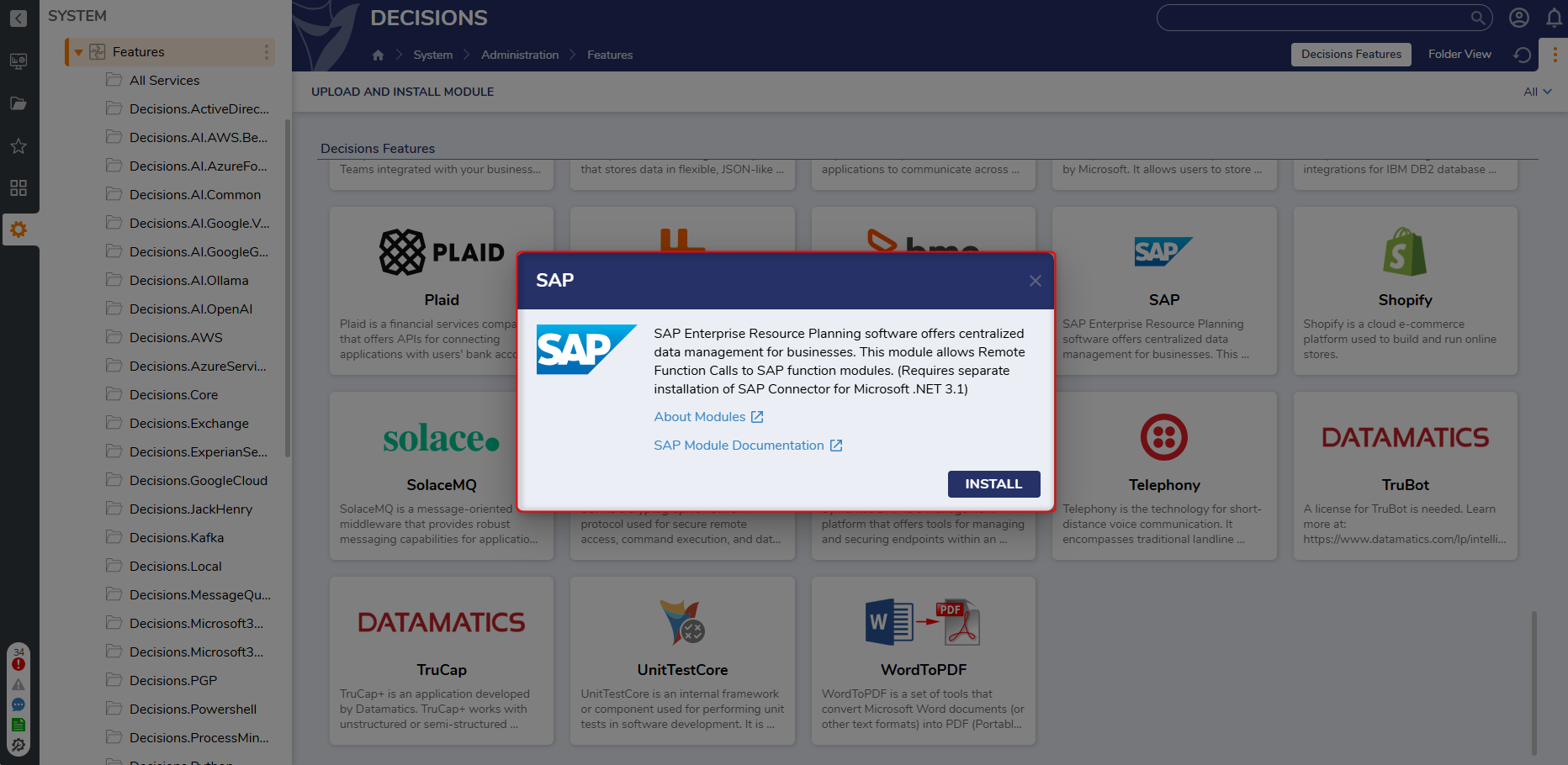
A new licensed SAP Module has been added to the platform. This Module automatically adds an SAP integration folder under Manage > Integrations for configuring connections and functions, and generates corresponding types and steps for each SAP function.
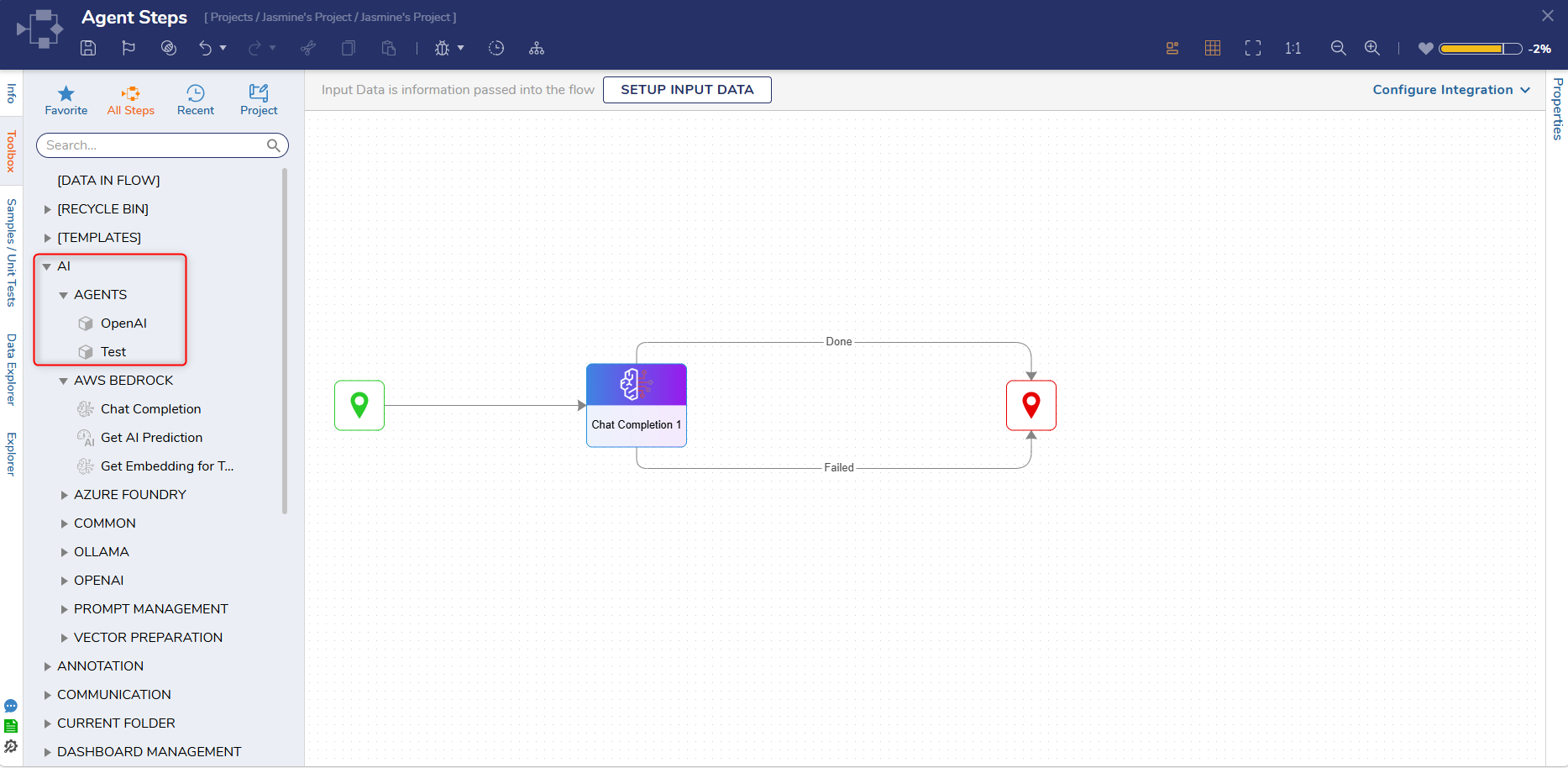
A new step will become available in the Flow Toolbox, under AI > Agents, each time an AI Agent is created. This step will function the same as the chat completion step, without needing to toggle several options to use an Agent.
Flows
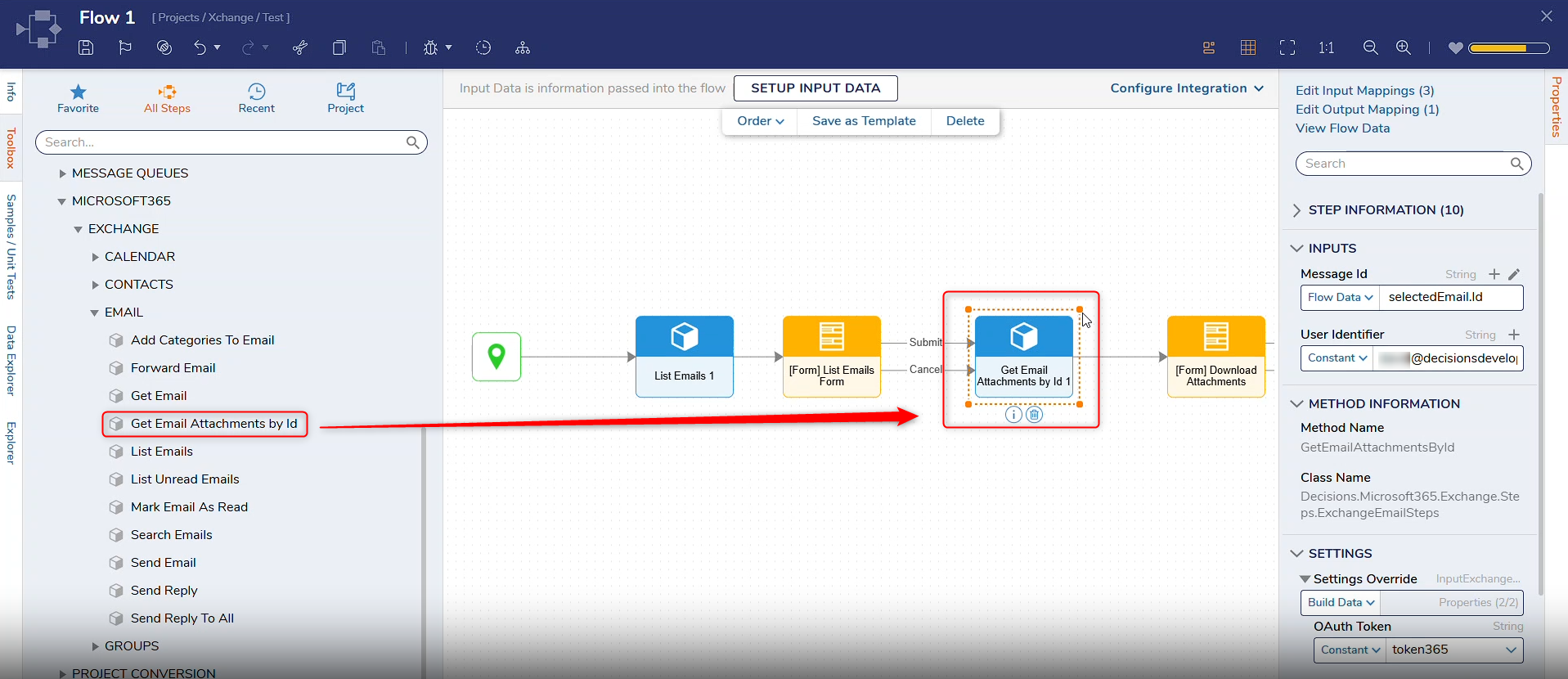
[DT-047378] Microsoft 365 Module: Get all attachments on email
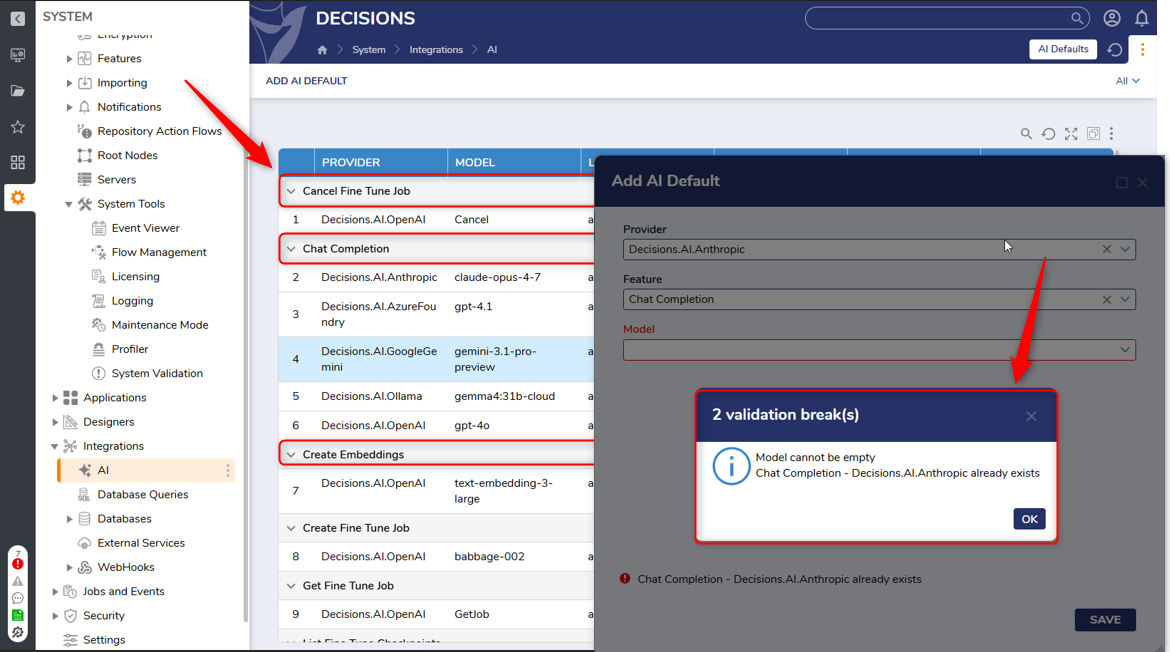
The System>Integrations>AI page report has been updated to group AI Defaults by feature. Validations have also been added to prevent Users from creating more than one AI Default per provider/feature combination or with missing fields.
Integrations
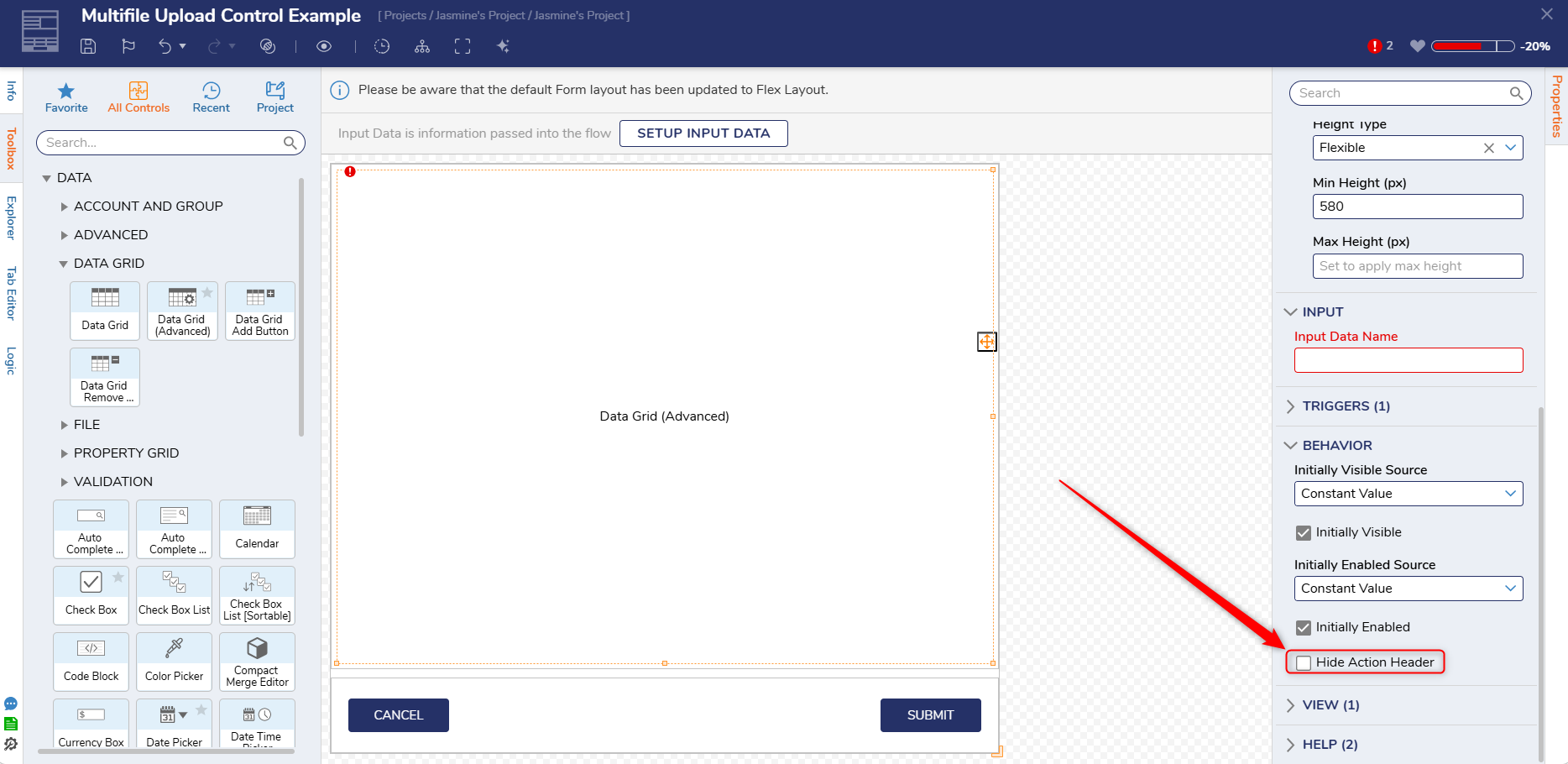
[DT-047290] Allow Advanced Data Grids to disable and hide the top action bar
A new property, Hide Action Header, has been added to the Behavior section of Advanced Data Grids. When set to true, the property hides the action header of the Advanced Data Grid. By default, this property is set to false.
Forms
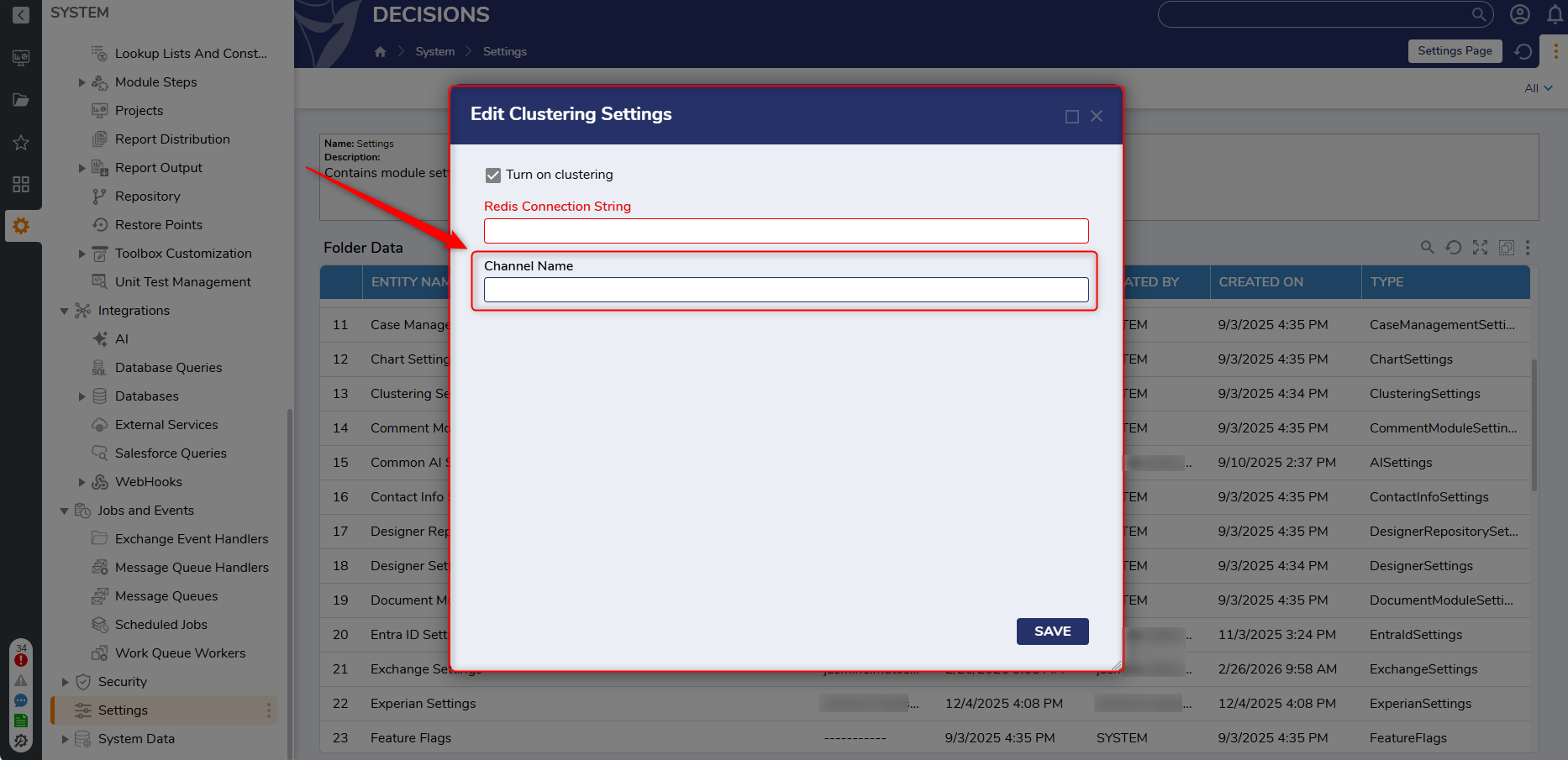
[DT-047355] Add Clustering Setting to specify Redis Key/Channel prefixes
A new feature, Channel Name, has been added to Clustering Settings that allows Users to:
Configure Redis Key/Channel prefixes.
Enable multiple environments (Prod, Perf, Test, etc.) to share a single Redis cluster while maintaining logical isolation and preventing key/channel collisions.
By Default, the Channel Name will be Decisions. Users that wish to change the Channel Name must perform a service restart.
Infrastructure
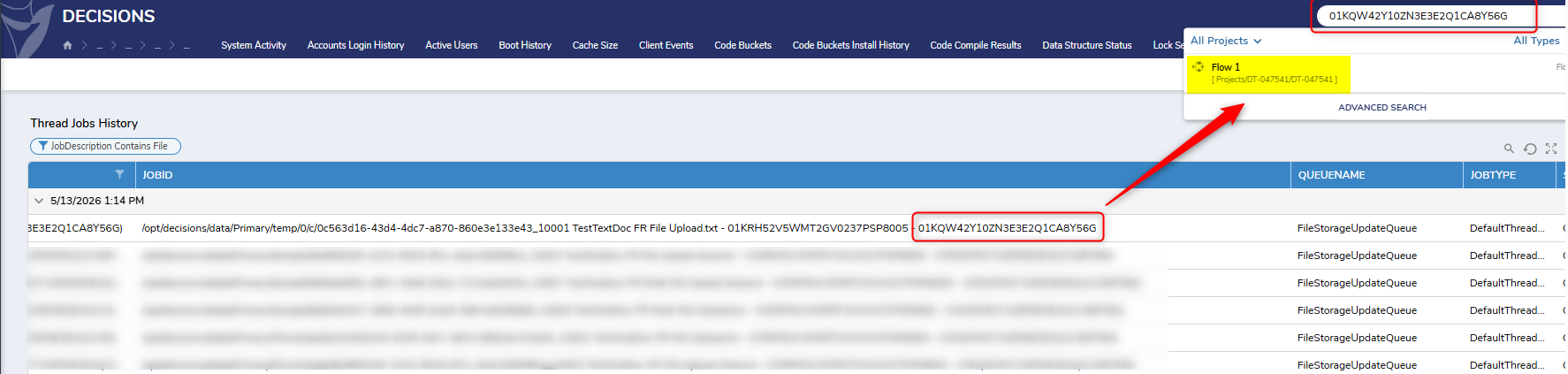
[DT-047541] Scheduled Jobs: Add Job ID to all instances of FlowStorageUpdateQueue
Added the ability to specify CRON expressions for scheduled jobs.
System/Portal Administration
Fixes
Modules
DT Title
Description
Occurs In
[DT-047216] Remove the "error on validation: Value cannot be null. (Parameter input) validation on Agent creation dialog
An incorrect validation has been removed from the AI Agent dialog. A new validation will be displayed on the appropriate property.
9.23-9.25
[DT-044715] AI - AWS Bedrock - Hide AWS Bedrock Get AI Prediction step
The Get Prediction Step will no longer be available after Users install the AWS Bedrock Module for the first time. If Users have already installed the Module before upgrading, the step will still be available.
9.x
Forms
DT Title
Description
Occurs In
[DT-047502] Form->Assignment->Exclude Accounts and Groups property not working as expected.
Fixed an issue where assignments appeared in User inboxes even when associated Users or groups were excluded.
9.24-9.25
Flows
DT Title
Description
Occurs In
[DT-046867] No validation on gRPC and AI tool flows if async steps are in the flow.
A validation has been added to gRPC Flows and AI Tool Flows when an async step is used.
9.22-9.25
[DT-047606] Remove unnecessary validation from the output
An unnecessary validation message has been removed from Output mappings.
9.x
[DT-044571] AI Common: Input data does not update in step properties on AI Chat Completion step when editing AI TextMerge prompt from flow designer
Input data for text merge prompts will now update on chat completion step properties if added/removed from the prompt.
9.11-9.25
System / Portal Administration
DT Title
Description
Occurs In
[DT-046544] Folder Tab: Duplicate folders displayed after moving sub-folders
Fixed a race condition where moving a sub-folder between Designer Folders at root level caused a duplicate entry to appear in the Folders tab.
9.x
[DT-047466] System->Settings->Case Management Settings not archiving Case Entities with 2 or more closed states
Fixed an issue that caused case entities with multiple closed states not to be marked for archive.