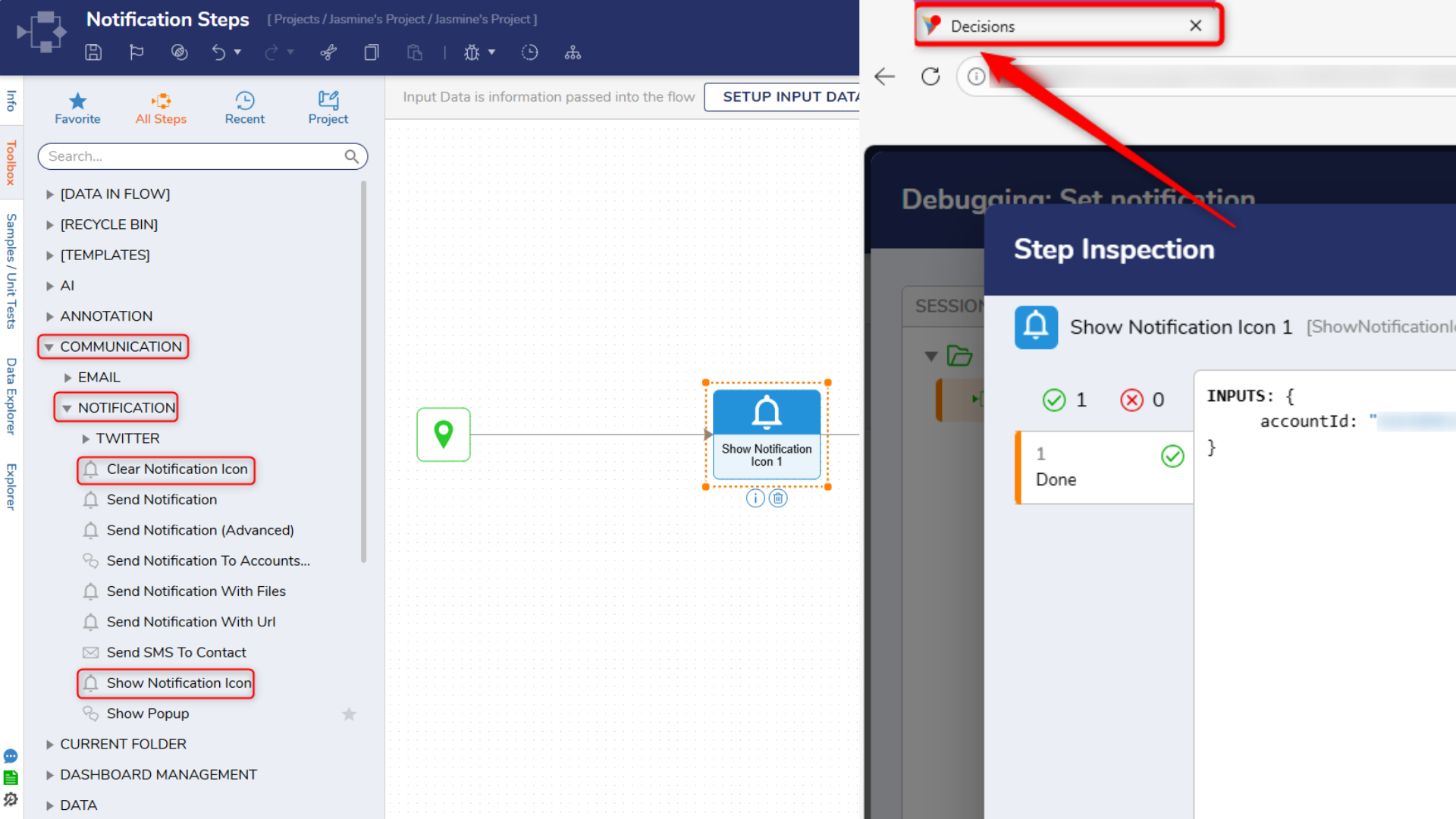
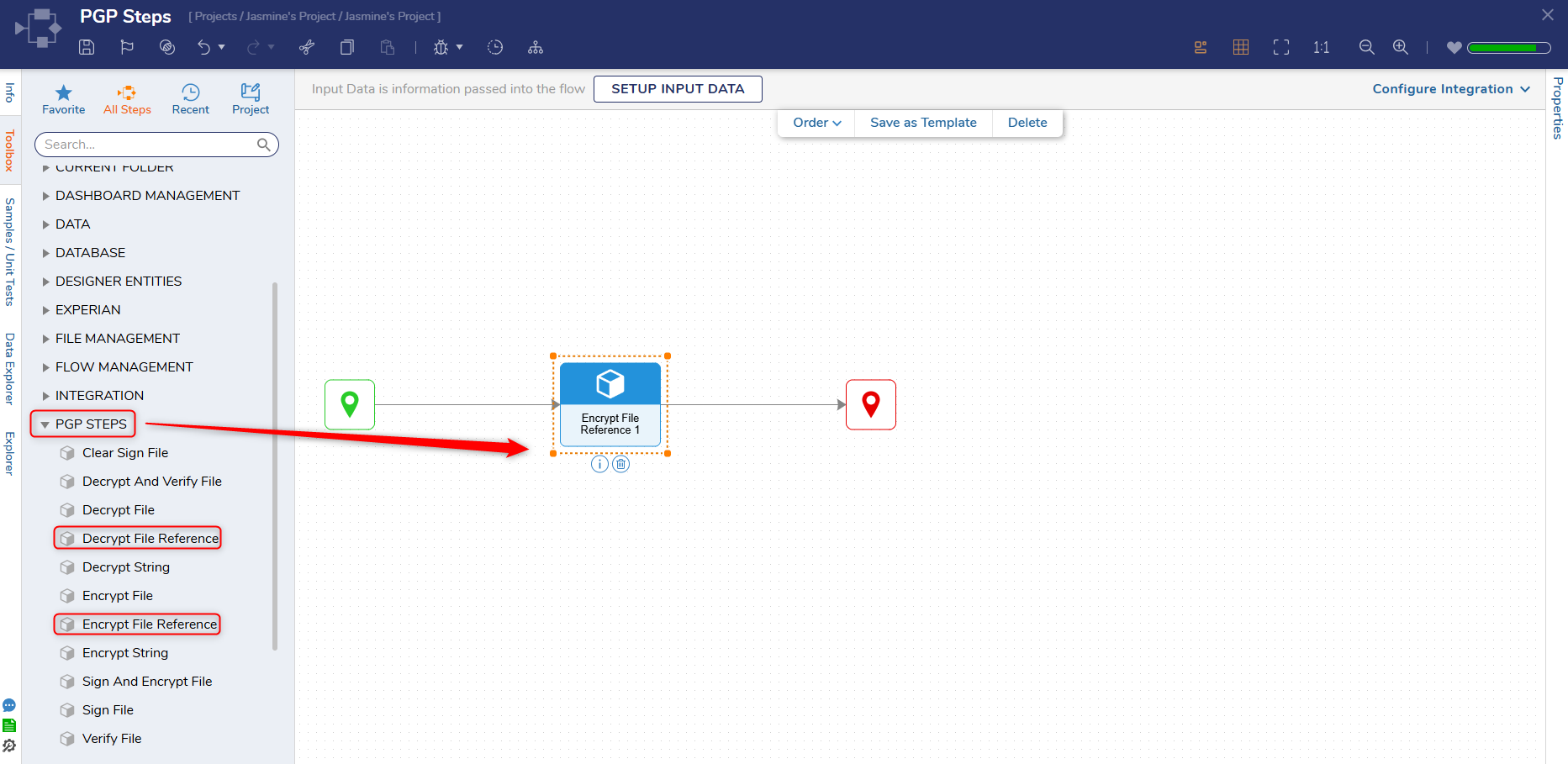
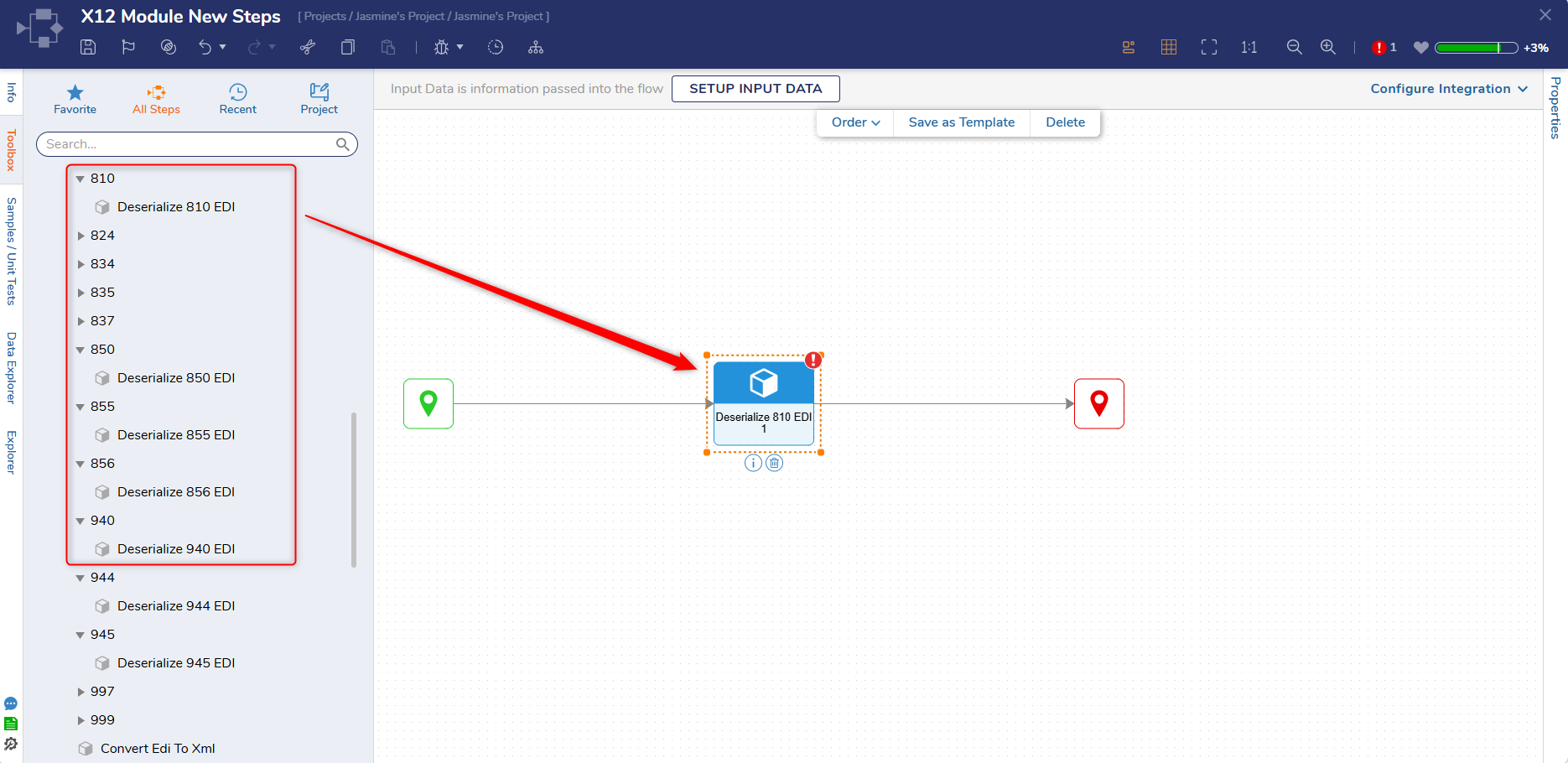
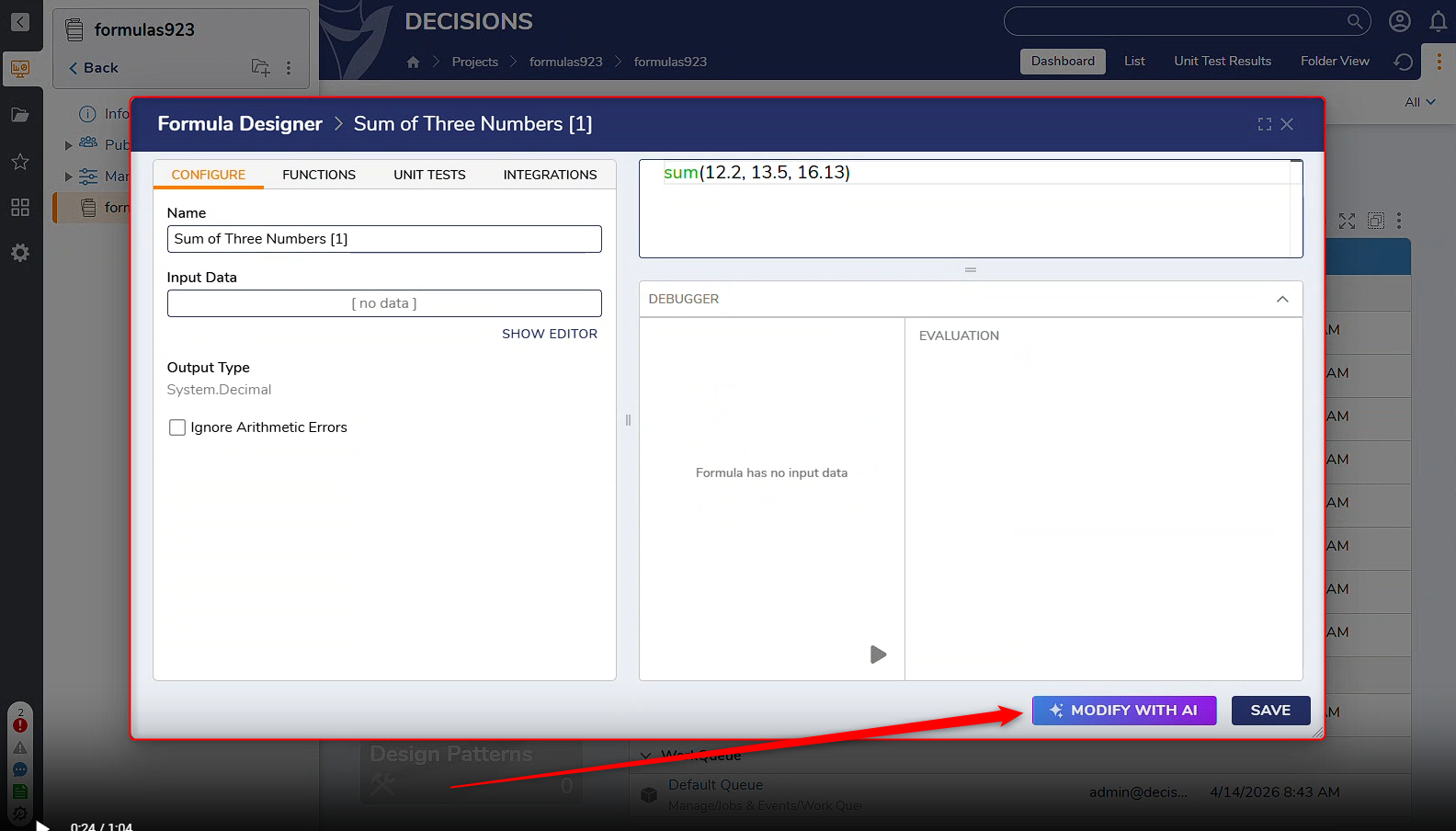
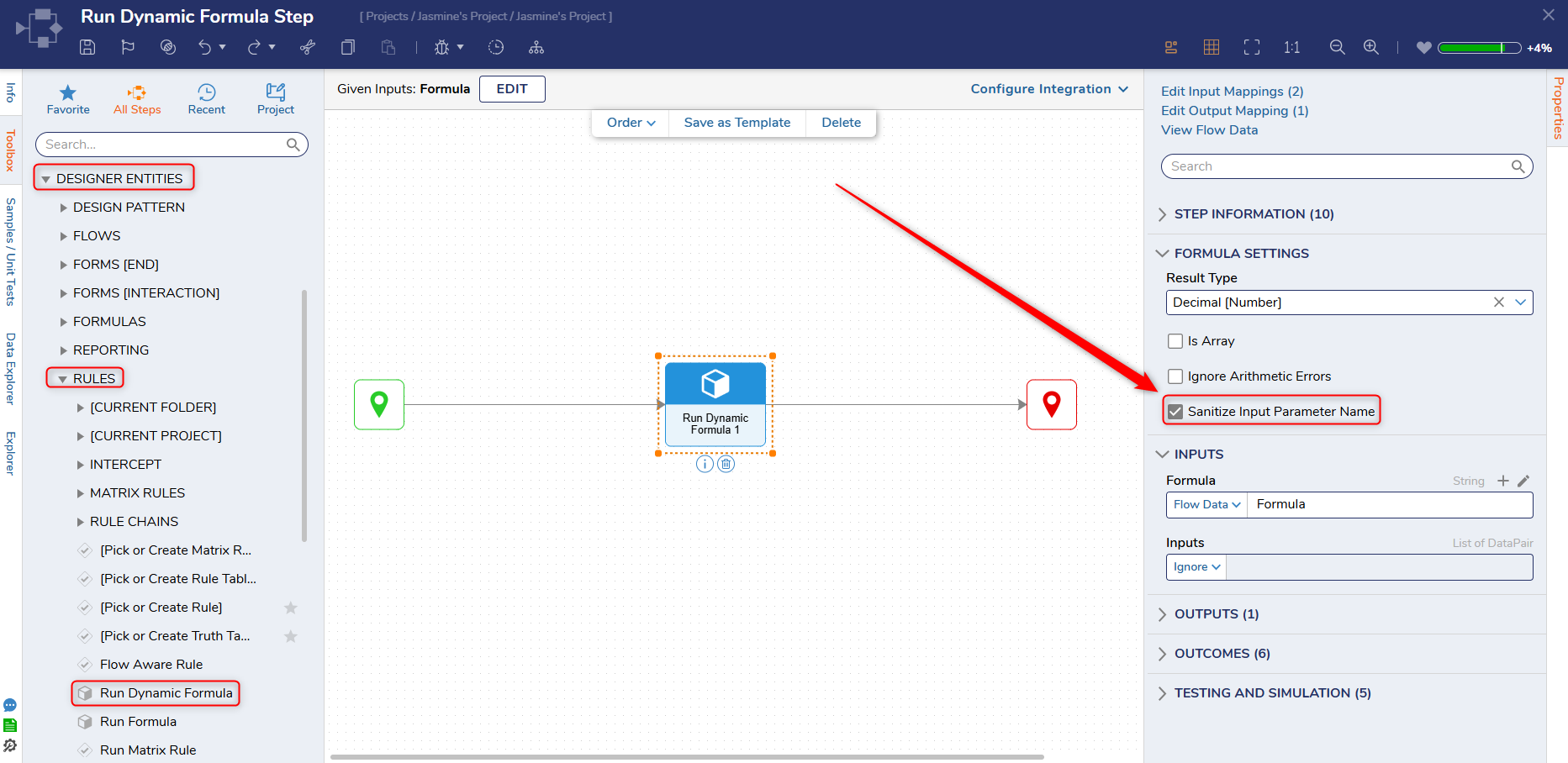
A new property, Sanitize Input Parameter Name, has been added to the Run Dynamic Formula step. When set to true, it handles special characters properly, and the formula returns correct output.
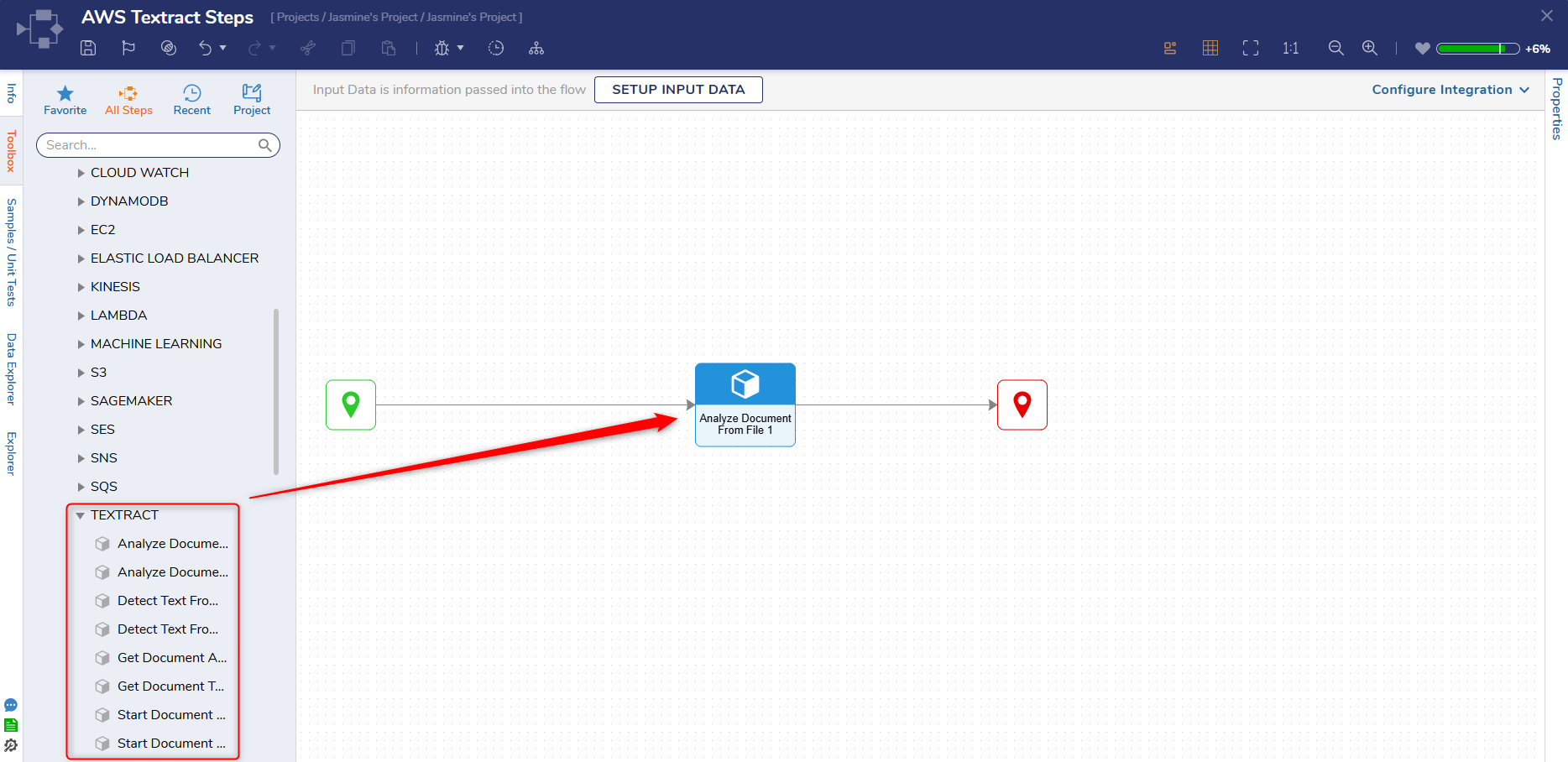
Nine new steps have been added to the AWS module that enable Users to interact with the Textract API. Amazon Textract is an AWS service that automatically reads and extracts text, data, and tables from documents and images.
Flows
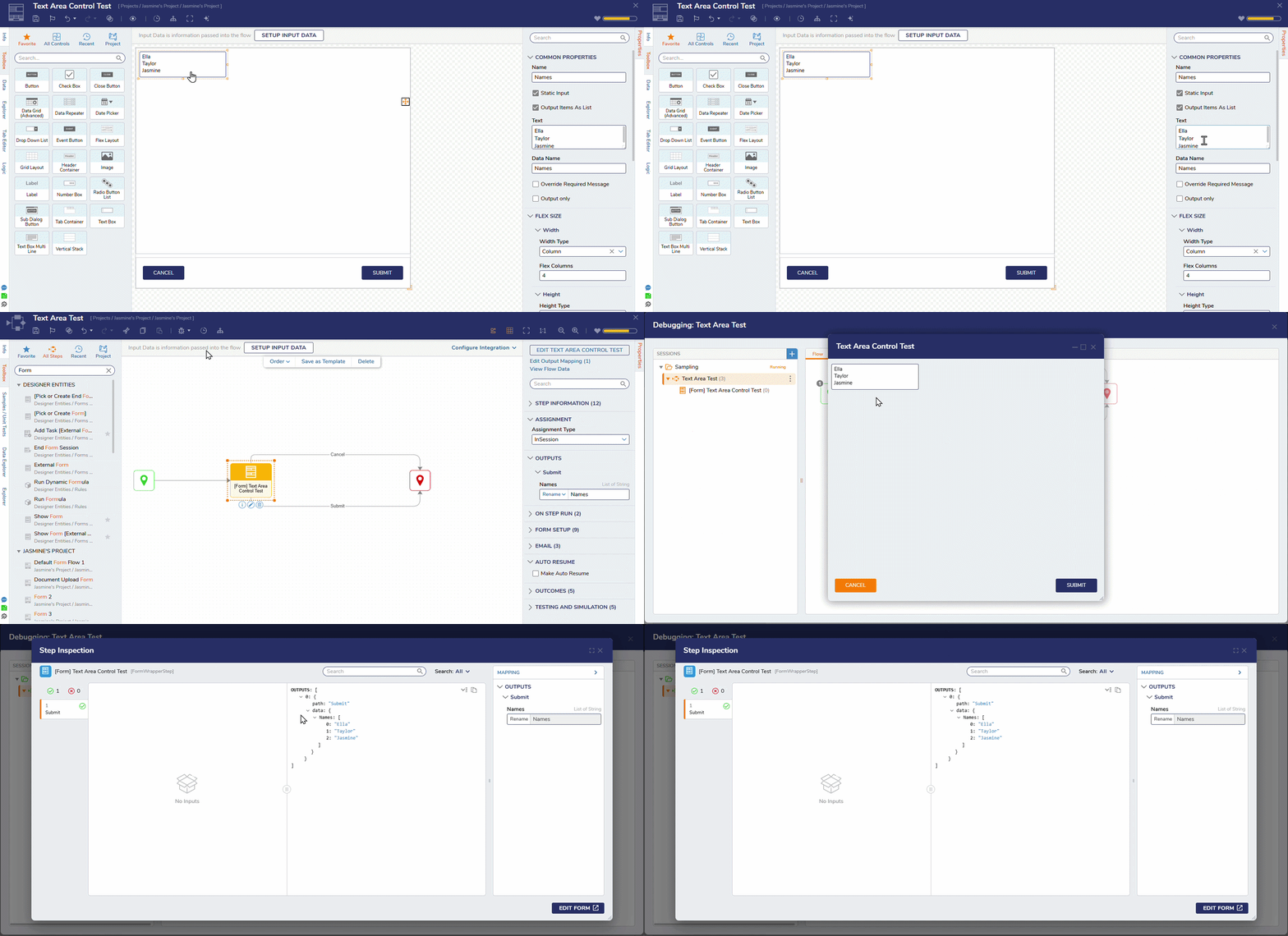
[DT-047353] FR: Ability on text area to output list of string
The Text Area Form control now takes an input as a list and returns the output as a list when the Output Items as List property is set to true.
Forms
Fixes
Various security fixes have been made.
Formulas
DT Title
Description
Occurs In
[DT-046987] Multi-File Upload Area Does Not Block Form Submission During Active Upload
A spinner will now be displayed when Users submit a Form while file upload is in progress for the Multi-File Upload Area control.
9.x
[DT-047040] Copying a form with a non-legacy sub dialog button breaks the connected flow
Fixed an issue where the sub-dialog flow for a sub-dialog form component was not being copied correctly when the associated form was copied.
9.21-9.23
[DT-047110] Coalesce Function in Formulas should allow more than 2 inputs
The coalesce function in formulas now supports multiple input parameters without throwing errors. Arithmetic operations with null values in the Run Dynamic Formula step no longer throw exceptions when the Ignore Arithmetic Errors property is set to true and will return the correct result. The coalesce function now correctly returns the first non-null value when a non-zero value is passed against a null value.
9.17-9.23
[DT-047280] Formula null values causing exceptions
A new property Ignore Arithmetic Errors has been introduced in both the Formula Designer and the Run Dynamic Formula step. When this property is set to true, arithmetic operations involving null values will now return NaN instead of throwing an error.
9.17-9.23
[DT-047235] Allow Mixed Type Repeaters to respect Flex Layout
The Data Repeater, Mixed Type Repeater, and User Controls will now respect the flex layout properly.
9.x
Flows
DT Title
Description
Occurs In
[DT-047281] Cancel Import Step Errors in V9
Fixed an issue that caused the Cancel Import Step to not run correctly.
9.22,9.23
System / Portal Administration
DT Title
Description
Occurs In
[DT-045661] Design Pattern - Ignored validation issues become unignored after import into another environment
In Design Patterns, ignored validation issues will remain in the ignored state after being imported into another environment.
9.x
[DT-047330] Decisions does not start on Linux if Timezone Translation is enabled
Fixed an issue where Decisions instances installed on Linux would not start when timezone translation was enabled.
9.x
Dashboards
DT Title
Description
Occurs In
[DT-047278] Pages > Layouts > Side Menu Container: Increasing the page size
Fixed an issue that caused the page size to increase when it had a side menu container.
Data Structures
DT Title
Description
Occurs In
[DT-047347] DataStructure: Compilation Fails When Field Datatype Changed From Int to DateTime
Fixed an issue that caused datatypes that have their Int (16 and 64) types changed to DateTime to not compile.
9.22,9.23
Integrations
DT Title
Description
Occurs In
[DT-047362] REST integration replacing NULL values with request body values
Fixed an issue where REST integrations replaced NULL values with request body values.
9.22,9.23
Mobile
DT Title
Description
Occurs In
[DT-047133] Mobile Portal: A 404 error is displayed when accessing the documentation article on the Workflows tab.
User can now successfully navigate to the workflow catalog article on the documentation site.