Overview
Step Details | |
| Introduced in Version | 8.3.0 |
| Last Modified in Version | 8.3.0 |
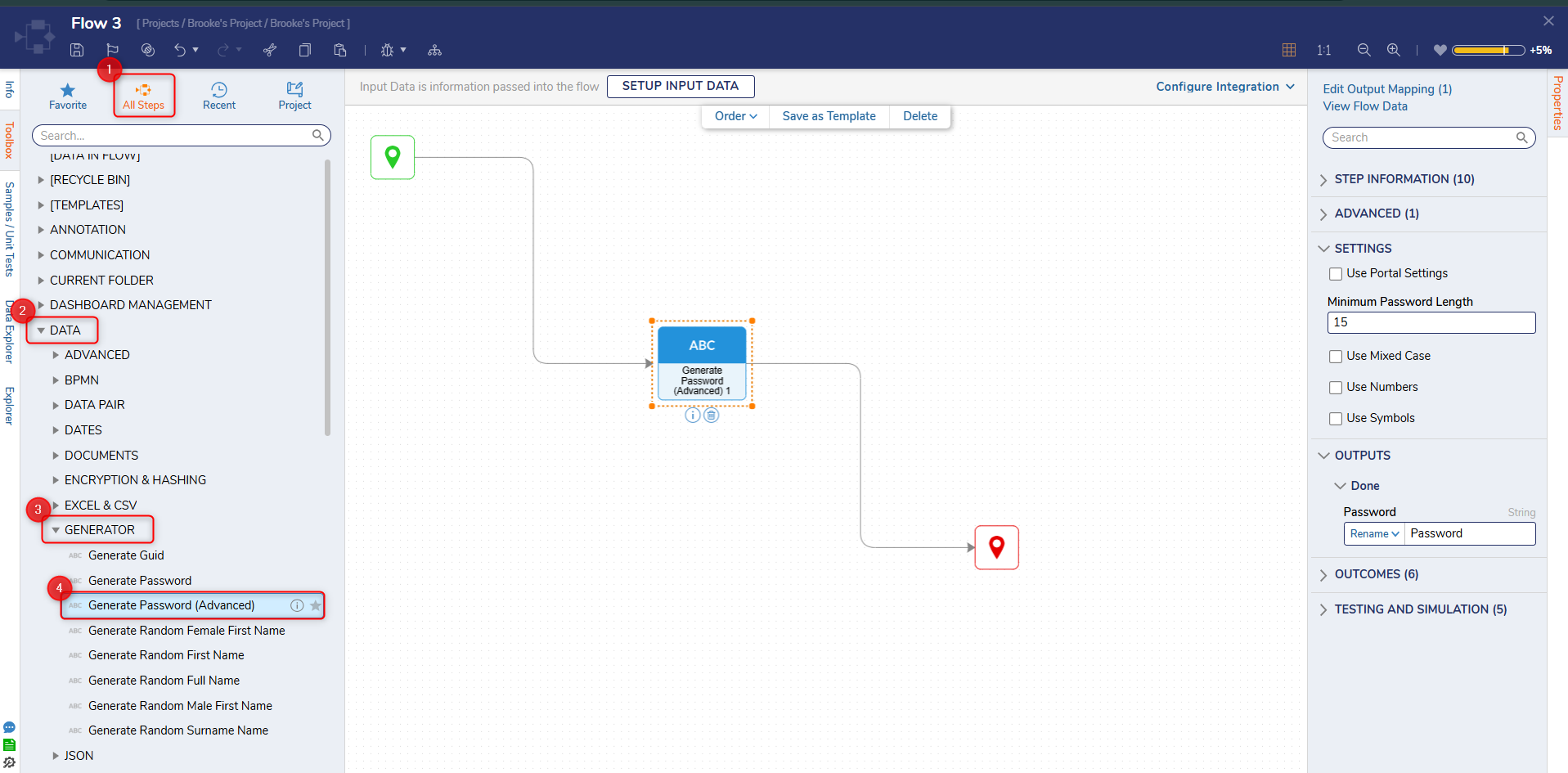
| Location | Data > Generator |
The Generate Password (Advanced) step allows users to manually generate password strings instead of using only the Portal Settings. If the password needs to be generated for Decisions accounts, then it must conform to the options defined in Portal Settings. Currently added Active Directory accounts will not be affected.
Properties
Settings
| Property | Description | Data Type | |
|---|---|---|---|
| Use Portal Settings | Generates a string based on the selection from Portal Settings > Password Settings | --- | |
| Minimum Password Length | The minimum length of the generated string | Int32 | |
| Use Mixed Case | Enables the use of mixed casing for the generated string | Boolean | |
| Use Numbers | Enables the use of alphanumeric numbers for the generated string | Boolean | |
| Use Symbols | Enables the use of symbols for the generated string | Boolean | |
Outputs
| Property | Description | Data Type | |
|---|---|---|---|
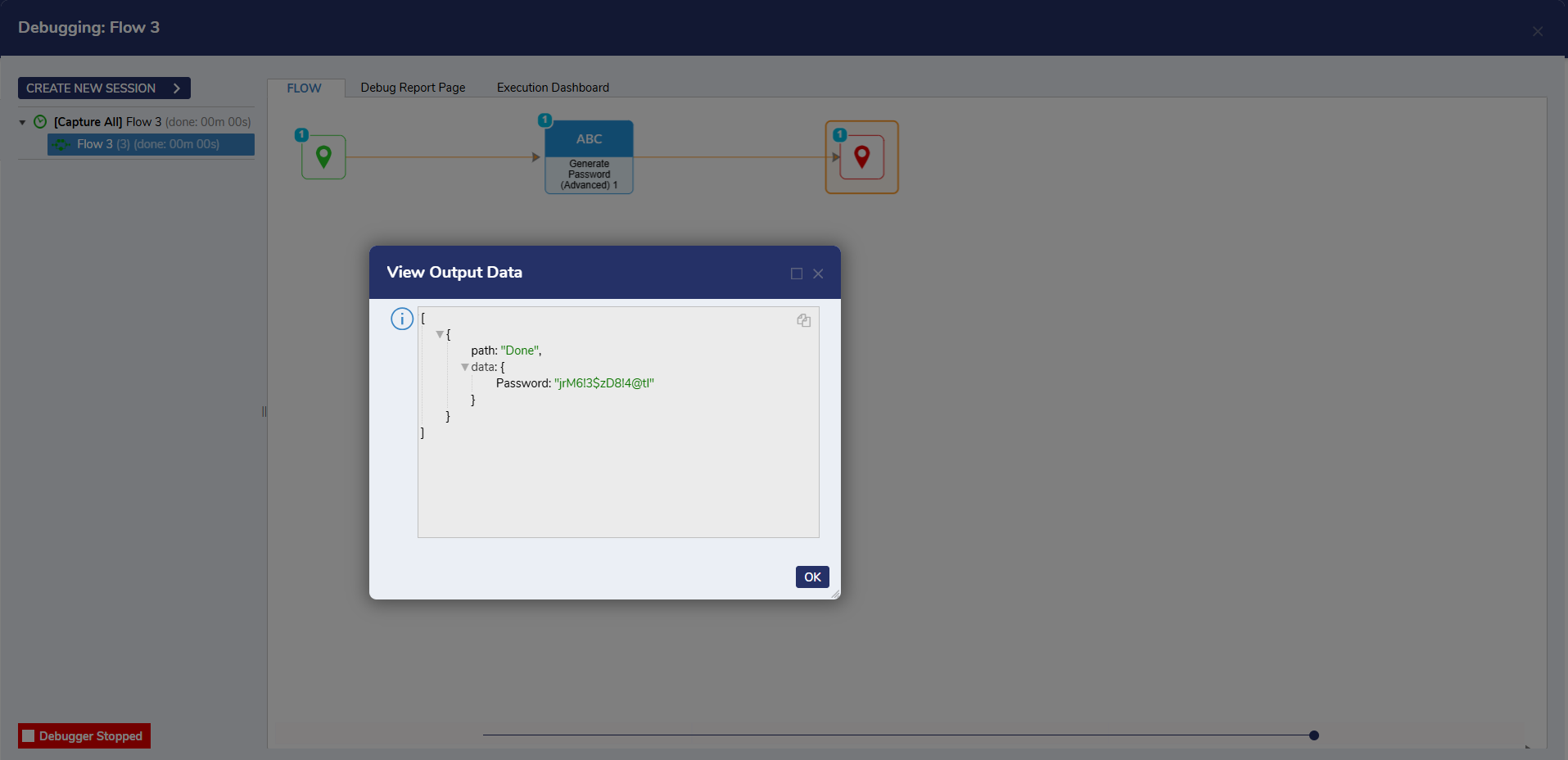
| Password | The auto generated password string | String | |
For further information on Flows, visit the Decisions Forum.