Overview
This article provides a step-by-step walkthrough of executing and managing User Stories within Decisions after they have been created and assigned. Users can refer to the table at the end of the article for an in-depth overview of each workflow step from Starting Development to Post Commit Actions.
This guide is intended for Developers and technical Users who work on assigned stories and need to understand how changes are tracked, reviewed, and prepared for deployment.
Executing User Stories
Executing User Stories enables Developers to manage User Stories in Decisions after they are created and assigned, using an end‑to‑end development workflow that includes starting work, tracking progress, committing changes, and moving stories through review and approval.
Before diving into the steps necessary to execute a User Story, please refer to the following key considerations:
Considerations
- Developers interact with assigned User Stories primarily through the Inbox view. This provides a centralized view of all stories assigned to the current User across Projects, allowing developers to track and manage their work efficiently.
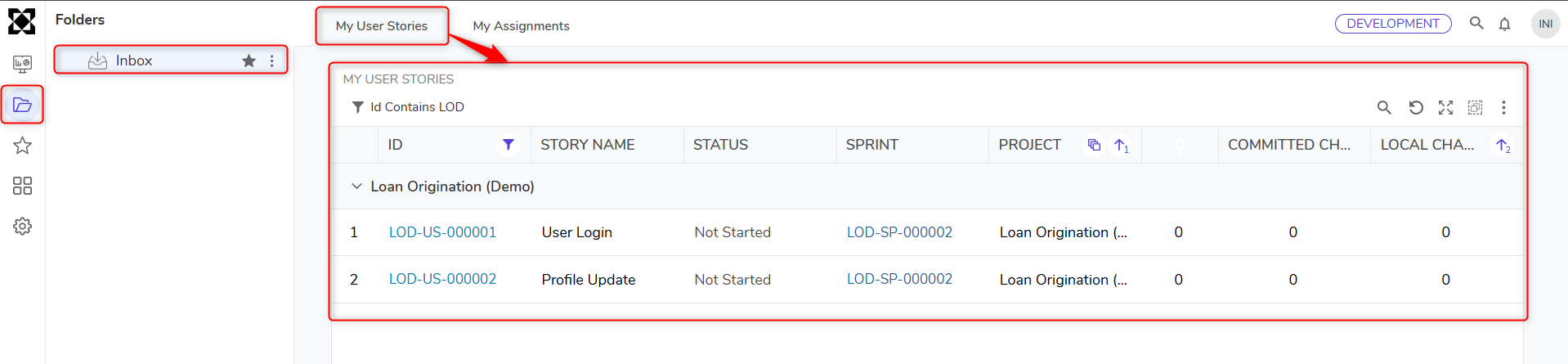 Inbox on a Development Server
 - Work is logged under the User Story header for traceability.
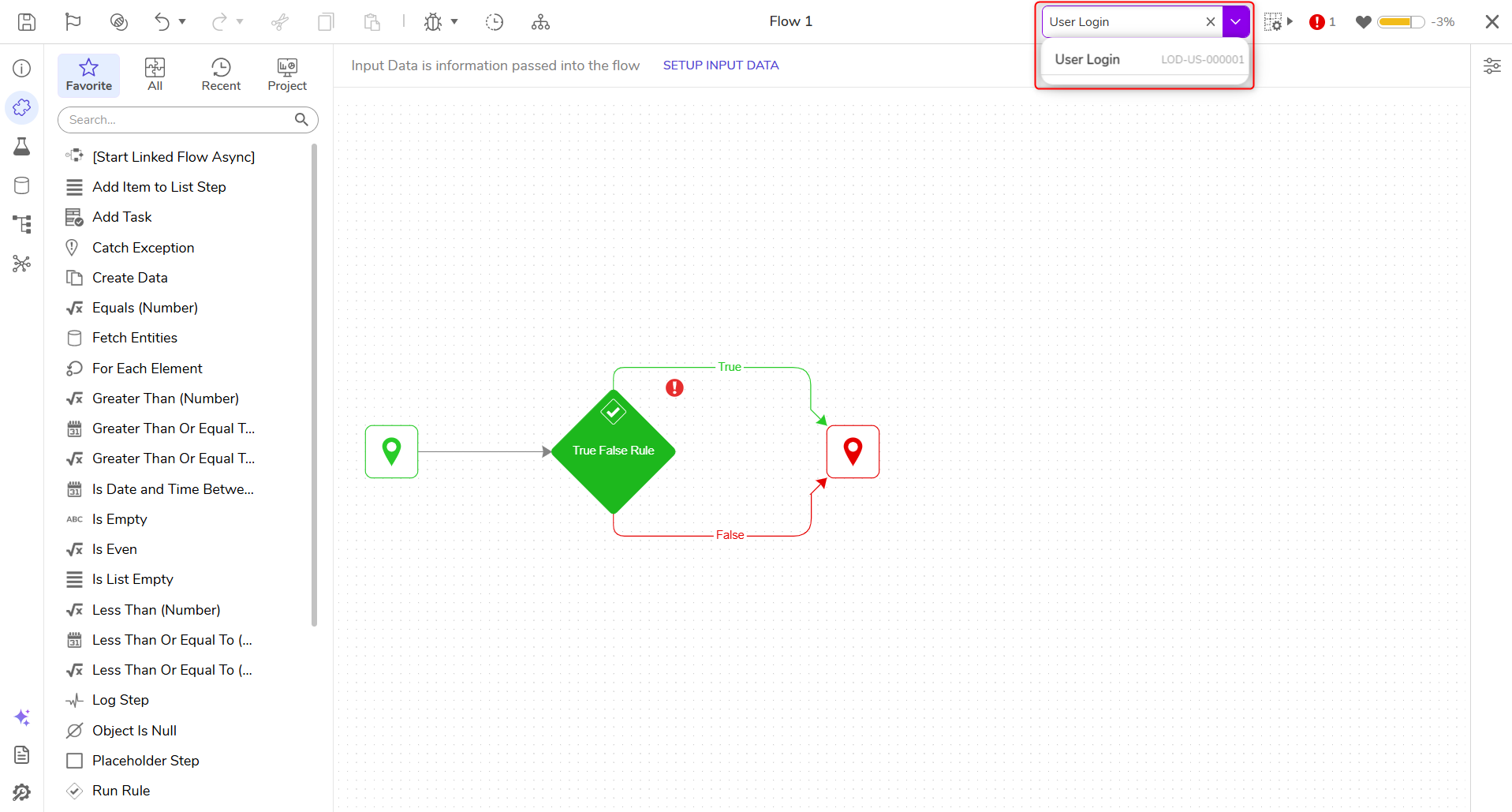
- Many-to-many relationships are supported:
- One story can be associated with multiple entities.
- Each entity can be linked to multiple stories.
- This relationship ensures that all development work is:
- Properly scoped and assigned.
- Logged and documented.
- Linked to a deployment path.
- This provides visibility for admins, developers, and QA teams into what has changed, who made the changes, and why - supporting smoother deployments and clearer accountability.
User Story Workflow Guide
The following image demonstrates the User Story Workflow process from starting work to making a User Story eligible for a Deployment package.
.png)
For more information on each step of the Workflow process, please refer to the following table:
| Workflow Step | Link |
|---|---|
| Start Development | Start Development (User Story Workflow) |
| Track & Document Work | Track & Document Work (User Story Workflow) |
| Commit Work | Commit Work (User Story Workflow) |
| Perform Post-Commit Changes | Perform Post-Commit Actions (User Story Workflow) |