Overview
Truth Tables can have cells override the verb actions specified for each column, similar to how Rule Tables function. This provides greater customization to a Truth Table and can be used in conjunction with merged table cells.
Override Verb Action
- Create a Truth Table.
- Select Setup Input Data button above the Truth Table and define the input data. For this example, a Decimal input is used.
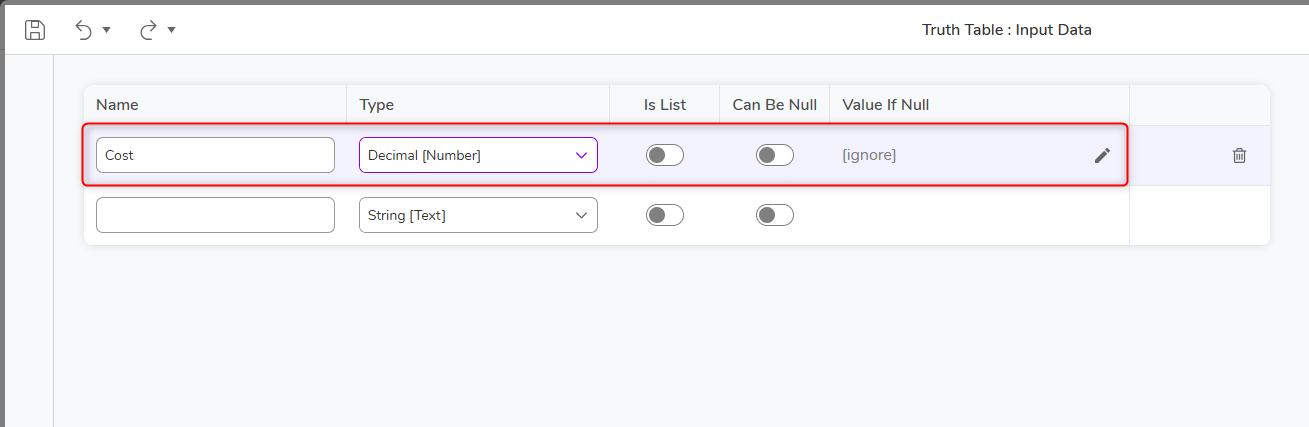
- Save and return to the Truth Table Designer
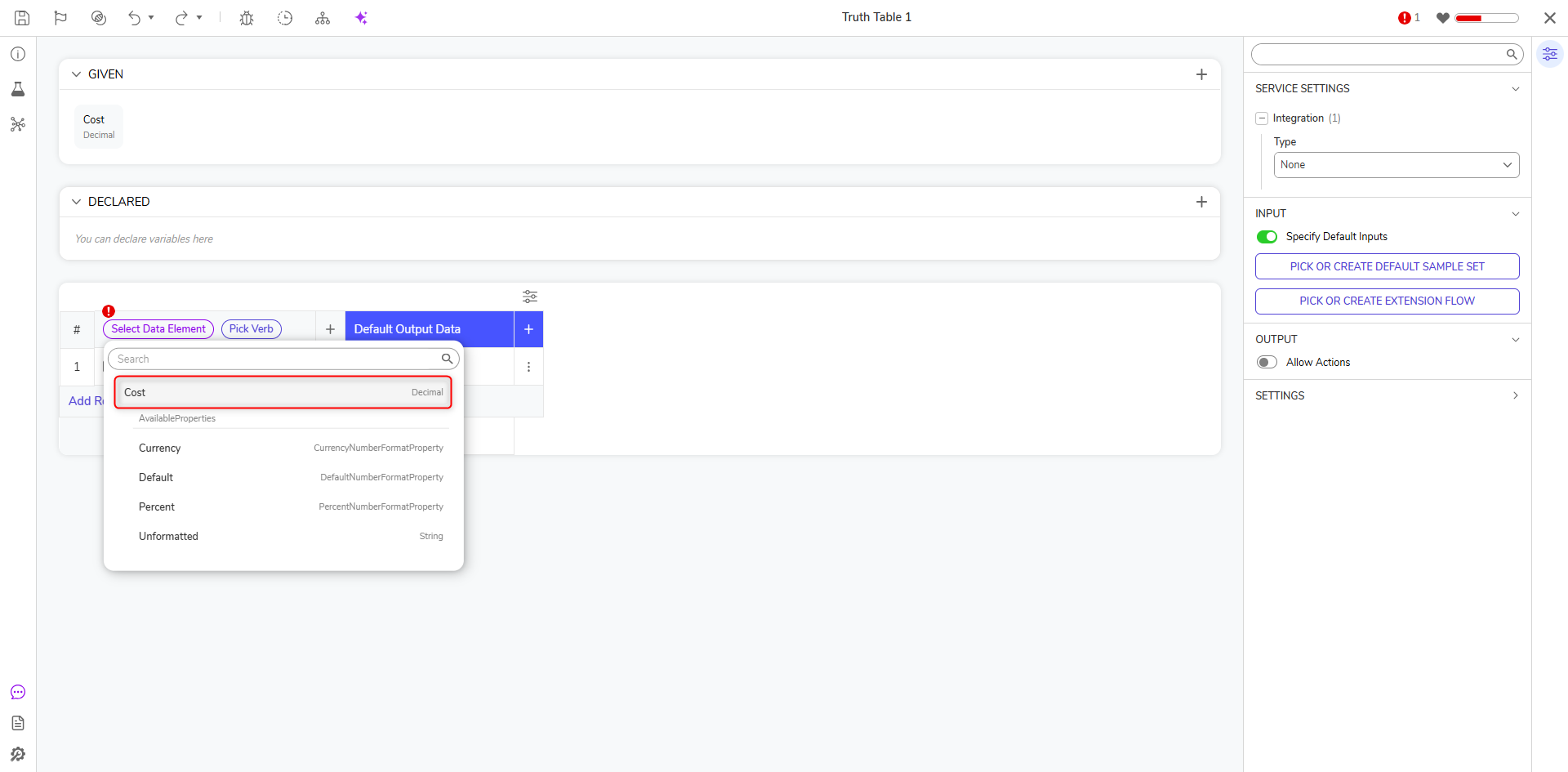
- Under the first column, click [Select Data Element] and select the defined input, then Close.
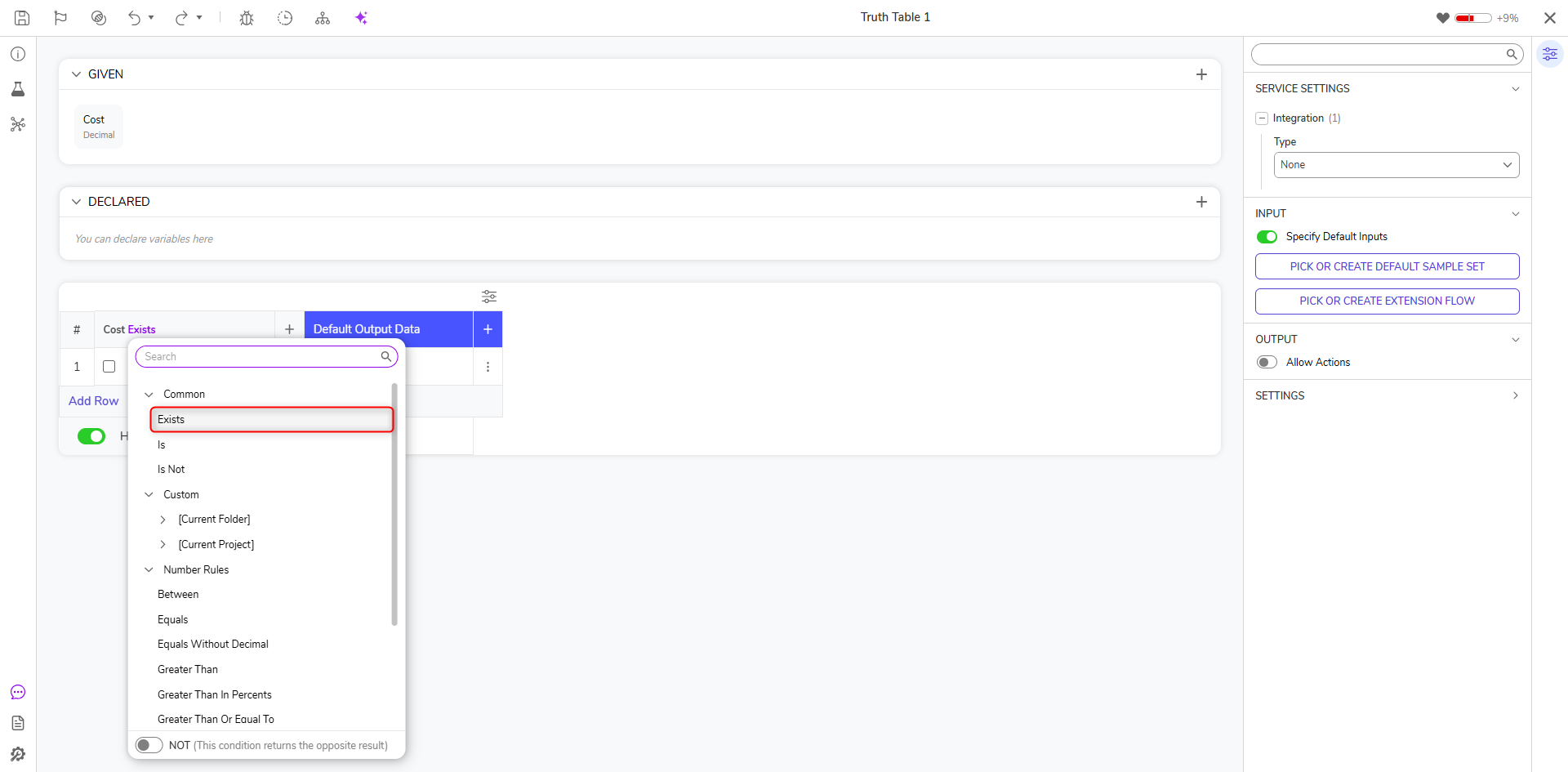
- Select [Pick Verb] and define the verb used for the column. For this example, Exists was chosen.
- Under the first column, hover over the first cell, an ellipsis should appear. Select the ellipsis and choose Override Default Verb.
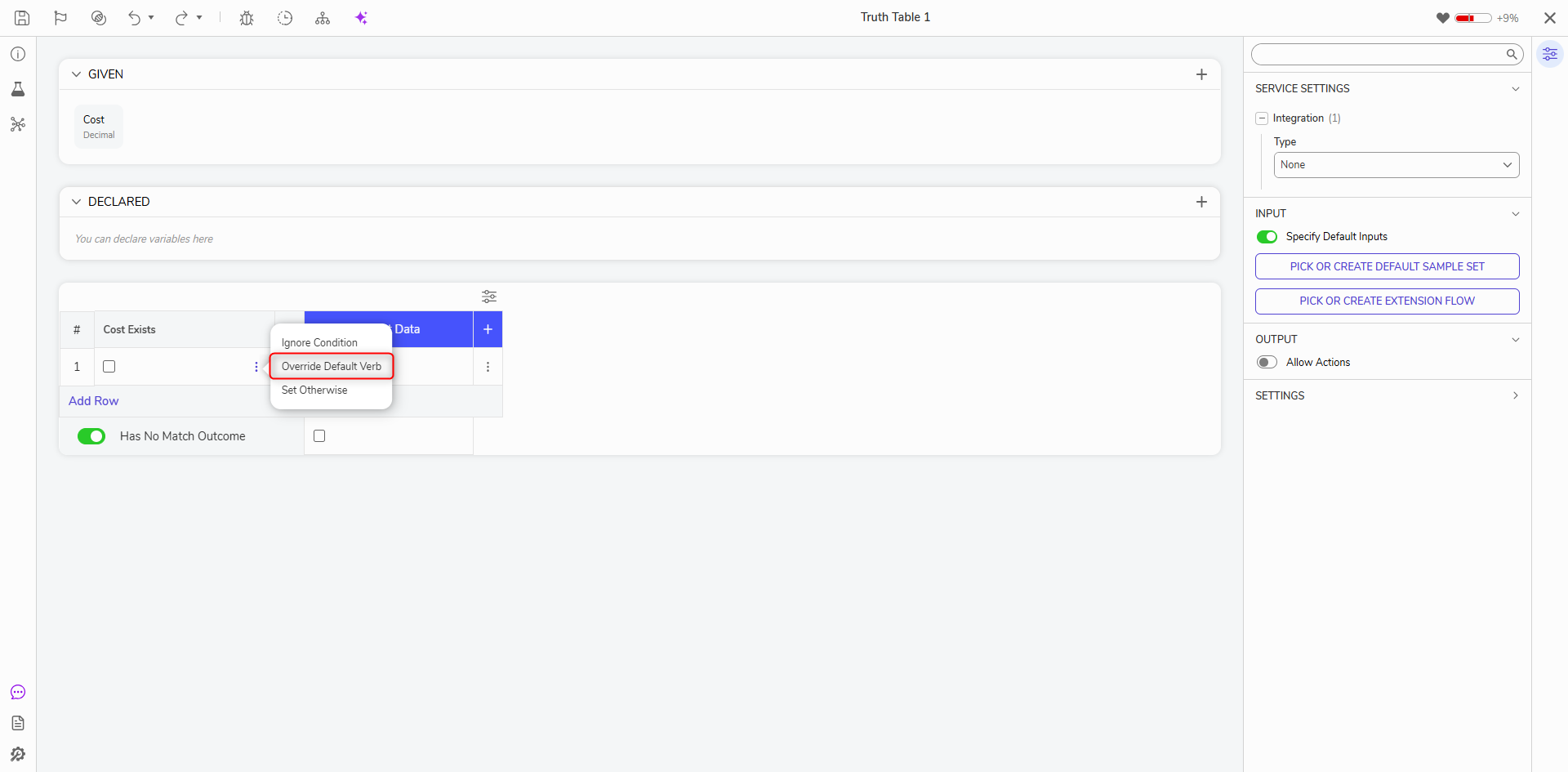
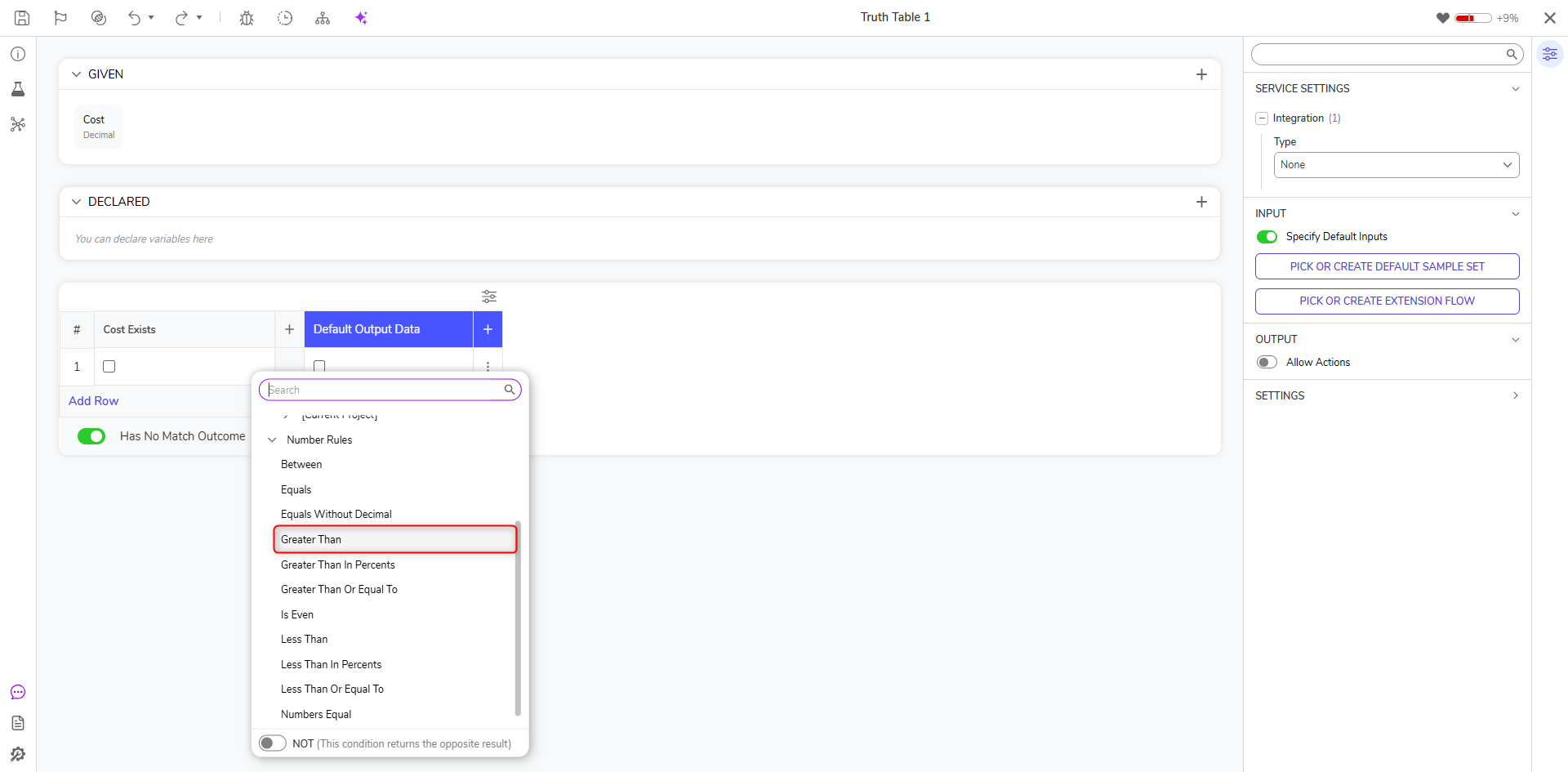
- A dialog will appear, allowing the user to select a new verb for the column. For this example, select Greater Than. Set the Value for the Truth Table to evaluate to override the default verb.