Step Details | |
| Introduced in Version | 4.0.0 |
| Last Modified in Version | 5.0.0 |
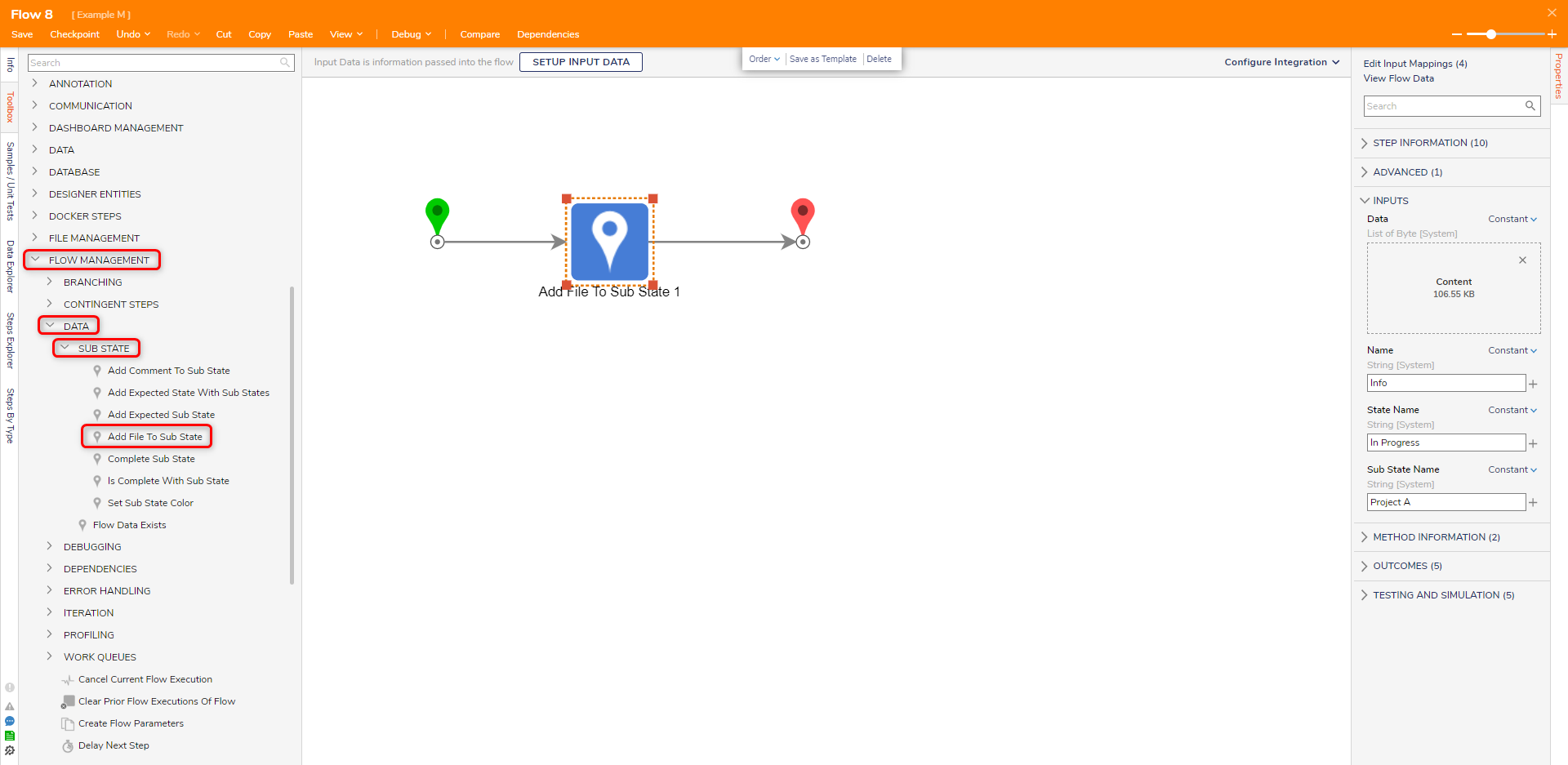
| Location | Flow Management > Data > Sub State |
The Add File to Sub State step is used in Process tracking to add a file to a Sub State in a Process Flow.
Properties
Inputs
| Property | Description | Data Type |
|---|---|---|
| Data | File to add to substate | List of Byte |
| Name | Name for the file | String |
| State Name | Name of the state | String |
| Sub State Name | Name of the sub-state | String |
Related Information
Articles:
Creating a Process Folder
Using Process Folders
Example Lab:
Add Comment to Process Folder
Forum Posts:
Adding Multiple Documents To A Process Folder
Downloading Files From A Process Folder