Step Details | |
| Introduced in Version | 4.0.0 |
| Last Modified in Version | 7.12.0 |
| Location | Designer Entities > Rules |
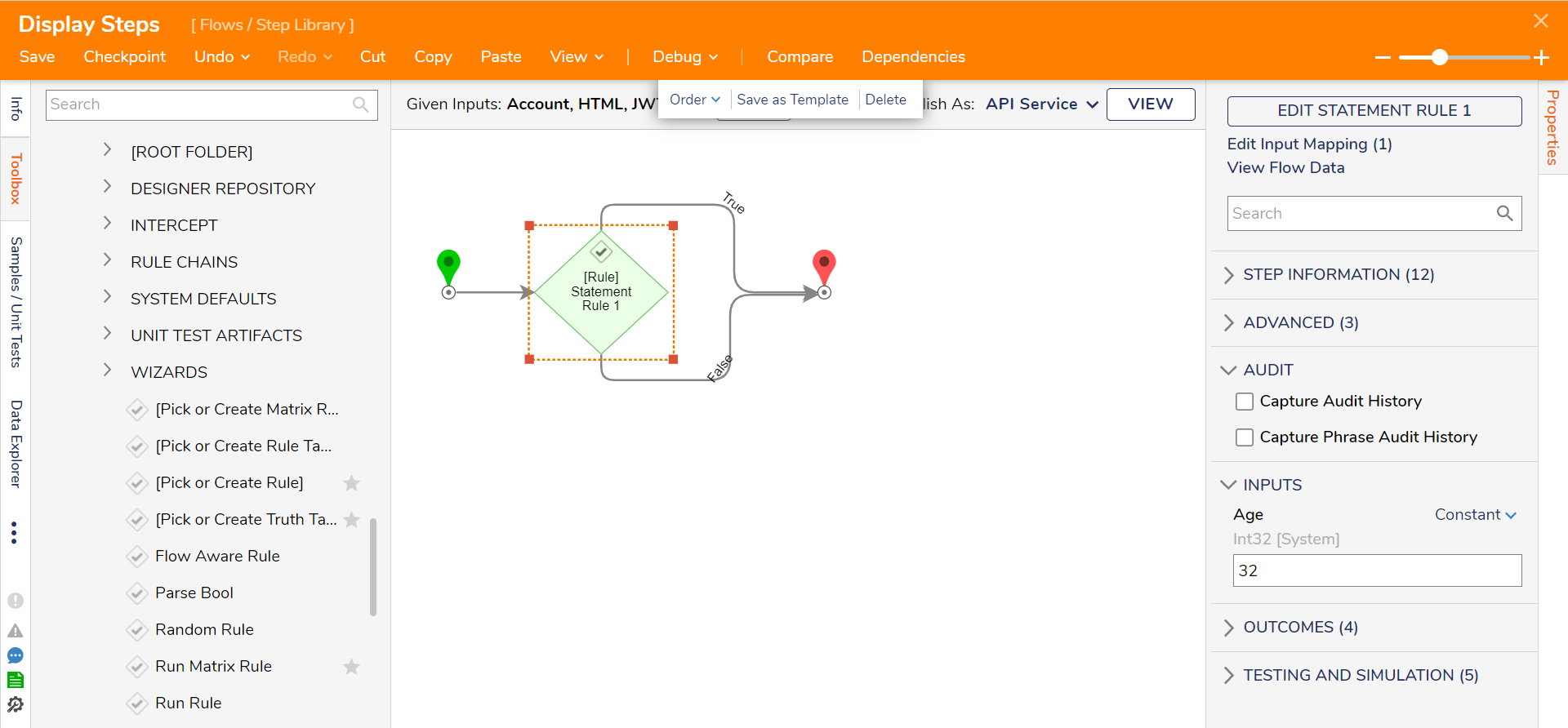
The Run Rule step adds and uses Rules in a Flow. Rule Steps can be set up to reflect real business rules, typically containing two outcomes: a true or false value. The step allows users to select from pre-built rules in the Step Toolbox or create their own via the Rule Editor. Additionally, the Rule Editor may edit pre-existing Rules for specific cases.
Properties
Advanced
| Property | Description | Data Type |
|---|---|---|
| Selection Type | Choose or create a Truth Table, choose to have a Truth Table selected at runtime, or utilize a Champion/Challenger. | --- |
| Execution Result Type | Choose to have the step return all matches of the Truth Table, the first or last match only. | --- |
Inputs
Inputs will change based on how the Truth Table Rule is configured.
| Property | Description | Data Type |
|---|---|---|
| --- | --- | --- |
Outputs
| Property | Description | Data Type |
|---|---|---|
| None | --- | --- |
Related Information
Articles:
Creating a Statement Rule
Leveraging Default Rules
Example Labs:
Showing Rule Results on a Form