Module Details | |
| Installation Location | Core Module |
| Step Location | Integration > Amazon AWS |
| Settings Location | System > Settings > Amazon WebServices Settings |
| Prerequisites |
|
Overview
The Amazon Web Services (AWS) module allows Users to integrate with the AWS cloud computing platform. And provides steps used to interact with the AWS services, such as SageMaker, SNS, SQS, and Kinesis.
Configuration
In the Decisions platform, navigate to System > Settings. Right-click Amazon WebServices Settings and click Edit. Enter the Access Key ID and Secret Access Key from the active AWS account in the corresponding fields. Click OK to save credentials.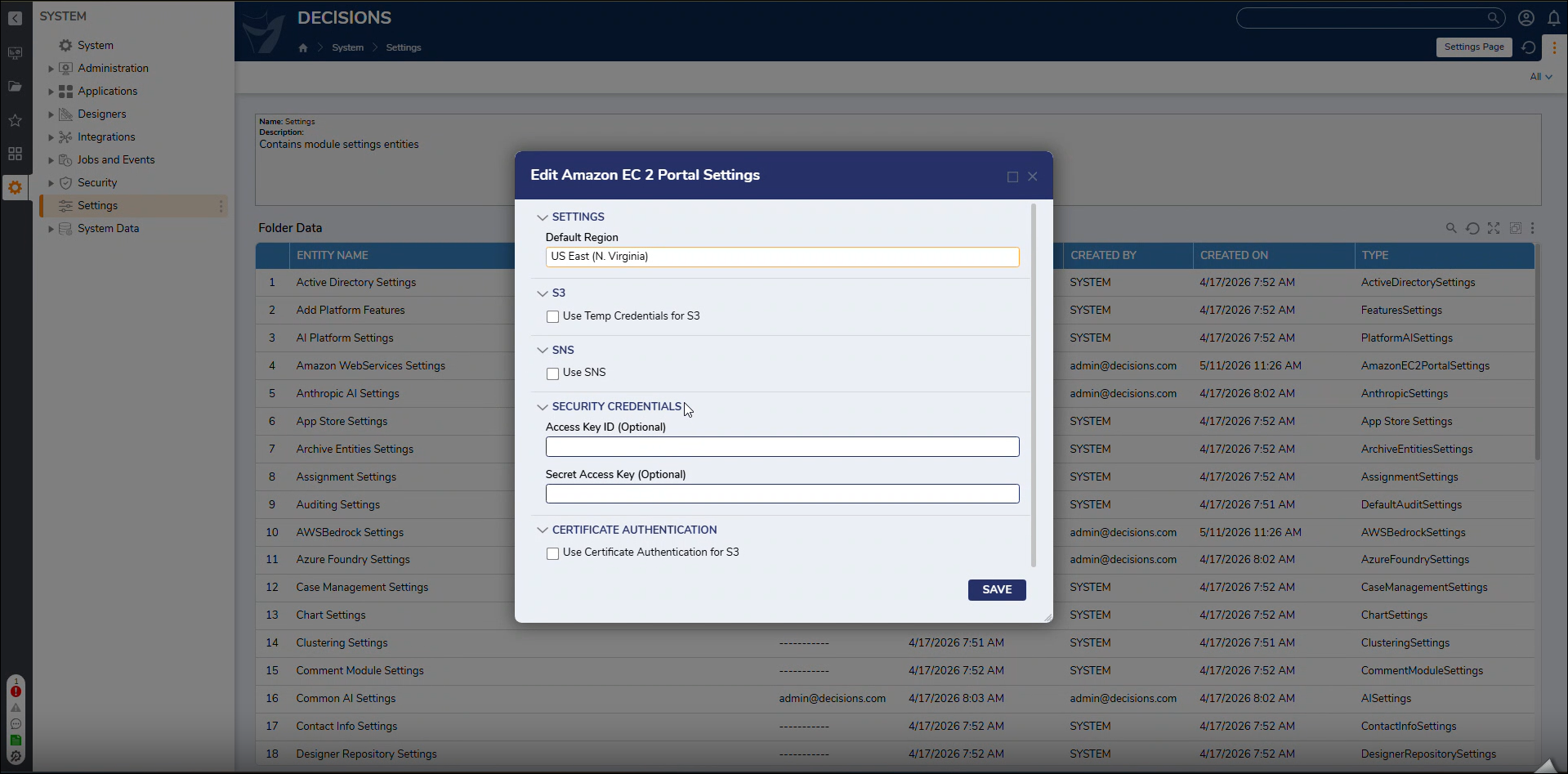
The Access Key ID and Secret Access Key can be obtained from the Security Credentials section of the AWS Management Console.
Alternatively, Decisions supports the default AWS SDK authentication flow, allowing AWS credentials to be resolved automatically without manually configuring an Access Key and Secret Key:
- Amazon EC2: Uses IAM credentials provided through the EC2 Instance Metadata Service (IMDS).
- Non-EC2 environments: Uses credentials from the default AWS CLI profile.
- Service account installations: Uses credentials configured for the service account.
- Local System installations: Requires AWS credentials to be copied to a location accessible to the SYSTEM user.
This flexible authentication approach simplifies AWS integration while supporting a variety of deployment environments.
Refer to the following table for all the settings.
| Setting Name | Description |
|---|---|
| Default Region | Allows Users to Set Default Region. |
| Use Temp Credentials for S3 | When enabled, it opens 2 new fields to enter the Role and External ID. |
| Use SNS | Allows Users to configure the SNS topic. |
| Use SQS | Allows Users to configure the SQS Queues. |
| Access Key ID | Allows Users to enter the Access Key. For more information, refer to Managing access keys for IAM users. |
| Secret Access Key | Allows Users to enter the Secret Access Key. For more information, refer to Managing access keys for IAM users. |
Steps
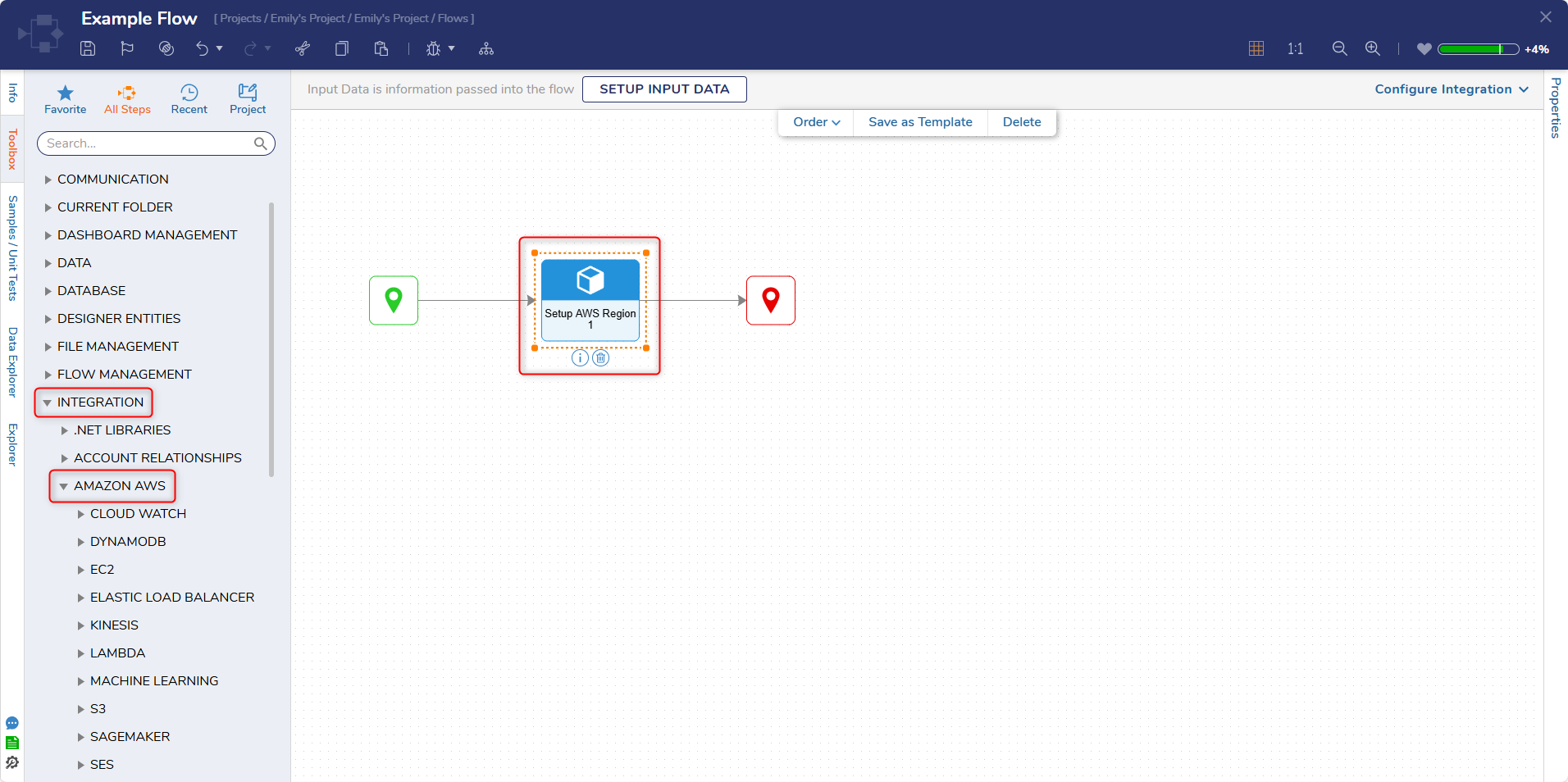
The following steps are listed under Integration > Amazon AWS. These steps will only appear in Projects that have a dependency to the AWS module.
Get All Region Names
The Get All Region Names step returns a list of all the RegionSystemName and DisplayName of all currently active AWS Regions.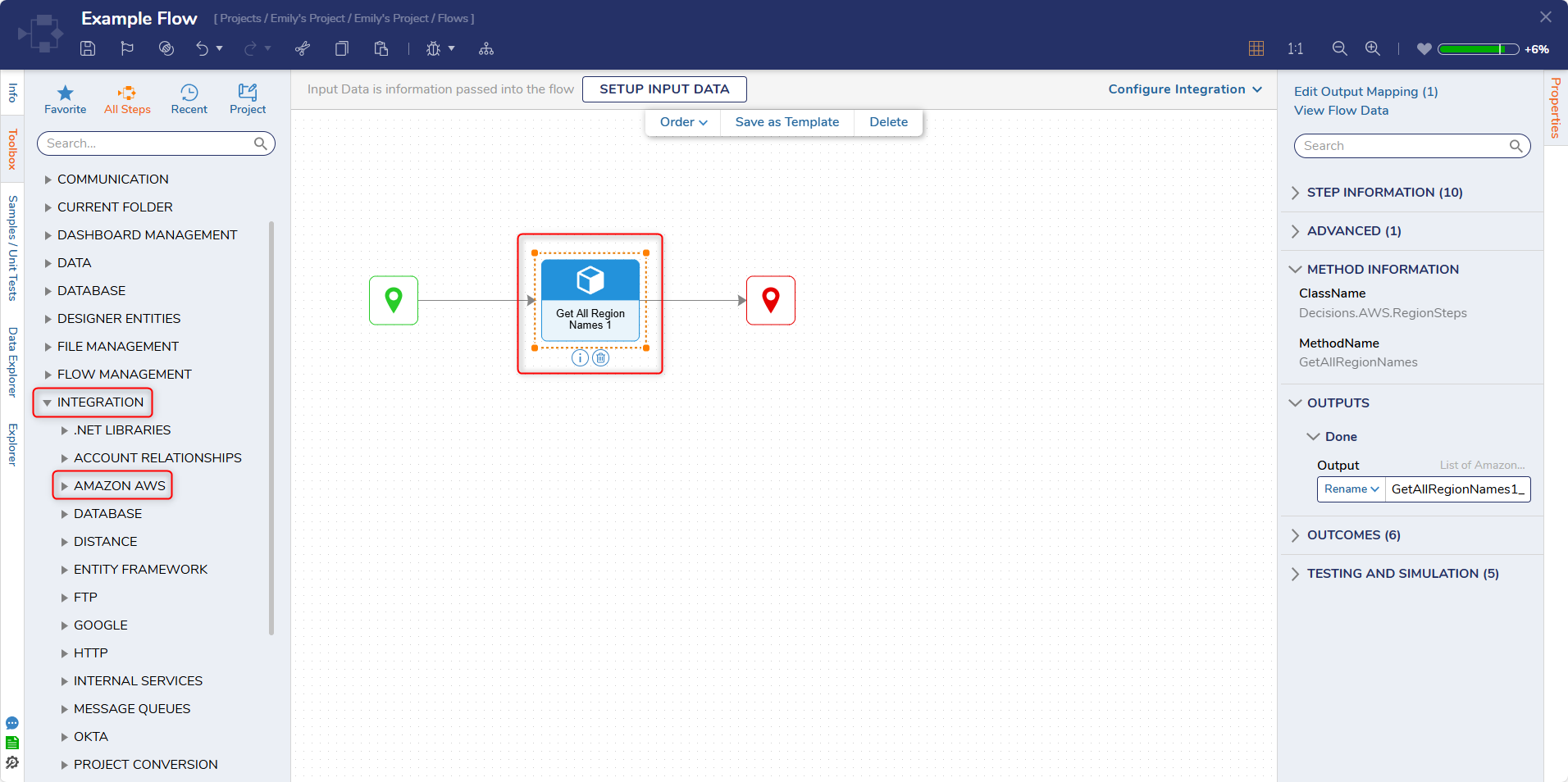
Get Region From Display Name
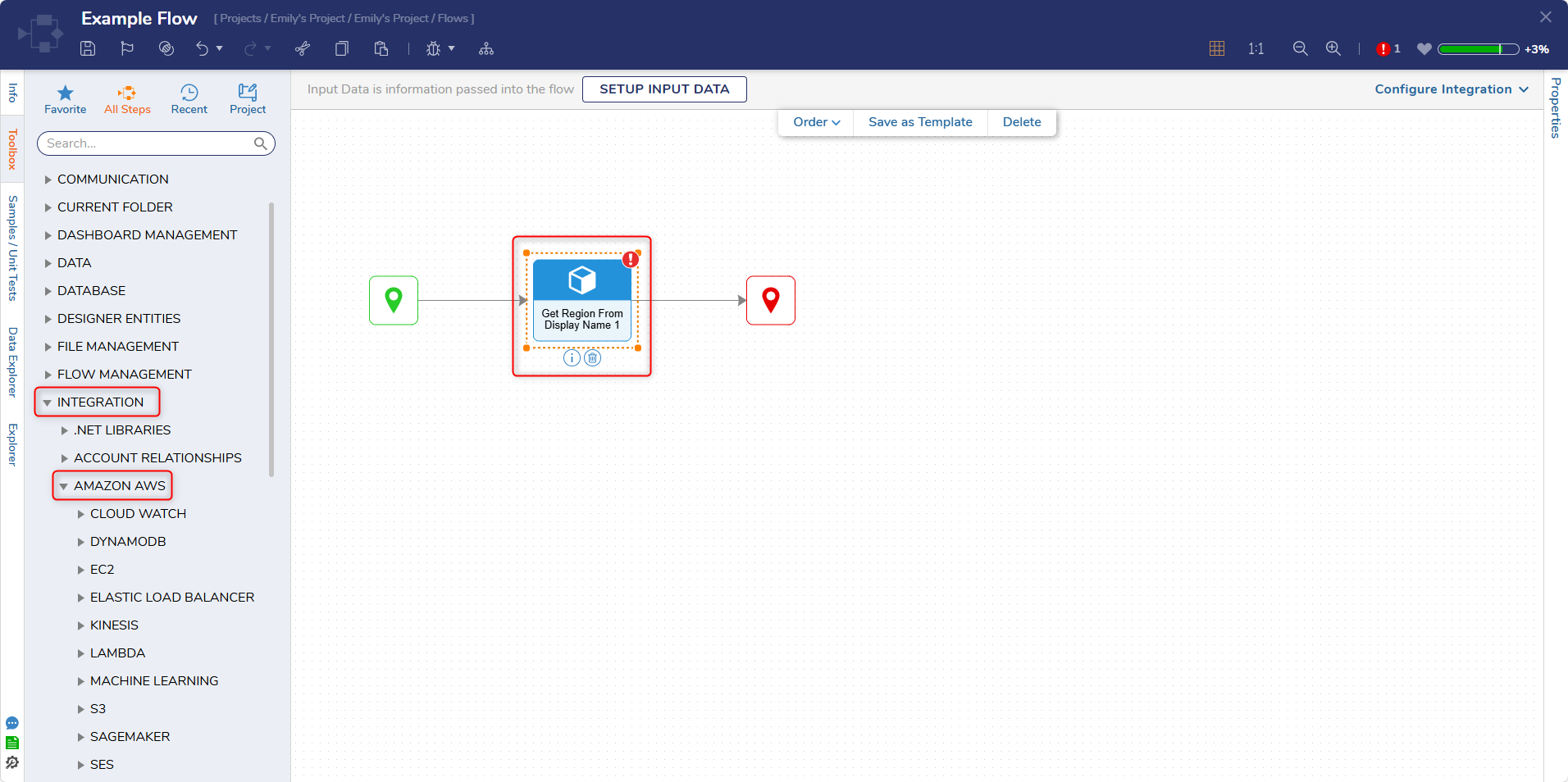
The Get Region From Display Name step checks if a string input matches the DisplayName for an AWS Region. If there is a match, the AWS Region is returned.
| Input | Description |
|---|---|
| Display Name | String input used for comparison. |
Get Region From System Name
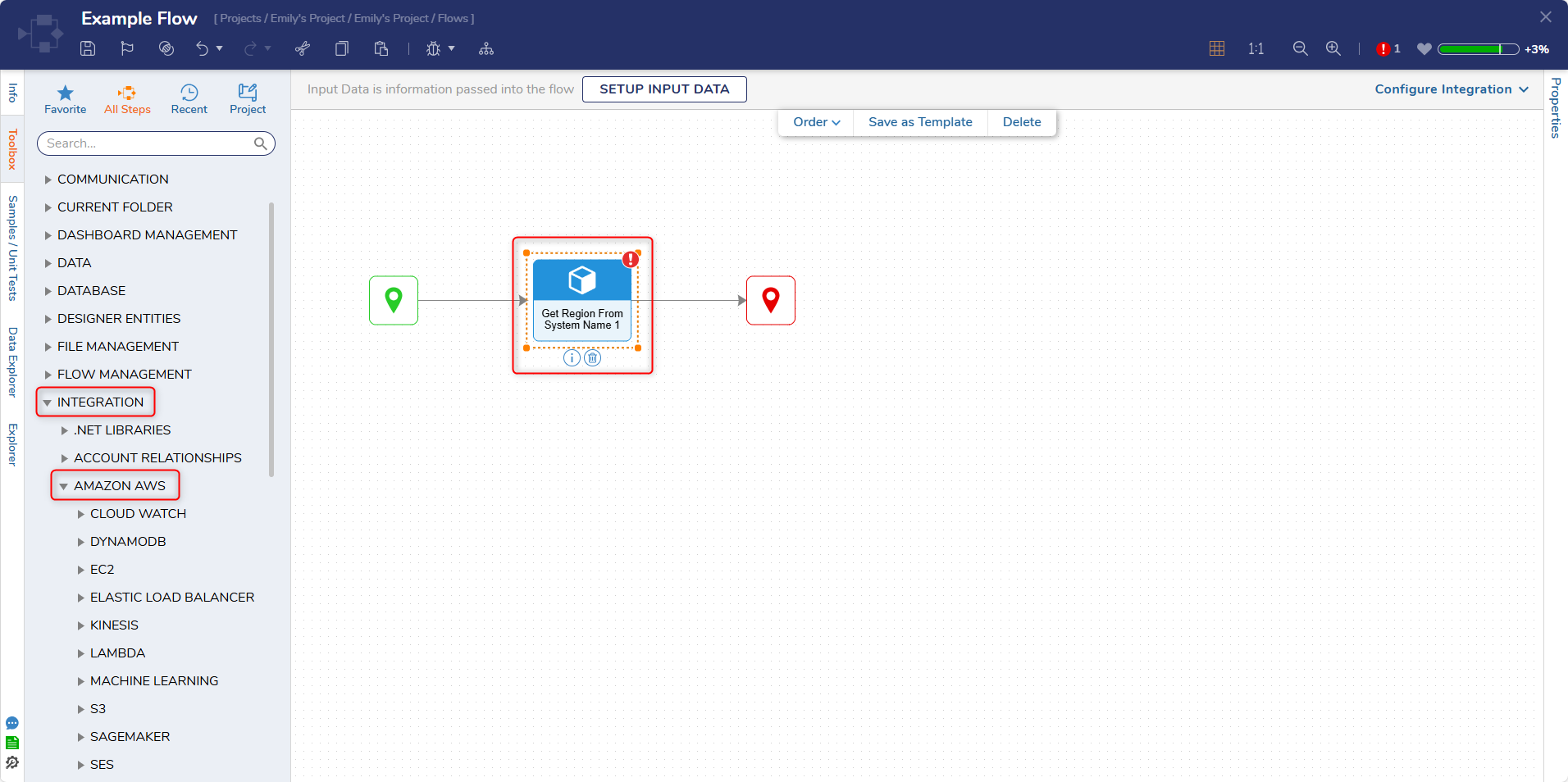
The Get Region From System Name step checks if a string input matches the RegionSystemName for an AWS Region. If there is a match, the AWS Region is returned.
| Input | Description |
|---|---|
| System Name | String input used for comparison. |
Setup AWS Region
The Setup AWS Region step returns the selected AWS Region from a dropdown.
| Input | Description |
|---|---|
| Selected Region | Enables the AWS Region to be selected from the dropdown. |
Feature Changes
| Description | Version | Date | Developer Task |
|---|---|---|---|
| Added support for the default AWS SDK authentication flow, allowing Decisions to automatically resolve AWS credentials from IAM roles, AWS CLI profiles, or service account configurations without requiring manual Access Key and Secret Key setup. | 9.31 | September 2026 | [DT-048566] |
| Added AssumeRoleAPI for S3 Buckets | 8.12 | June 2023 | [DT-037443] |