Overview
The Merge String List by Line step combines two String Lists. Each item in one list is merged with an item in the second list at the same position and is separated by a specified separator character. The step can be found under the Data > Text category in the step toolbox.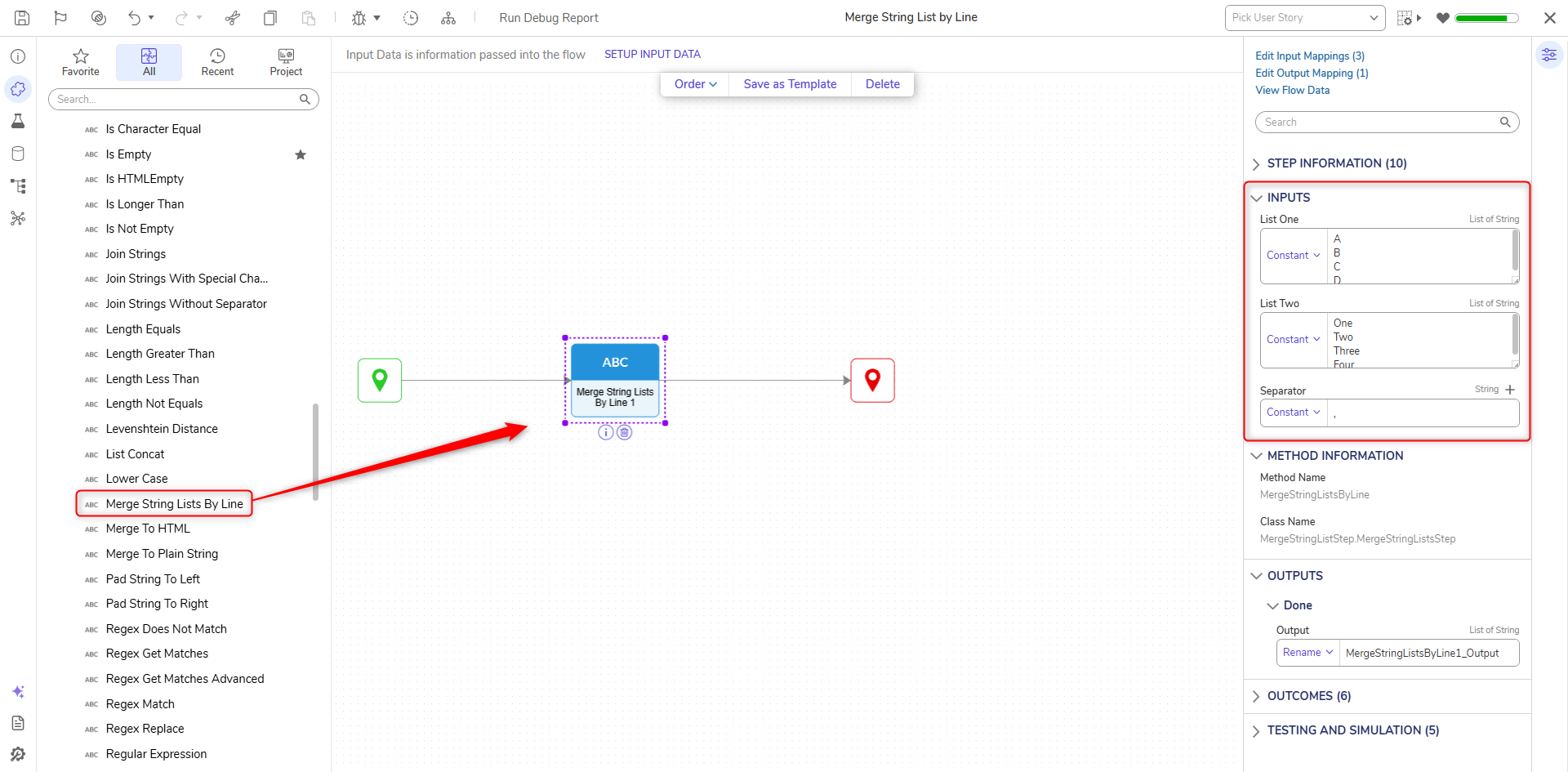
Properties
| Property | Description | Data Type | ||
|---|---|---|---|---|
Inputs | ||||
| List One | First list of Strings to be merged. | List of String | ||
| List Two | Second list of Strings to be merged. | List of String | ||
| Separator | Specifies the separator character. | String | ||
Outputs | ||||
| Outputs | Combined list of strings | List of String | ||
Example
- Create a new Flow.
- In the step toolbox, expand Data > Text category
- Add the Merge String Lists by Line step into the workspace.
- Define the inputs for the two lists. This example uses two Constant lists.
- Define the separator value
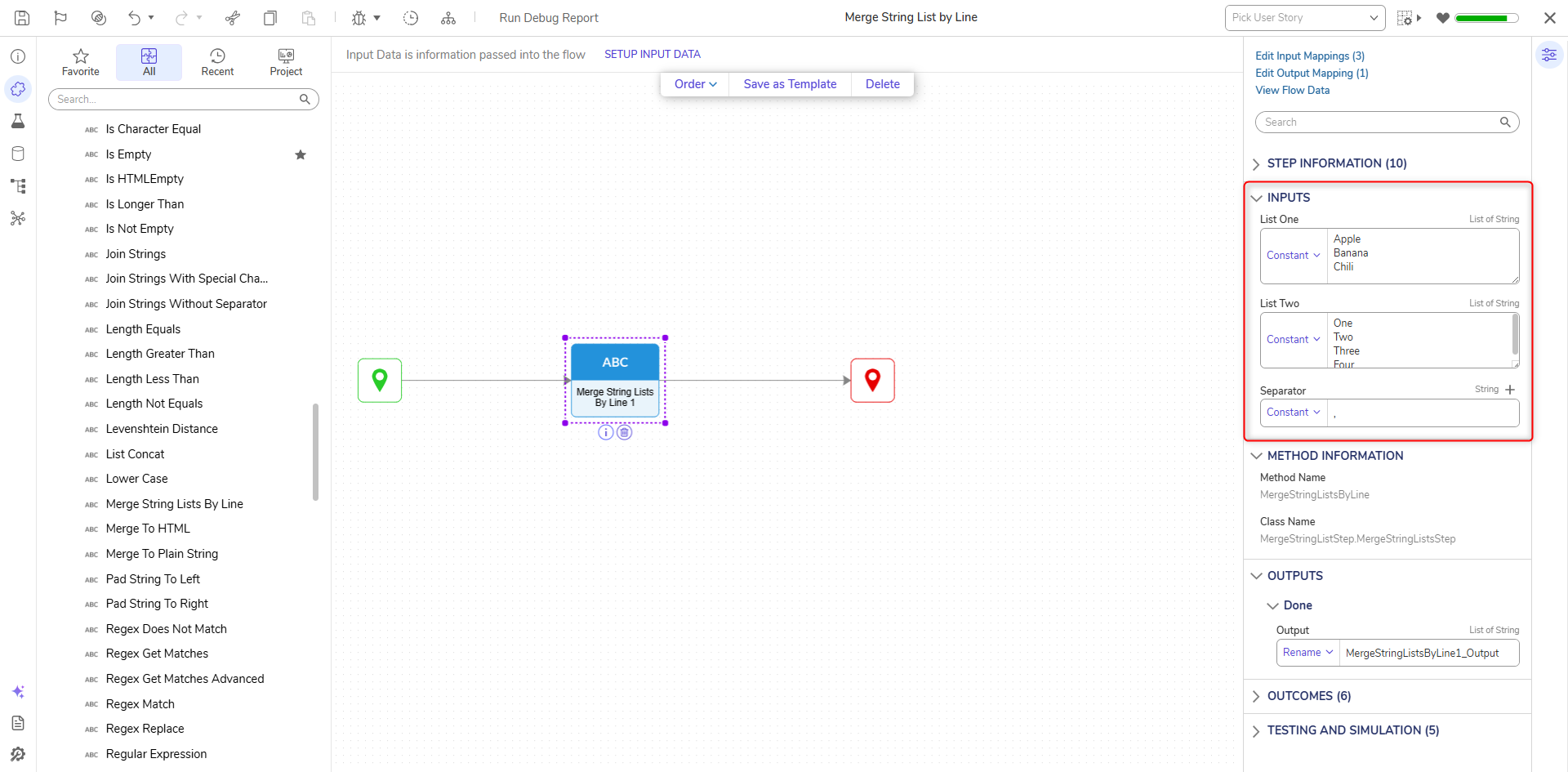
- Debug and run the Flow. The output will display the list values combined into a single list.
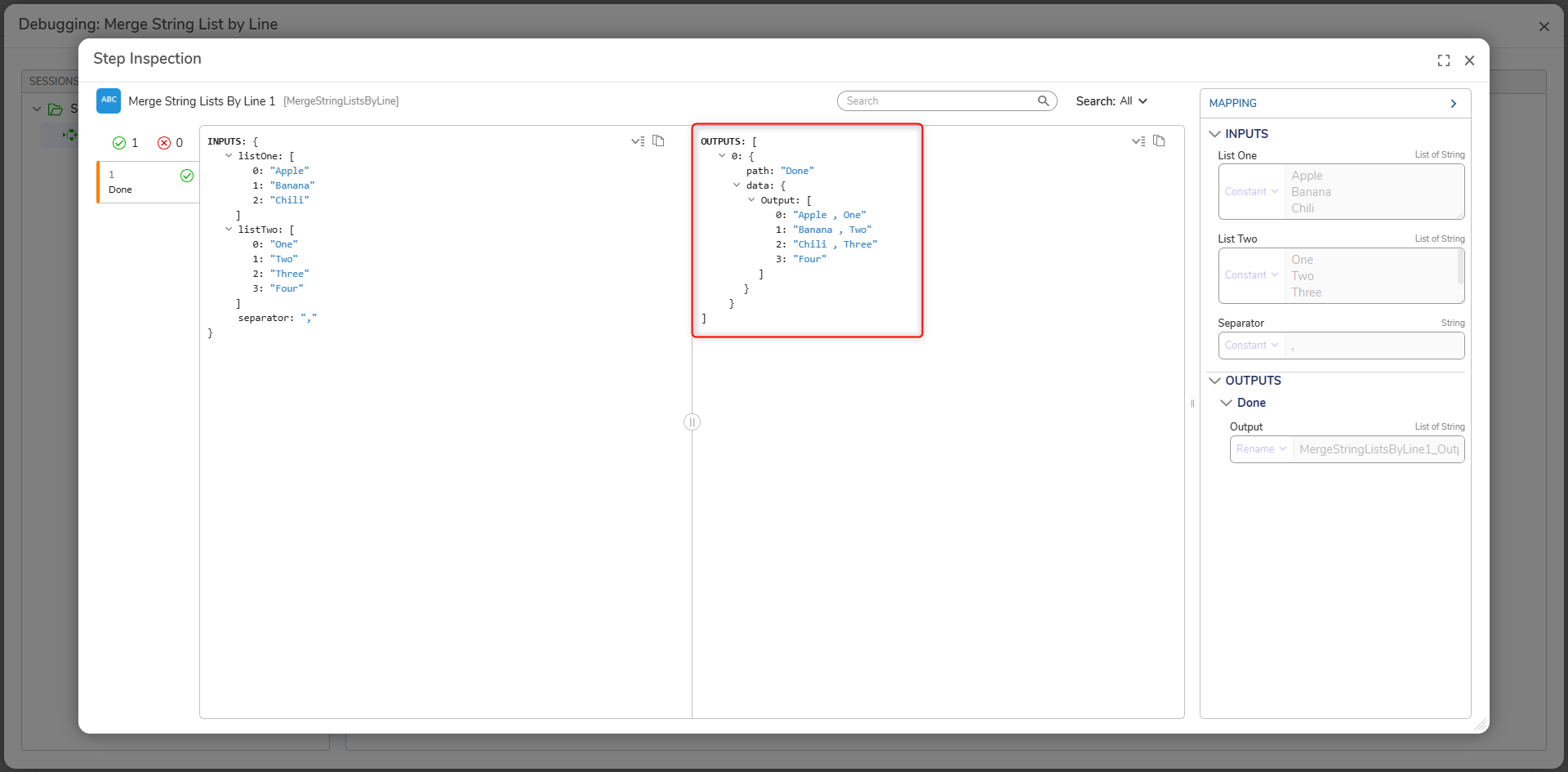
For further information on Flows, visit the Decisions Forum.