Overview
Step Details |
| Introduced in Version | 3.0.0 |
| Last Modified in Version | 8.0.0 |
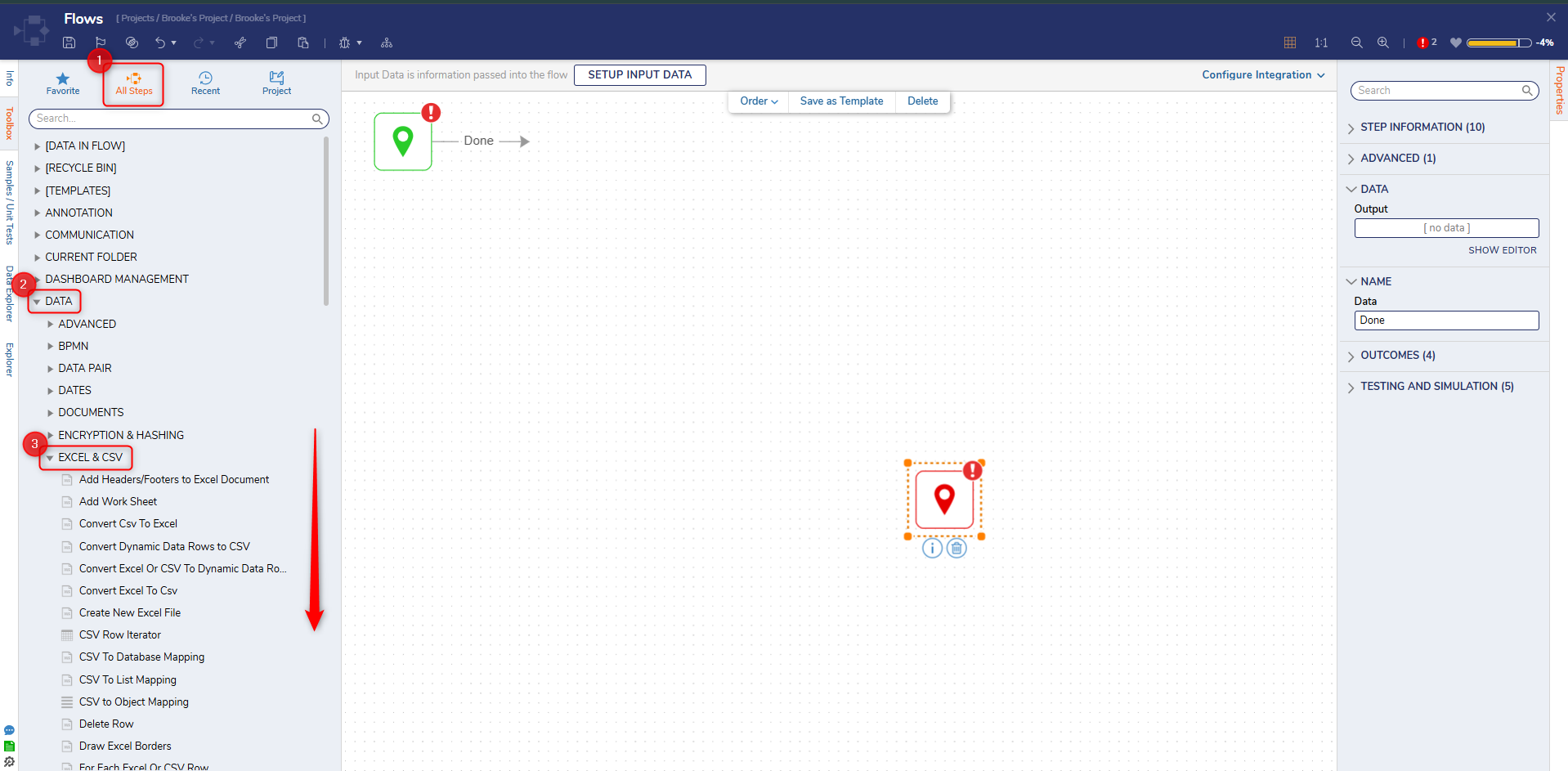
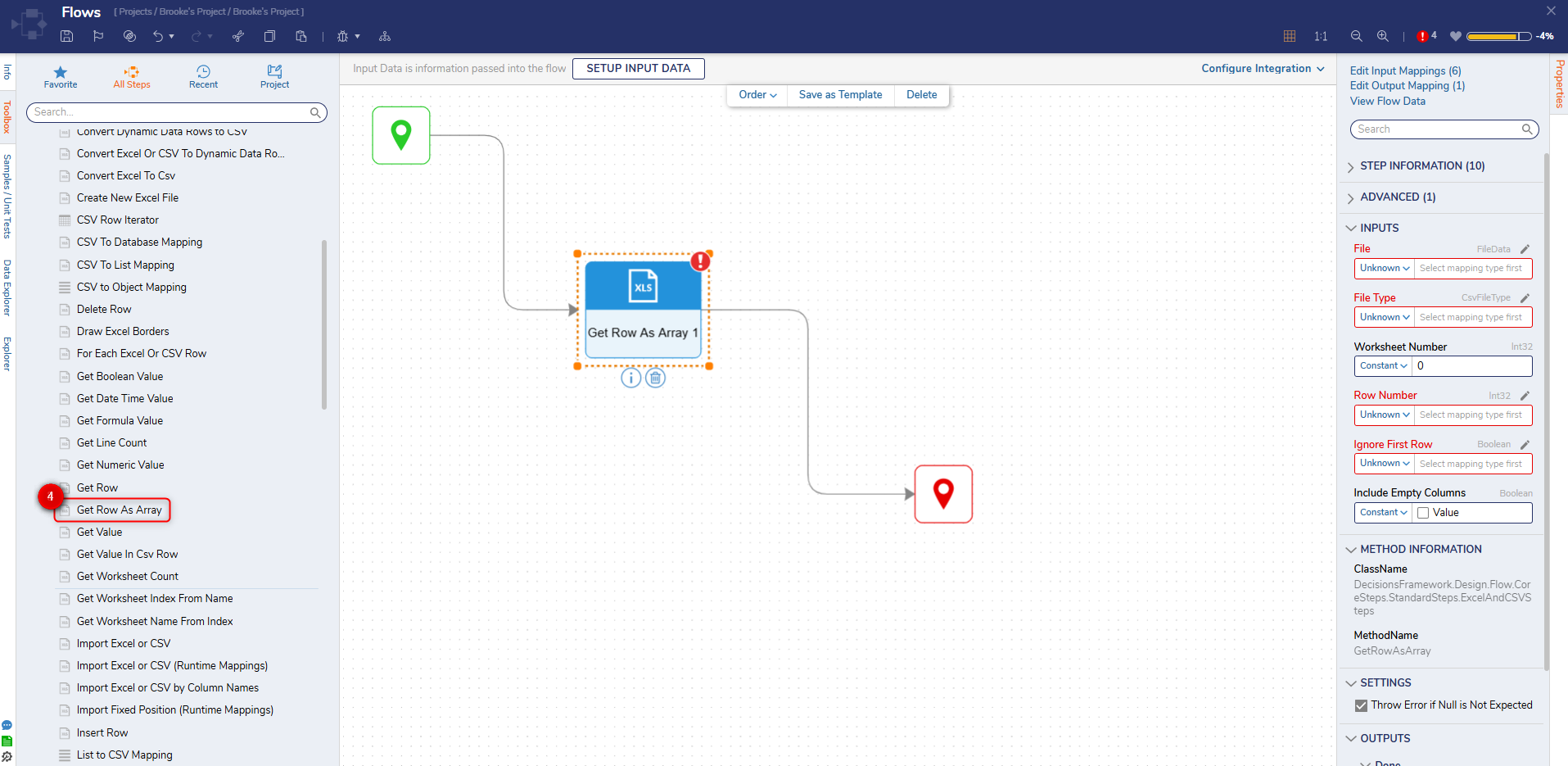
| Location | Data > Excel and CSV |
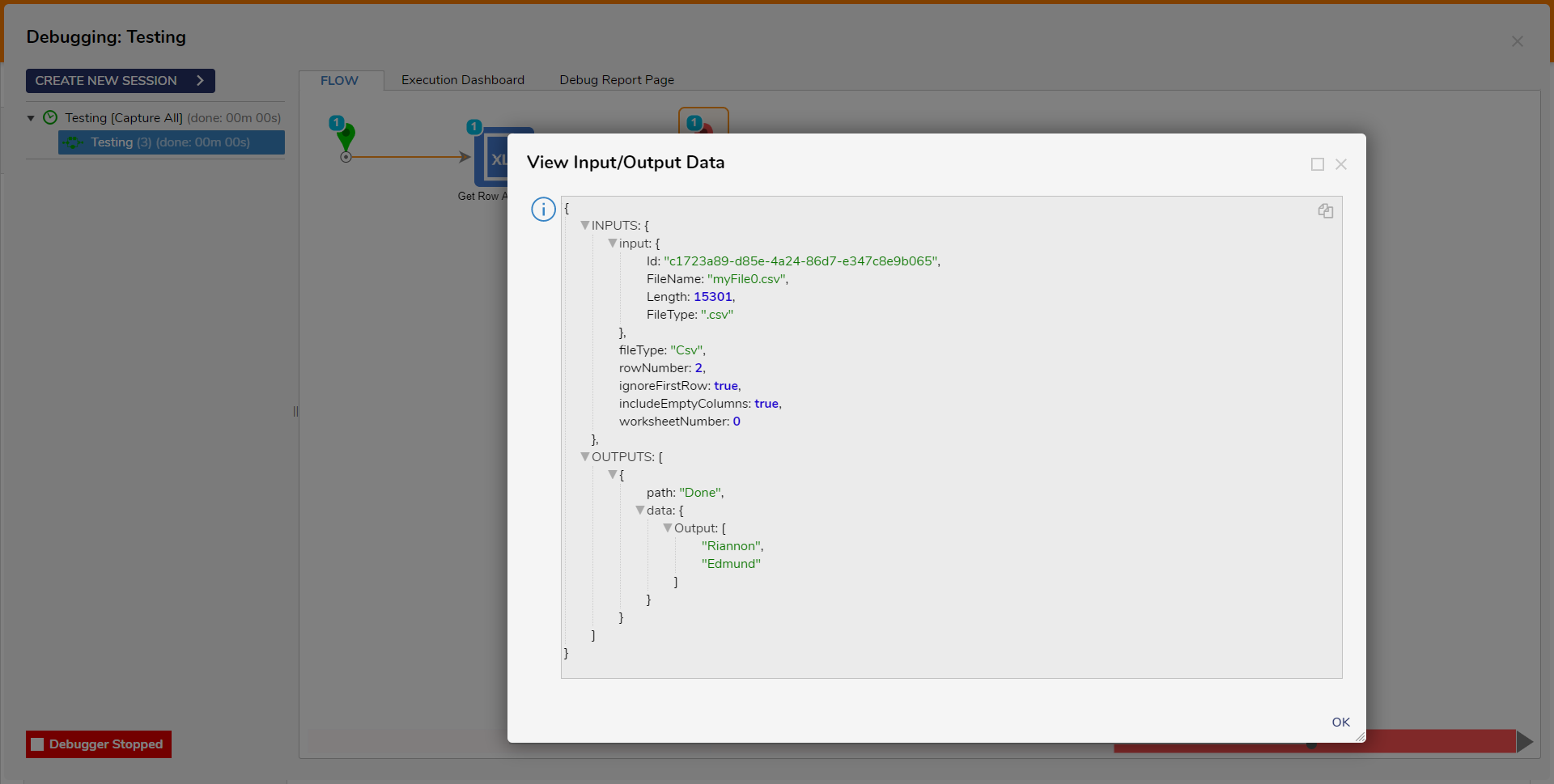
The Get Row step retrieves the value from a Row in an Excel or CSV file and returns them as a List. The Row and Worksheet Number are required to pull the value out of a particular cell.
Properties
Inputs
| Property | Description | Data Type |
|---|
| File | The Excel or CSV file where the data is pulled from.
| FileData
|
| File Type | The type of file being used by the step. The step currently supports CSV, Excel_xls or Excel_xlsx. Use Constant mapping to view the drop-down | CsvFileType |
| Worksheet Number
| The Worksheet Number the to pull the data from. The values start at zero.
| Int32 |
| Row Number
| The specified Row for the Cell. The starting value is zero
| Int32 |
| Ignore First Row
| Ignores the first Row in the file.
| Boolean |
Outputs
| Property | Description | Data Type |
|---|
| GetRowAsArray1_Output | Returns the values from the Row as a List | List of String |