Overview
Step Details | |
| Introduced in Version | 3.0.0 |
| Last Modified in Version | 8.0.0 |
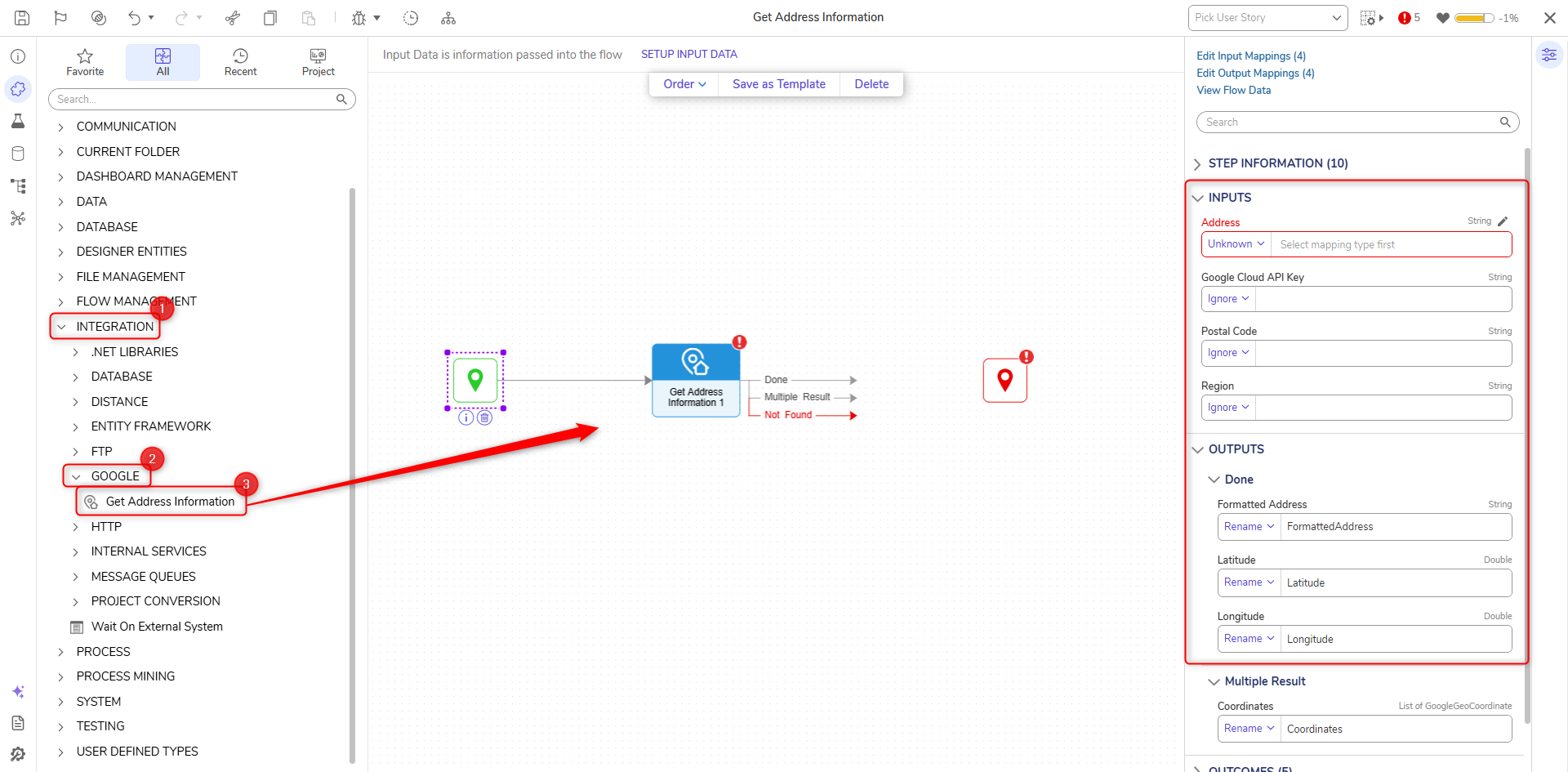
| Location | Integration > Google |
The Get Address Information step utilizes Google's Geocoding API to return the formatted address, the latitude and longitude for a location. If there are multiple results for the same address, then multiple coordinates will be returned.
Properties
Inputs
| Property | Description | Data Type | ||
|---|---|---|---|---|
| Address | The physical address for the location | String | ||
| Google Cloud API Key | The API key used with Google's Geocoding API that authenticates requests | String | ||
| Postal Code | The postal code for the address | String | ||
| Region | Limits searches to specific regions based on an entered country code. | String | ||
Outputs
| Property | Description | Data Type | |
|---|---|---|---|
| Formatted Address | The formatted address for a location | String | |
| Latitude | The latitude for the address | Double | |
| Longitude | The longitude for the addresss | Double | |
| Coordinates | If multiple results are returned, each item will be displayed with its Formatted Address, Latitude and Longitude fields. | List of GoogleGeoCoordinate | |
For further information on Integrations, visit the Decisions Forum.