Overview
Users can create variables within the Formula Designer that can then be used throughout a complex Rule.
This option is available for Truth Tables and Statement Rules only.
Creating A Variable
In the left corner of the designer for Truth Tables and Statement Rules is a section called Declare. Pressing the Add button will open the Formula Designer and allow a Variable to be created.
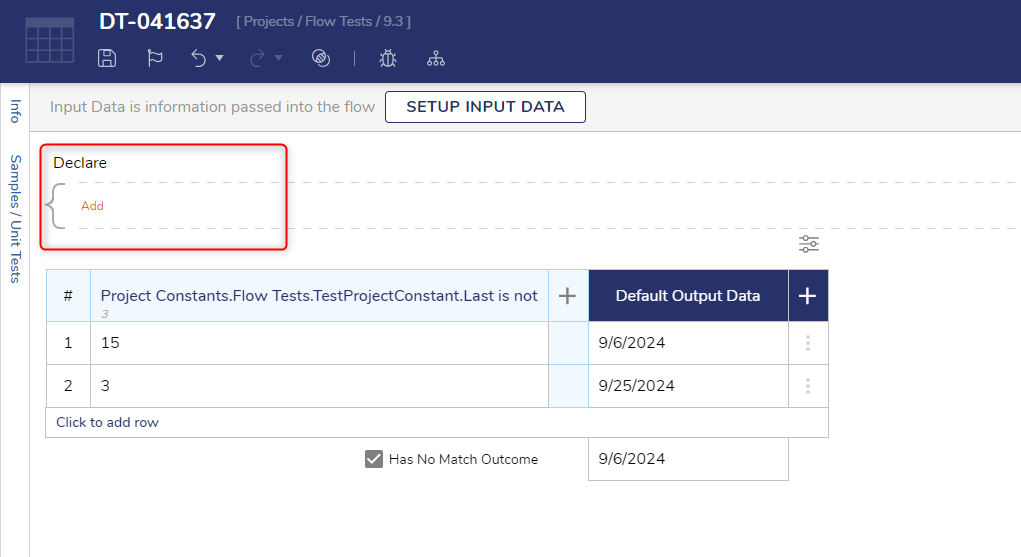 Declare Variable location in the Truth Table designer.
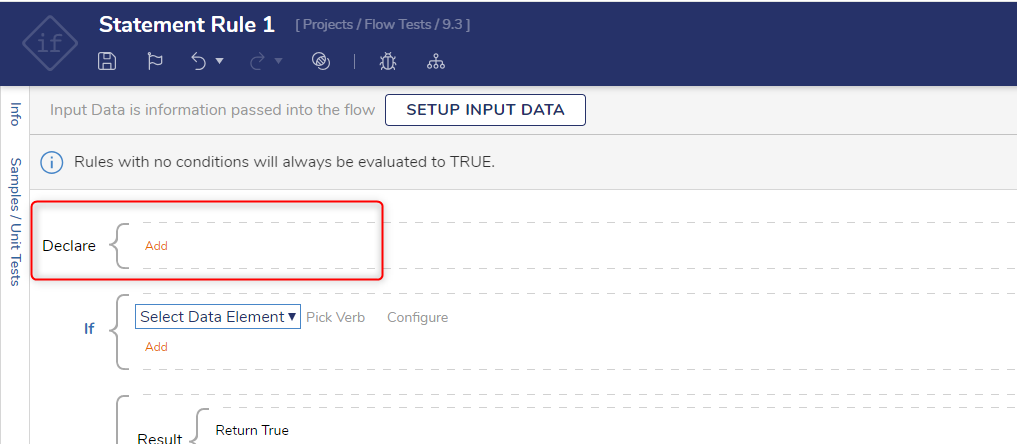 Declare Variable location in the Statement Rule designer.
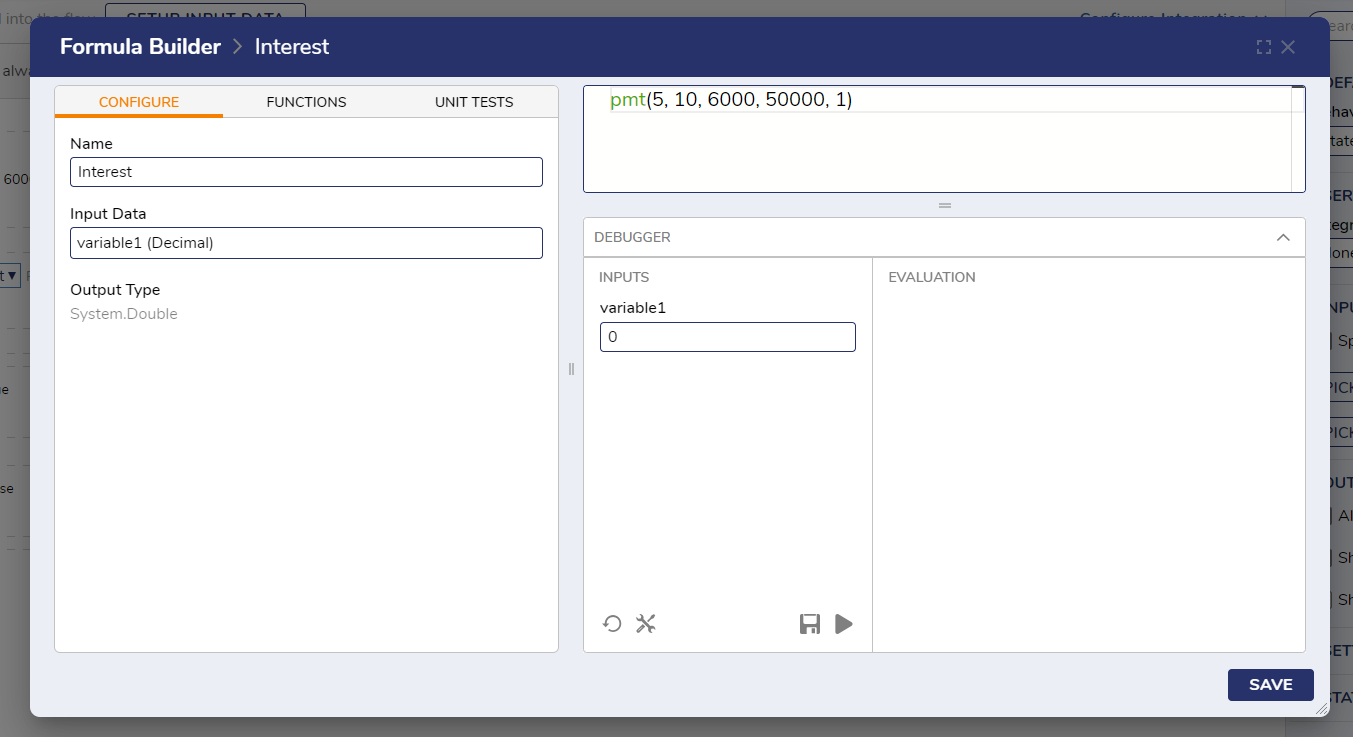
The Designer is the same, except for missing the Integrations option. Once a Variable is finished it can be tested in the Debugger. Press SAVE once complete, then press the X in the top right corner to close the menu.