Documentation Index

Fetch the complete documentation index at: https://documentation.decisions.com/llms.txt

Use this file to discover all available pages before exploring further.

Have Questions?  Need Expert Answers?  JOIN LUNCH N' LEARNS!

Make PDF Document Read Only

Prev Next

Step Details

Introduced in Version4.0.0
Last Modified in Version7.12.0
LocationData > PDF

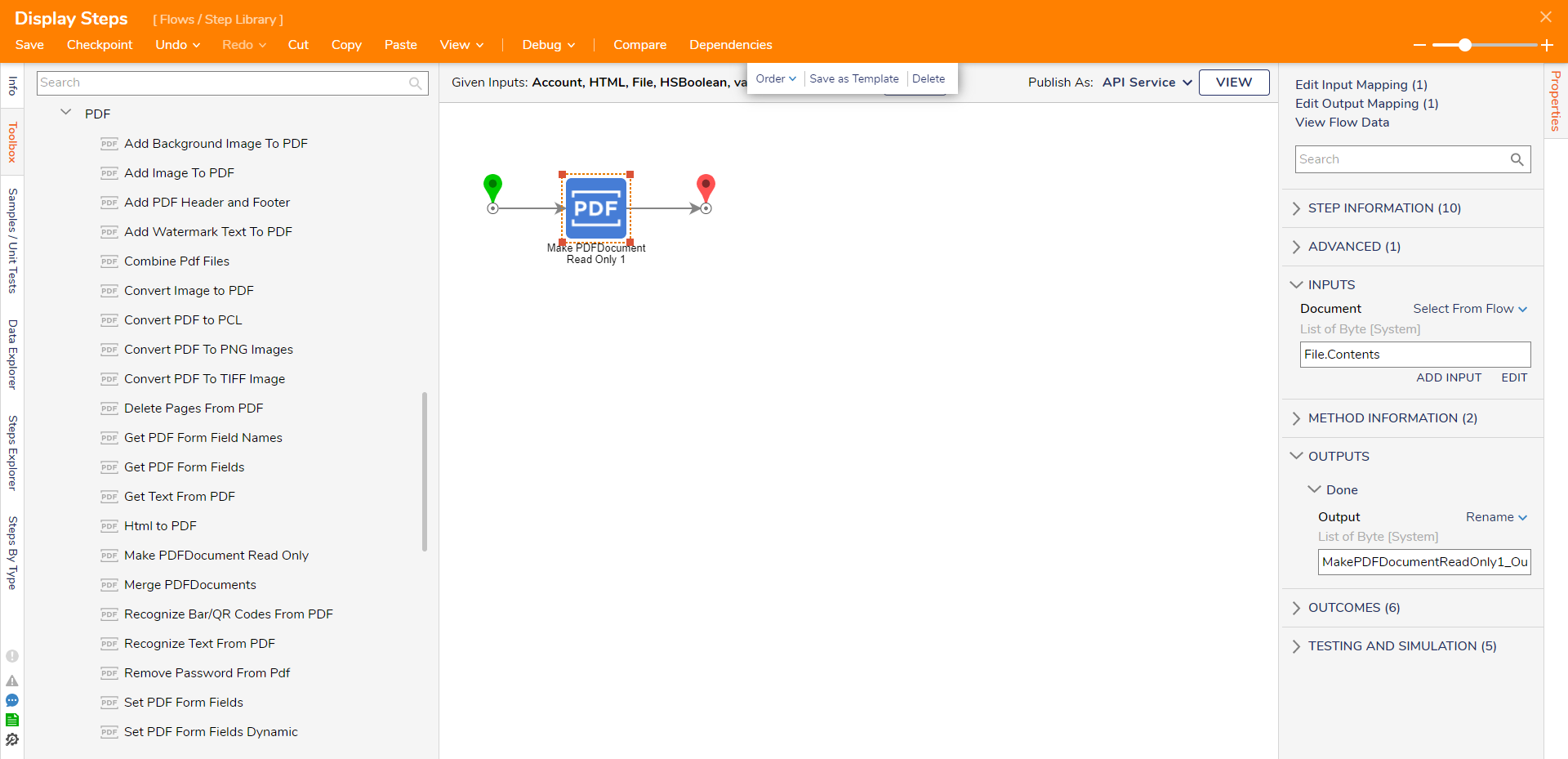
The Set PDF Read Only step allows users to set a PDF to read-only. This step will prevent the ability to modify any document content, fill in the Form fields, or comment on the document. The step accepts and outputs the PDF as a Byte string.


Properties

Inputs

PropertyDescriptionData Type
DocumentDocument to mark as Read Only to prevent any modification to the file.List of Byte

Outputs

PropertyDescriptionData Type
MakePDFDocumentReadOnly1_Output
Read Only PDFList of Byte