Step Details
|
| Introduced in Version |
5.0.0 |
| Last Modified in Version |
9.8.0 |
| Location |
Integration > HTTP |
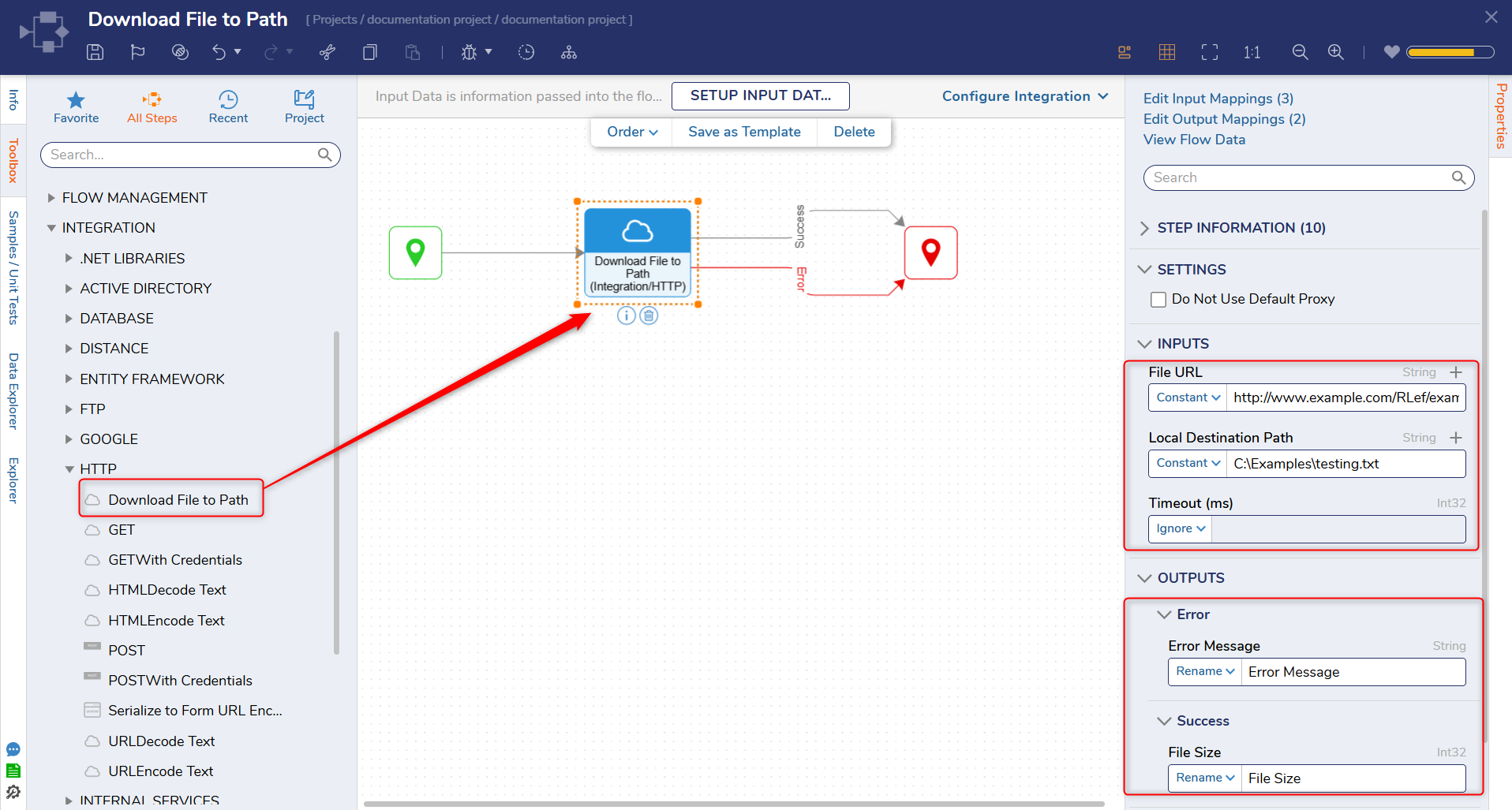
The Download File to Path step downloads the specified file from a URL to the local file system.
Properties
Settings
| Property |
Description |
Data Type |
|---|
| Do Not Use Default Proxy |
Defines whether the default proxy is used. |
Boolean |
Inputs
| Property |
Description |
Data Type |
|---|
| File URL |
URL of the file to download. |
String |
| Local Destination Path |
Full file path (including filename and extension) where the downloaded file will be saved.
Important: This path must reference the server's file system where Decisions is hosted.
Example:
C:\Users\YourUserHere\Downloads\myfile.pdf
Providing only a folder path (e.g., C:\Users\YourUserHere\Downloads) will cause the step to fail with an access error.
|
String |
| Timeout (ms) |
Amount of time that will pass before the Step times out. |
Int32 |
Outputs
| Property |
Description |
Data Type |
|---|
| Error Message |
The error that occurred. |
String |
| File Size |
Displays the file size of the downloaded file. |
Int32 |
Step Changes
| Description |
Version |
Release Date |
Developer Task |
|---|
| Added the Timeout (ms) input. |
9.8 |
March 2025 |
[DT-043477] |