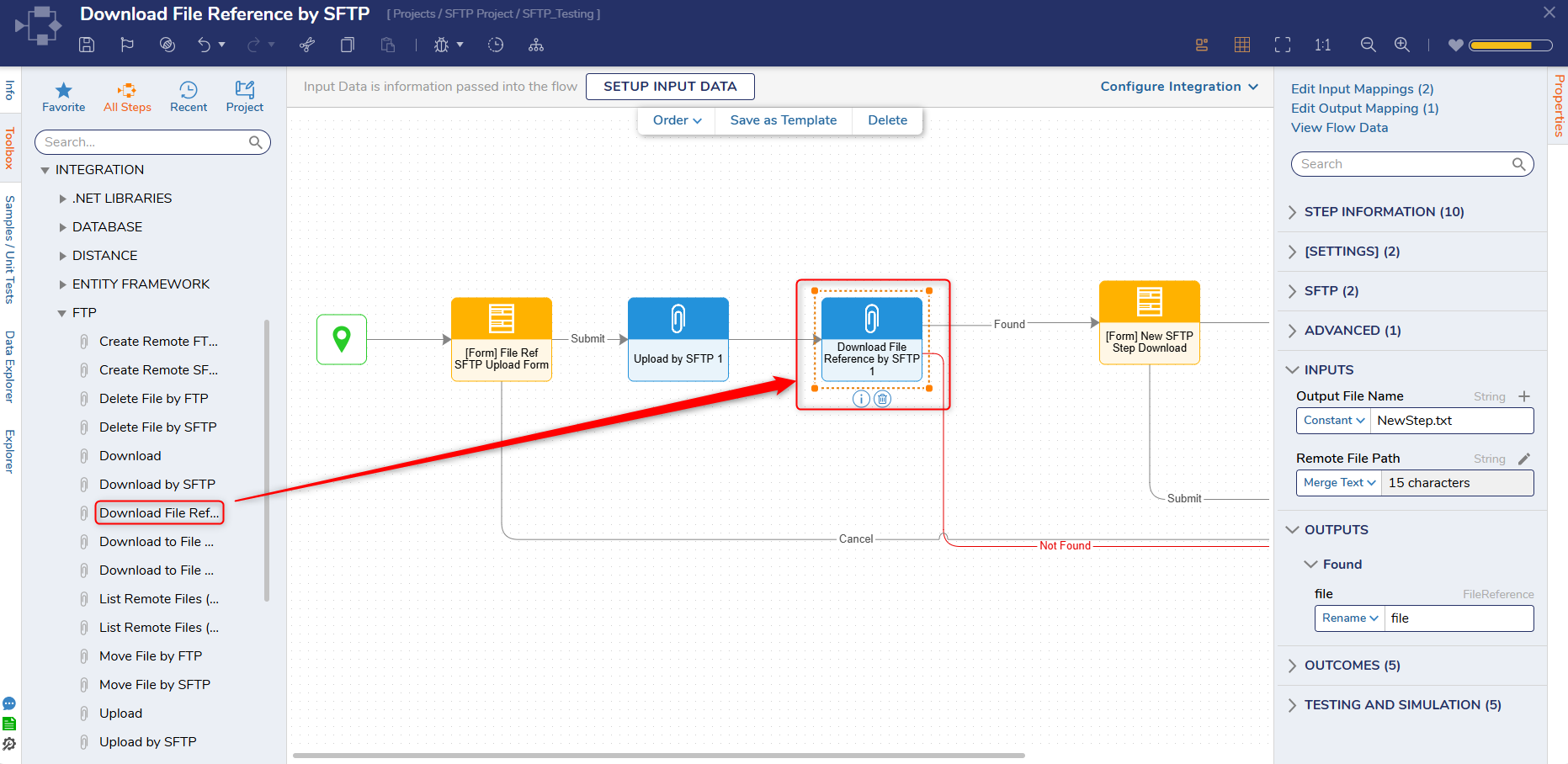
The Download File Reference by SFTP step allows Users to download a File Reference across a network from an SFTP (Secure File Transfer Protocol) server. This step requires proper authentication via username and password to connect to the specified server type.
Note: All Certificates and related information for FTP/SFTP steps are stored within the Flow Step and are not stored independently in the database or the server.
Properties
SFTP
Property
Description
Data Type
Get Connection by ID (v9.28+)
Enables Users to retrieve a connection by a specified ID.
Boolean
Get Configuration From Data
Allows Users to set the configuration as input fields.
Boolean
Server
Property
Description
Data Type
Host
Host name of the SFTP server.
String
Port
Port of the SFTP server.
String
SSL
Toggles SSL on/off.
Boolean
Authentication
Property
Description
Data Type
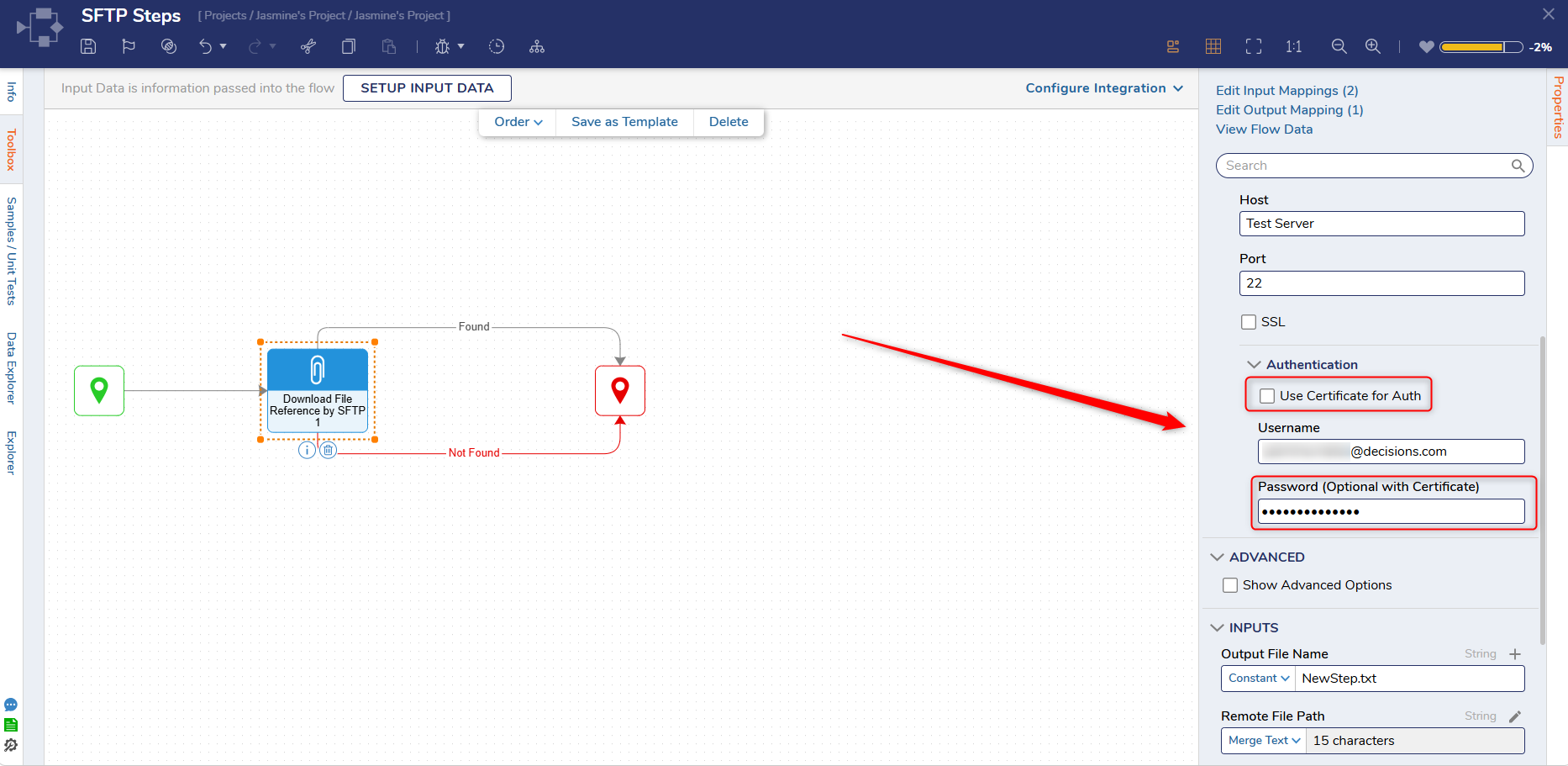
Use Certificate for Auth
Enables users to use a Certificate and Certificate Password for authentication for SFTP. Users can use the following types of certificates: X.509, PFX/PKCS#12, and PEM.
Boolean
Username
Username for the SFTP account
String
Password
Password for the SFTP account
String
Advanced
Property
Description
Data Type
Show Advanced Options
Toggles Advanced Options on/off.
Boolean
Enable Compression
Enables compression of the file being uploaded
Boolean
SSH Key Exchange Algorithm
Enables SSH to use a specified algorithm type
Boolean
Inputs
Property
Description
Data Type
Output File Name
The desired file name of the downloaded file.
String
Remote File Path
The SFTP directory path of the SFTP host.
String
Outputs
Property
Description
Data Type
File
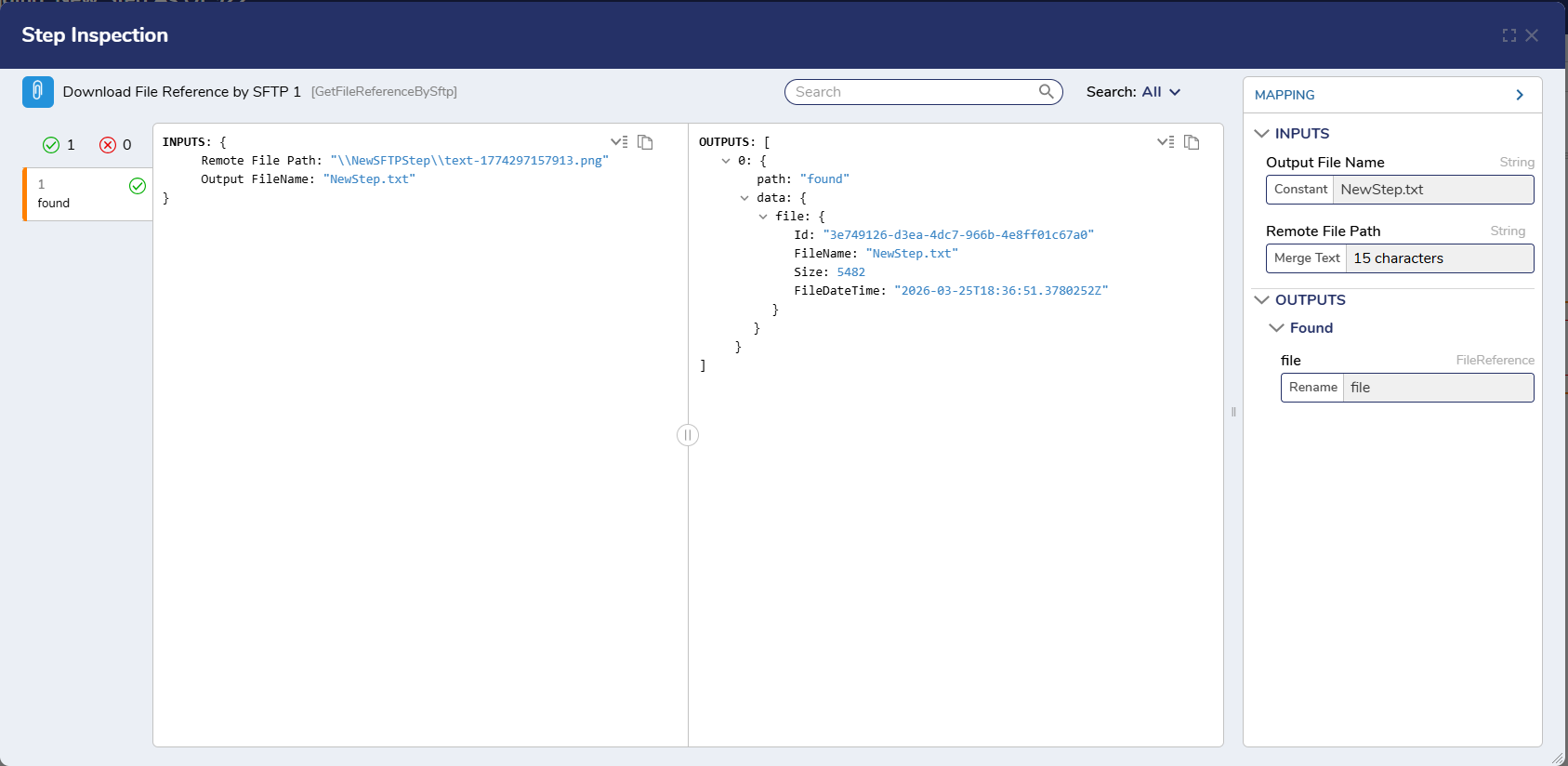
This step outputs a file reference using the specified information.
FileReference
New SFTP Authentication Setting
In v9.26+, Users have the option to provide authentication using both a public key (certificate) and a server password.