| Step Details |
| Introduced in Version | 10.1 |
| Last Modified in Version | -- |
| Location | AI > Google Gemini |
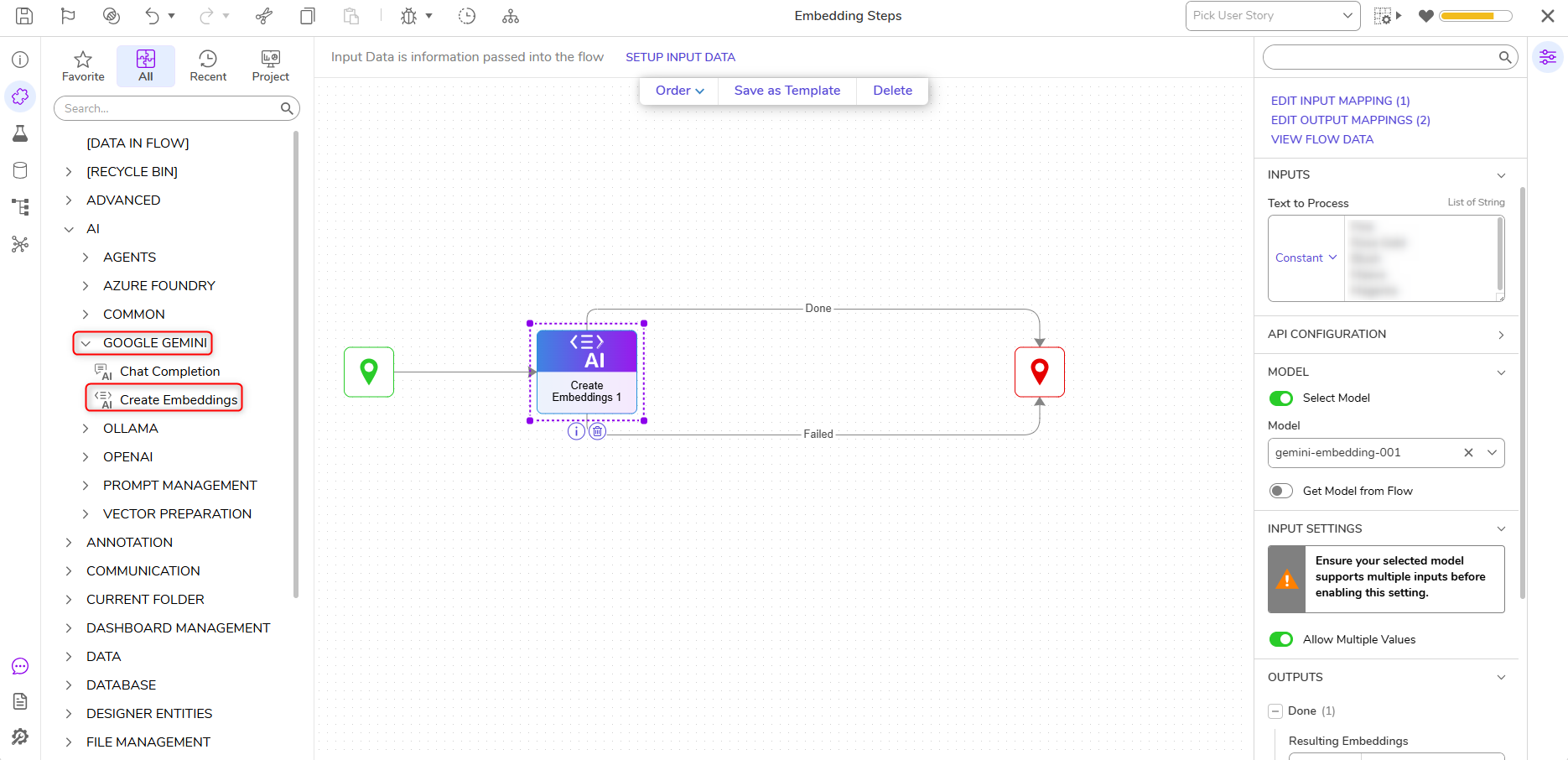
The Create Embeddings step allows Users to generate text embeddings. Example Use Cases include semantic search and Retrieval-Augmented Generation (RAG).
Prerequisites
This step requires installing the AI.Common, and AI.GoogleGemini Modules and adding their dependencies to the Project before they are available in the toolbox.
Properties
API Configuration
| Property | Description | Data Type |
|---|
| Override API Key | Enables Users to override the API key. | Boolean |
Model
| Property | Description | Data Type |
|---|
| Select Model | Enables Users to specify an Ollama Model or specify the module via Flow. | Boolean |
Input Settings
| Property | Description | Data Type |
|---|
| Allow Multiple Values | Enables Users to toggle on off/, allowing multiple values. Note: Users should ensure the selected model supports multiple inputs before enabling this setting. | Boolean |
Inputs
| Property | Description | Data Type |
|---|
| Text to Process | Allows Users to specify the text used for the embedding. | String |
Outputs
| Property | Description | Data Type |
|---|
| Resulting Embeddings | The created embedding from the input text. | -- |
Example Inputs & Outputs
Inputs:
{
"Text to Process": [
0:
1:
2:
3:
4:
Outputs: [
0: {
path: "Done"
data: {
Resulting Embeddings: {
Object:
data: [
0: {
object:
index:
embeddings: [
0:
1:
2:
...
Step Changes
| Description | Version | Date | Developer Task |
|---|
| Added Embedding steps for Ollama, Azure Foundry, and Google Gemini. | 10.1 | August 2026 | [DT-047149] |