Follow these steps to log in to the ProcessMaker Platform:
Open your web browser and go to the provided URL.
Enter your Username and Password.
Click the Sign In button to access your account.
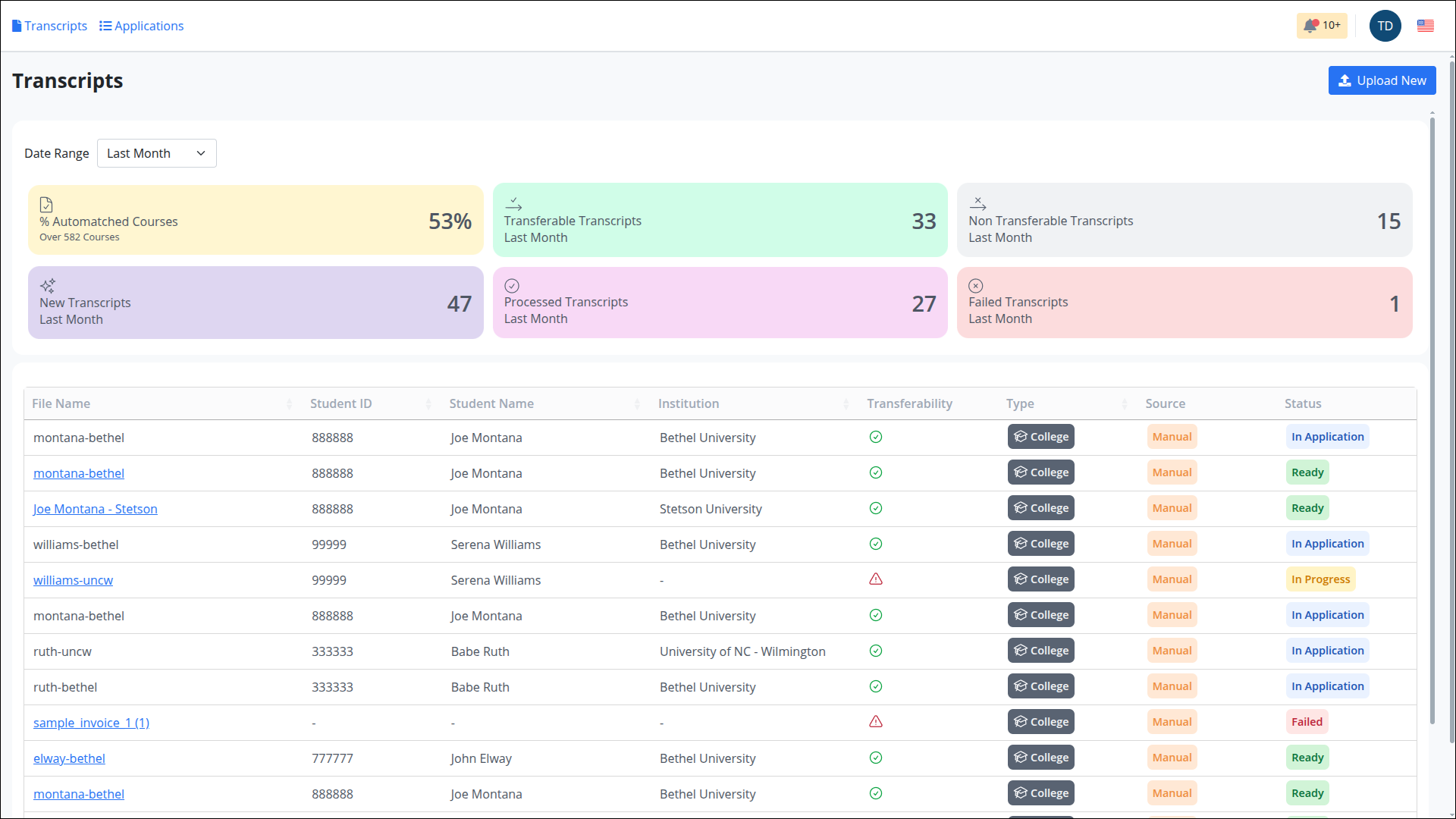
Once logged in, you will be redirected to the following dashboard.
Status Indicators
Transcripts are labeled with color-coded tags to show their current status.
Processing– The system is extracting data. No user actions are available at this stage.In Progress– The transcript is missing key details (e.g., student name, institution, or course list). User input is needed to complete or correct the data.Ready– The transcript is fully processed and complete. It can now be used in a transfer credit application.In Application– The transcript is part of an active Transfer Credit Evaluation application and cannot be edited.Failed– The file is invalid or unrecognized. It cannot be processed and should be replaced.