Overview
The Redaction Folder (available in v10.1) allows Users to define Rules that redact matching strings in AI responses and replace them with a specified placeholder string. When Enforce Prompt Redactions is enabled in Common AI Settings, these Rules are automatically applied to AI responses. Users can also upload a .txt test file to preview redacted values and view usage statistics that track how many times a redaction has occurred.
Utilizing the Redaction Folder
- Navigate to System > Redaction.
- The Redaction Dashboard will display:
- Filters
- Usage Statistics
- Test Results
- Users have access to the following settings found at the top of the Dashboard:
.png)
| Setting Name | Description | Image |
|---|---|---|
| New Custom Redaction | Enables Users to create a new custom redaction. | 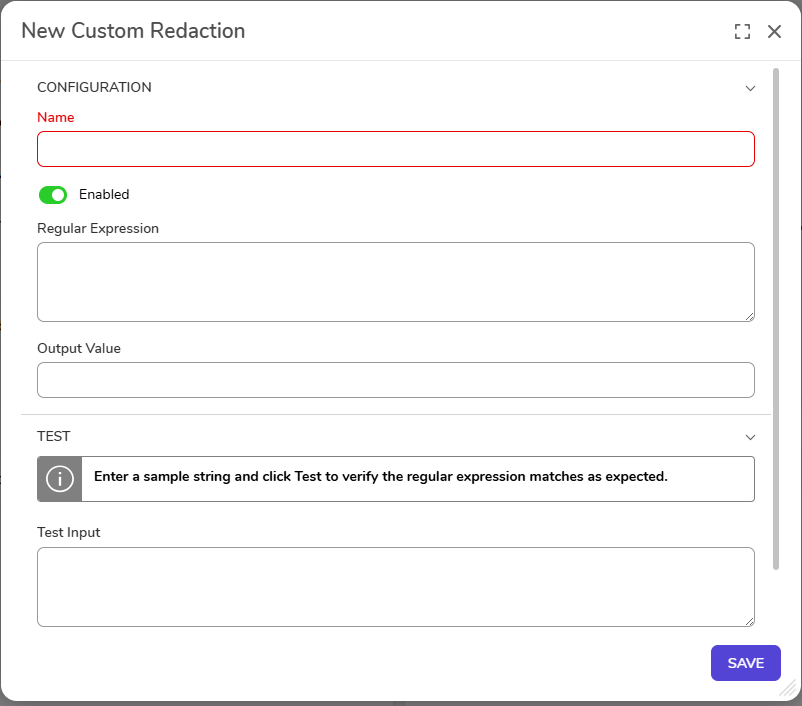 |
| Upload Test File | Enables Users to upload a test file. *Only .txt files can be uploaded. | 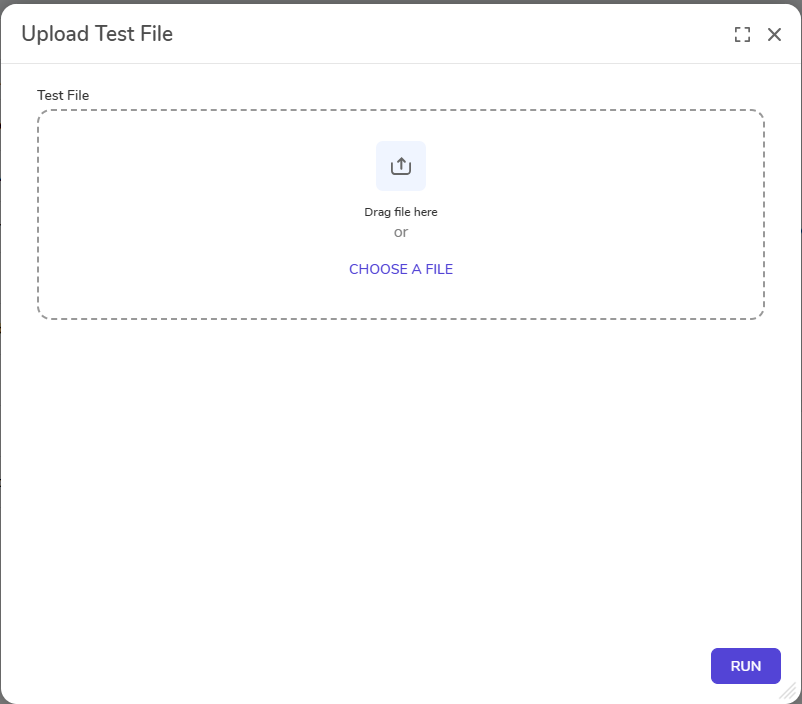 |
| Clear Test History | Enables Users to delete all test results from the Redaction Folder. *This action cannot be undone. | 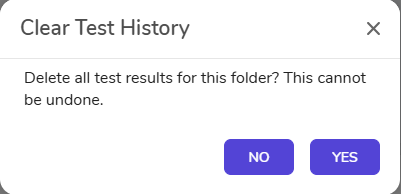 |
Example
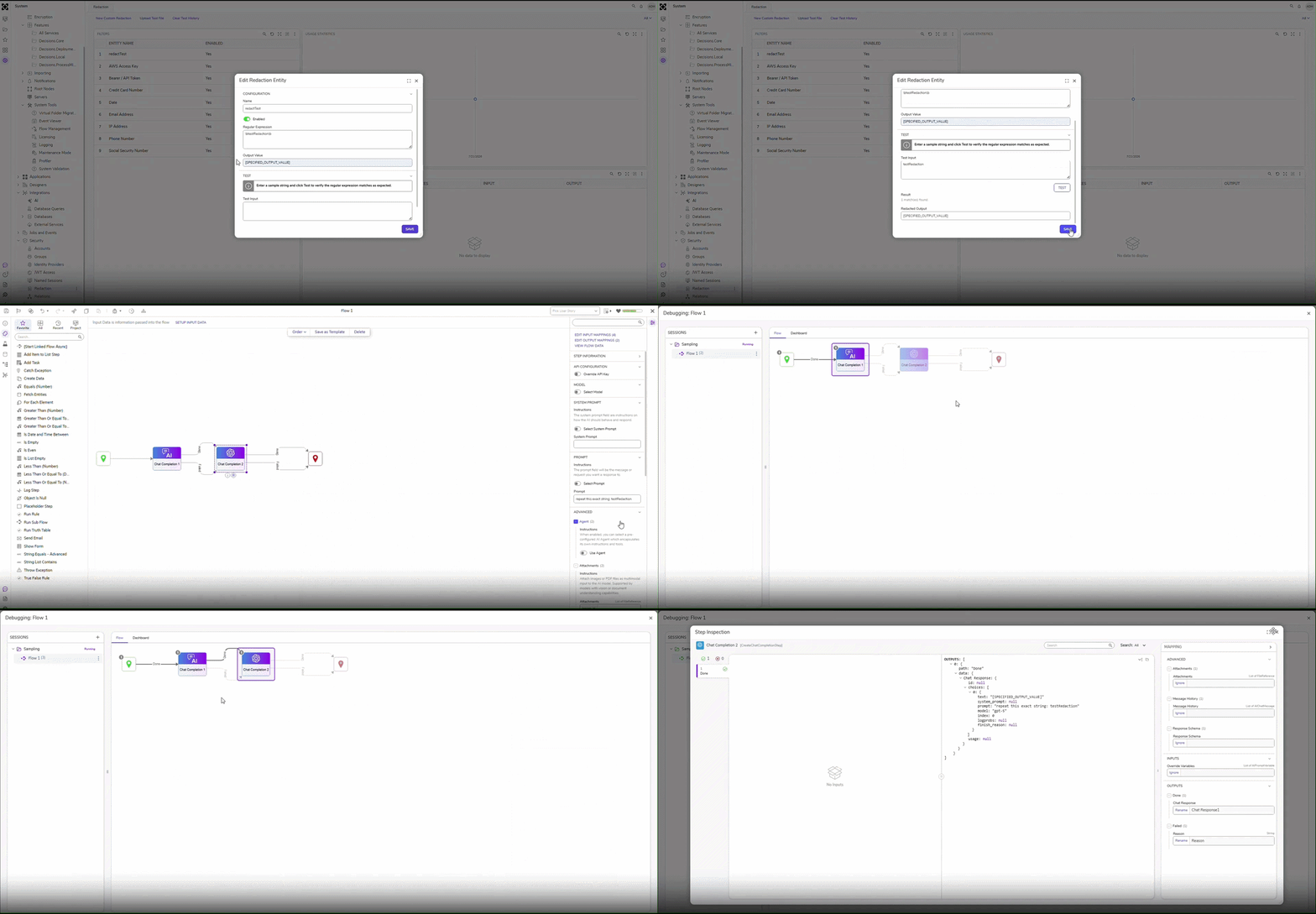
The following example demonstrates how to create and test a redaction rule within the Redaction Folder using the Chat Completion Step.
Feature Changes
| Description | Version | Release Date | Developer Task |
|---|---|---|---|
| A new Redaction Folder has been added under System > Security. | 10.1 | August 2026 | [DT-048122] |