Overview
Module Details | |
| Core or GitHub Module | Core |
| Restart Required | No |
| Step Location | AI > Ollama |
| Settings Location | Settings > Ollama Settings |
| Prerequisites |
|
The Ollama Module enables chat completion via the integrated Chat Completion step and provides support for Agents and AI Tool Flow functionality.
Configuration/Properties
Installation
- To set up the Module in Decisions, navigate to Settings > Administration > Features, locate the Ollama Module, and select Install.
- The AI Common Module will automatically install in the background if this is the first AI Module installed in the environment.
Creating a Dependency:
- After installing the module, navigate to the project that will utilize the Ollama Module.
- Then, within the Project, navigate to Manage > Configuration > Dependencies.
- Select Manage, navigate to Modules, and select Decisions.AI.Ollama.
- Select Confirm to save the change.
For more information on installing Modules, please visit Installing Modules in Decisions.
For more information about creating a project dependency for a Module, please visit Adding Modules as a Project Dependency
For more information on AI Modules, please visit Utilizing AI Modules in Decisions.
Available Steps
The table below lists all the steps in the Module.
| Step Name | Description |
|---|---|
| Chat Completion | The Chat Completion step enables prompts to be submitted to a large language model(LLM) and will return the response the LLM gives back. Prompts can be added directly or pulled from the Flow. Users can also select the model they want to review the prompt. |
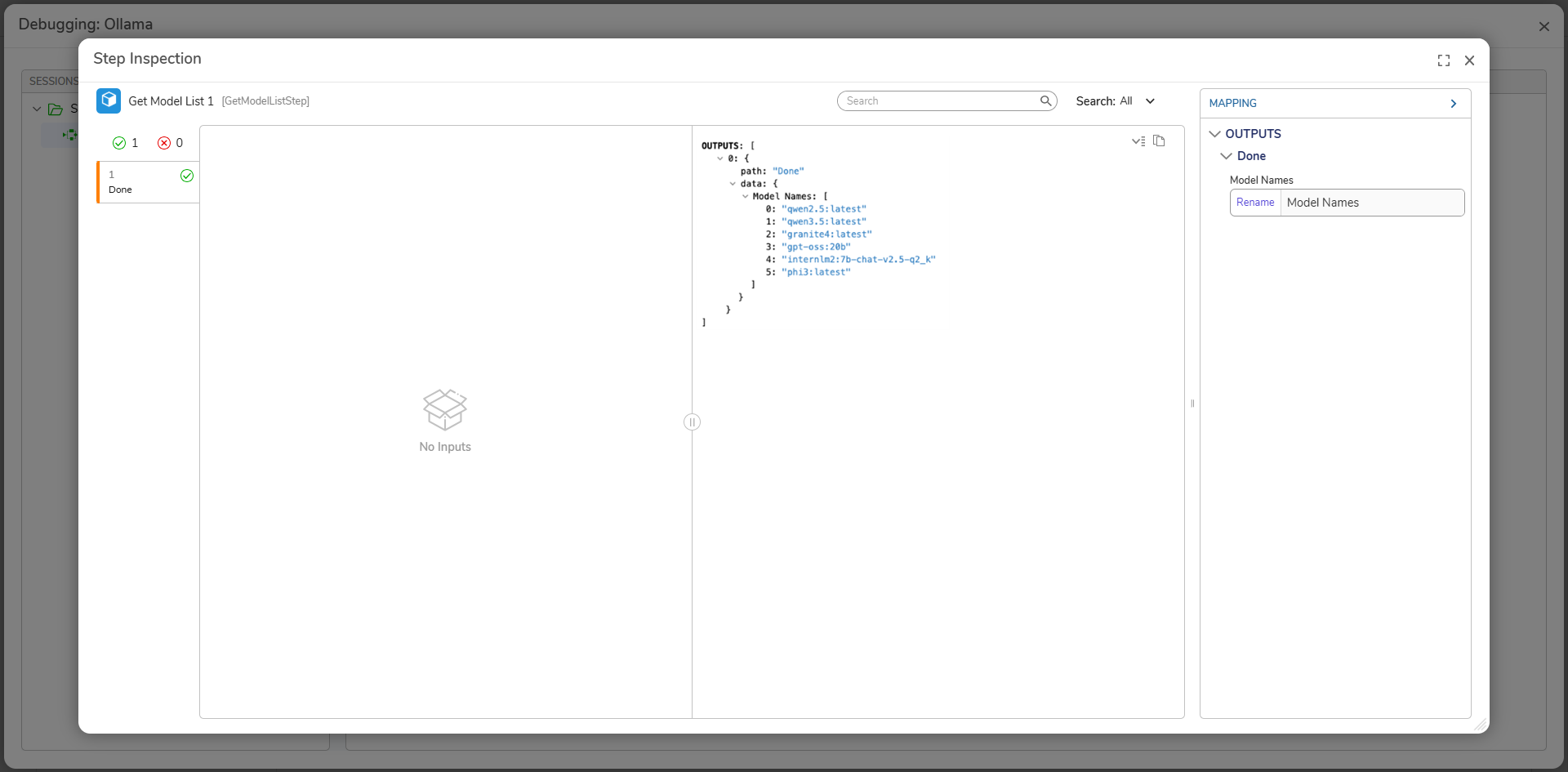
| Get Model List | The Get Model List returns a list of installed Ollama models on the server. |
Available Models
The Ollama Module has several models, including:
- deepseek-r1:8b
- gemma3:4b
- gpt-oss:20b
- gpt-oss:20b
- qwen3:8b
Users can also specify a model by selecting Get Model from Flow. Please visit Ollama for a full list of available models.
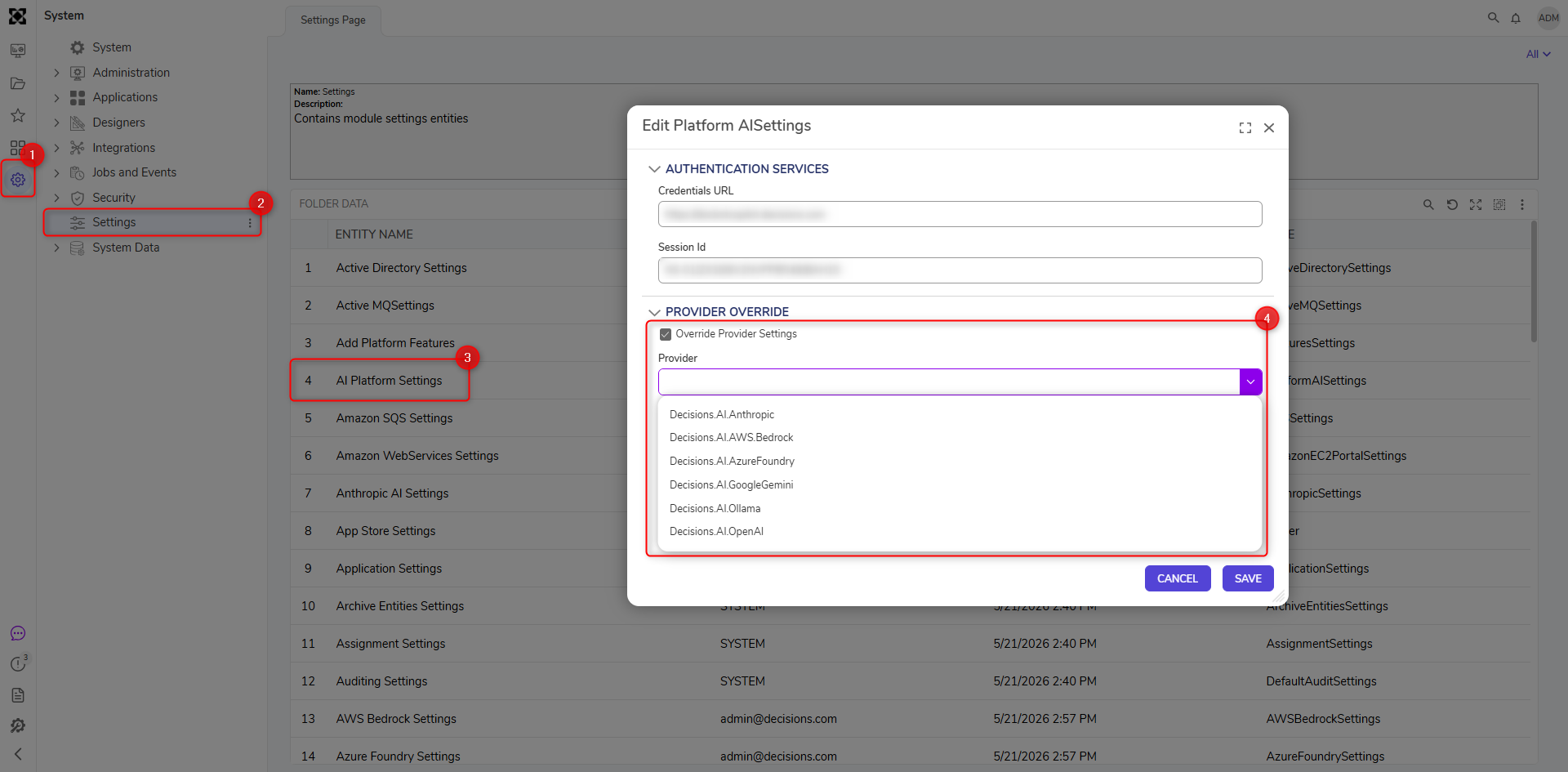
Overriding Provider Settings for Gen AI Features
Users can override the LLM provider for our generative AI features (Create Forms, Rules, Formulas, etc. from AI) and specify the desired LLM provider from a list of currently implemented LLMs. Users can also specify which model will be utilized. Authentication is performed by the corresponding LLM settings in Decisions.