Overview
The External Rule Execution History setting enables Users to redirect Rule Audit History and Rule Audit Phrase History records to a separate external database instead of the internal table. If the external database becomes unreachable at any point, audit writes automatically fall back to the internal database, and each failure is recorded in the logs.
Enabling/Editing the External Rule Execution History Settings
To enable the External Rule Execution History Settings:
- Navigate to Global Settings> External Rule Execution History Settings.
- Click Enable External Settings. Users should note that this setting is disabled by default.
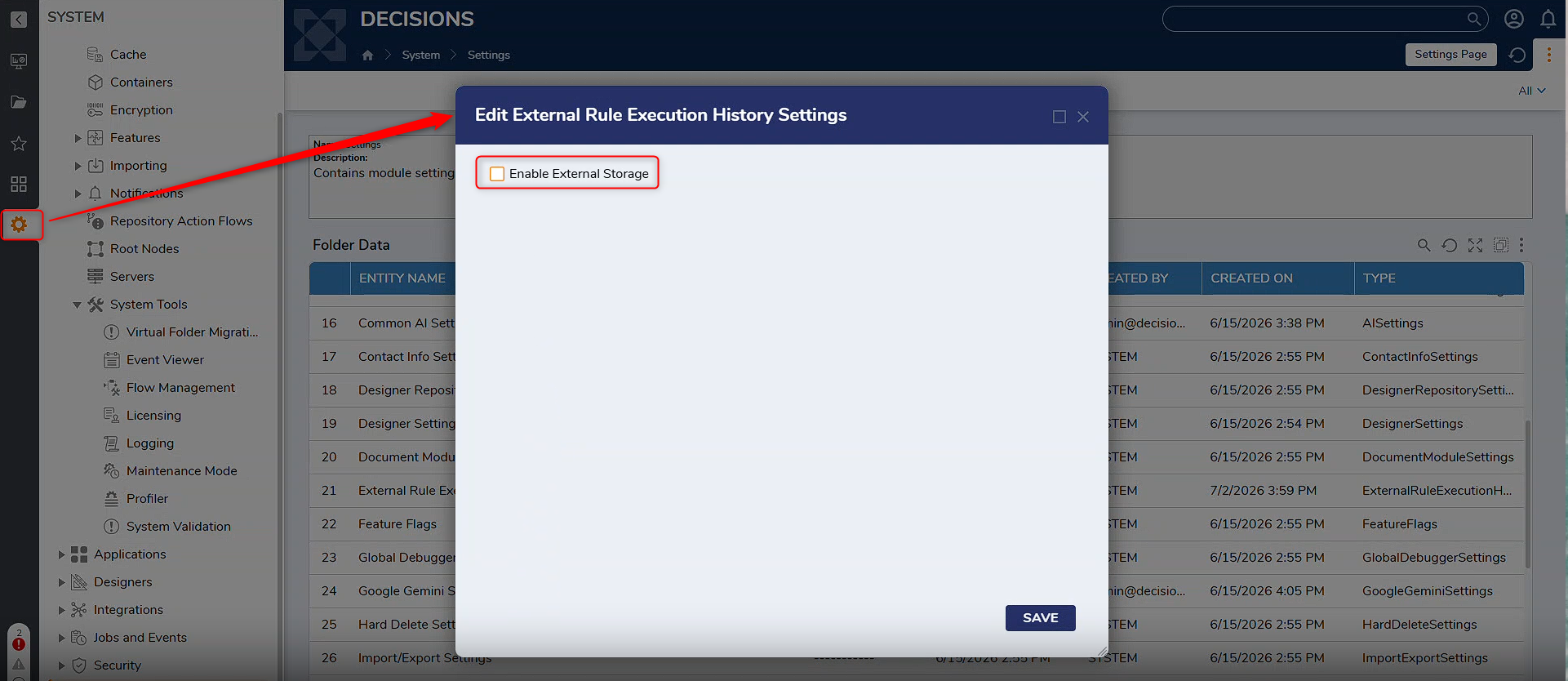
- Enter the Connection String for the desired database and test the connection to ensure it's successful.
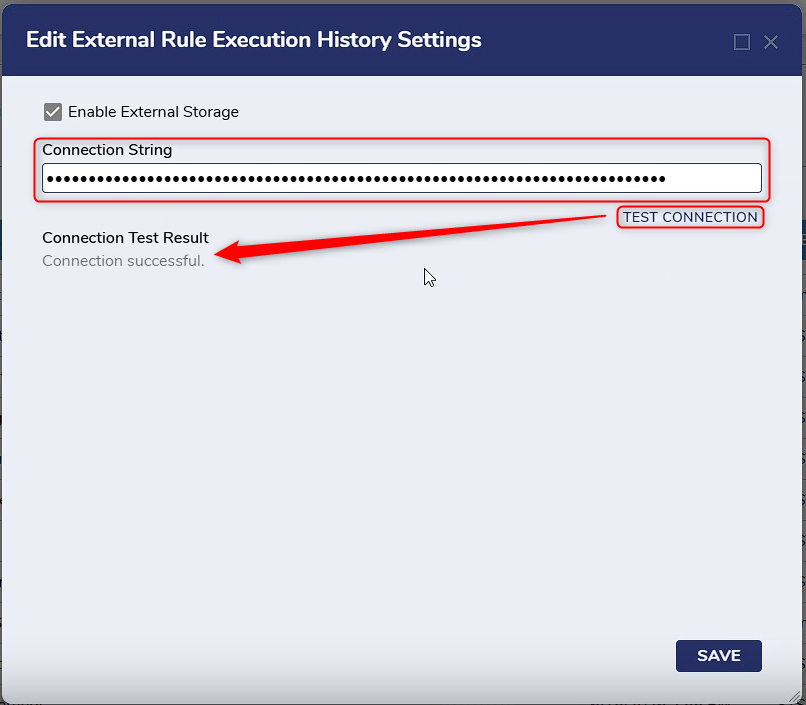
- Click Save and close the window.
Once these settings are enabled, Rule Audit History and Rule Audit Phrase History will be saved to the specified external database.
Feature Changes
| Description | Version | Release Date | Developer Task |
|---|---|---|---|
| Added a new setting that lets the platform save Rule Audit History and Rule Audit Phrase History to a separate external database instead of the platform's own database. | 9.29 | July 2026 | [DT-047343] |