Step Details | |
| Introduced in Version | 4.0.0 |
| Last Modified in Version | 5.0.0 |
| Location | Database |
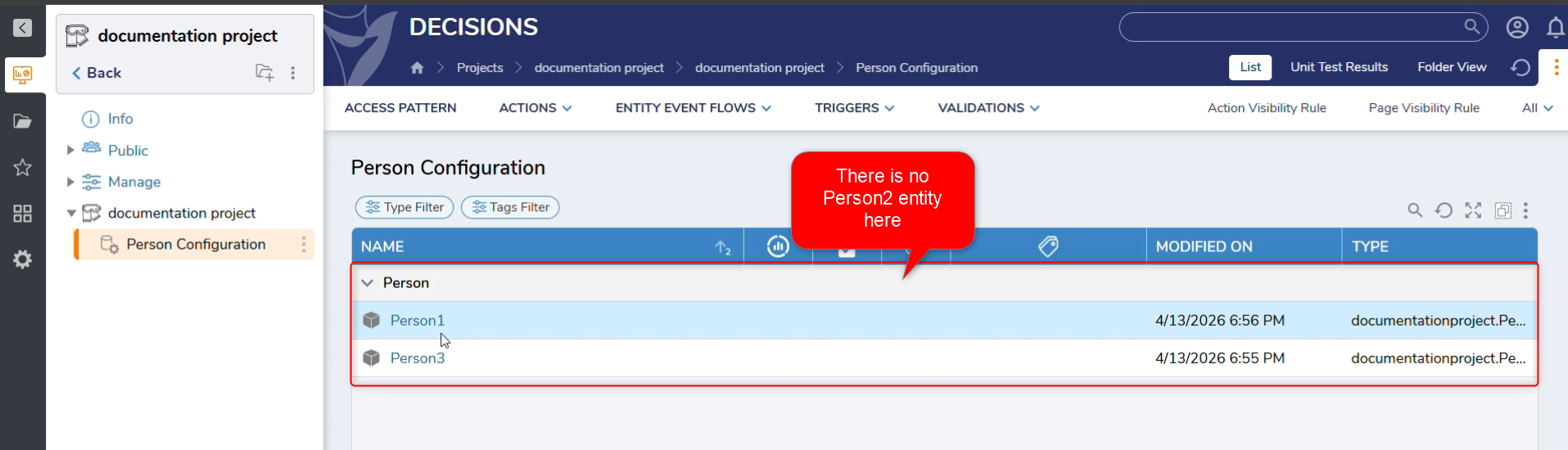
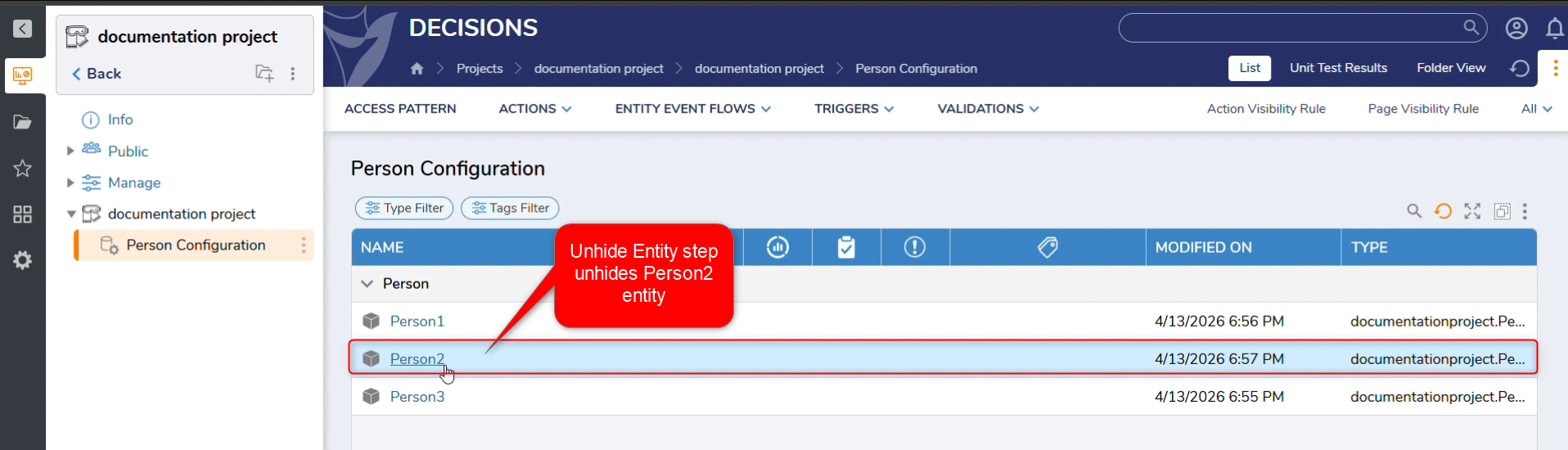
The Unhide Entity step restores visibility to any hidden entity in the Decisions platform that is part of the Entity Framework.
Unhiding only affects how the entity appears in folder listings and views; it does not modify, recreate, or alter the entity, its configuration, or any associated data.
Note:
Hidden items may still appear for users who have access to views or reports configured to include hidden items (for example, folder views that show “all items with hidden”).
Properties
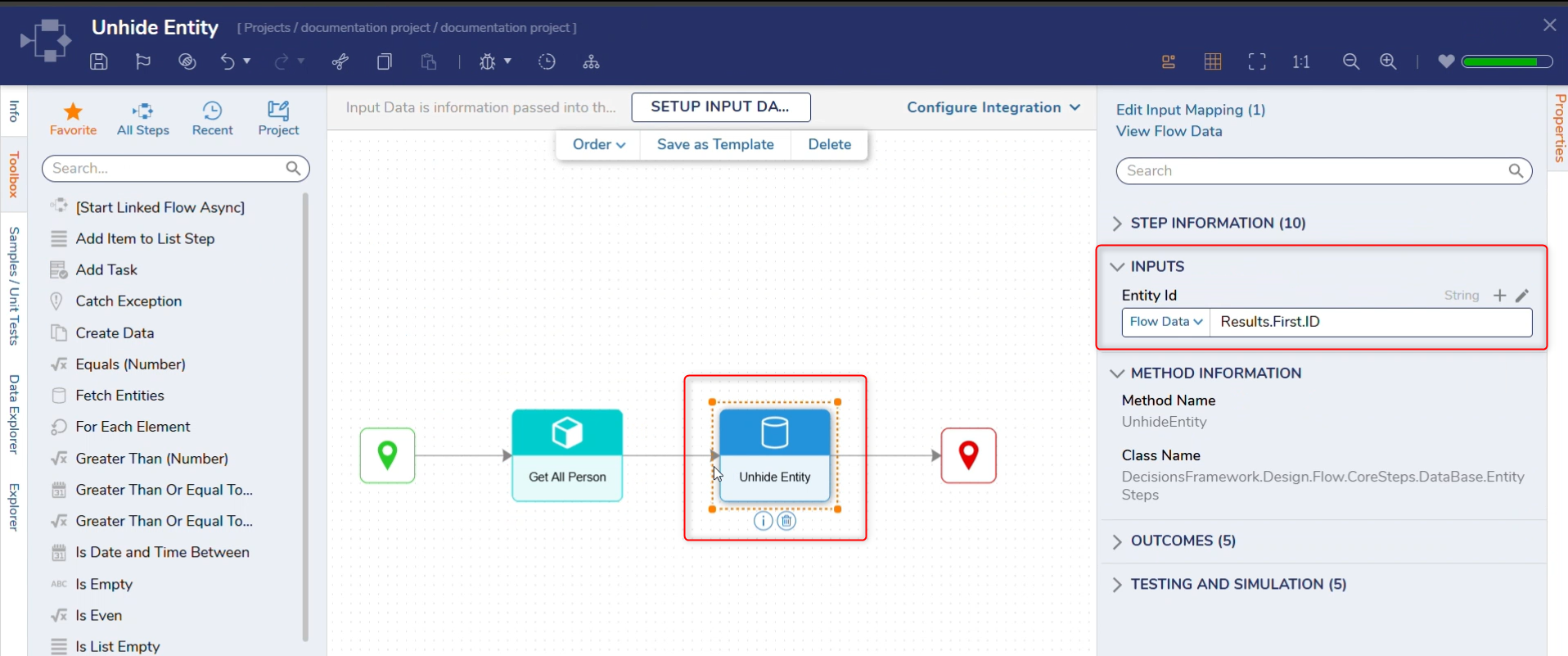
Inputs
| Property Name | Description | Data Type |
|---|---|---|
| Entity Id | The ID of the Entity | String |
Behavior
- This step toggles an entity’s hidden/visible state within its parent folder.
- The hidden state is not a security control. Users may still see hidden items if their folder view or report is configured to include hidden items.
- To unhide multiple entities, run this step in a loop or iterate over a list of Entity IDs.