---
title: "Sanitize Html"
slug: "sanitize-html"
updated: 2026-10-06T17:11:27Z
published: 2026-10-06T17:11:27Z
canonical: "documentation.decisions.com/sanitize-html"
stale: true
---
> ## Documentation Index
> Fetch the complete documentation index at: https://documentation.decisions.com/llms.txt
> Use this file to discover all available pages before exploring further.
# Sanitize Html
| Step Details |
| --- |
| **Introduced in Version** | 9.32, 10.3 |
| **Last Modified in Version** | -- |
| **Location** | Data > Text |
The Sanitize HTML step removes HTML tags from the specified HTML input.
---
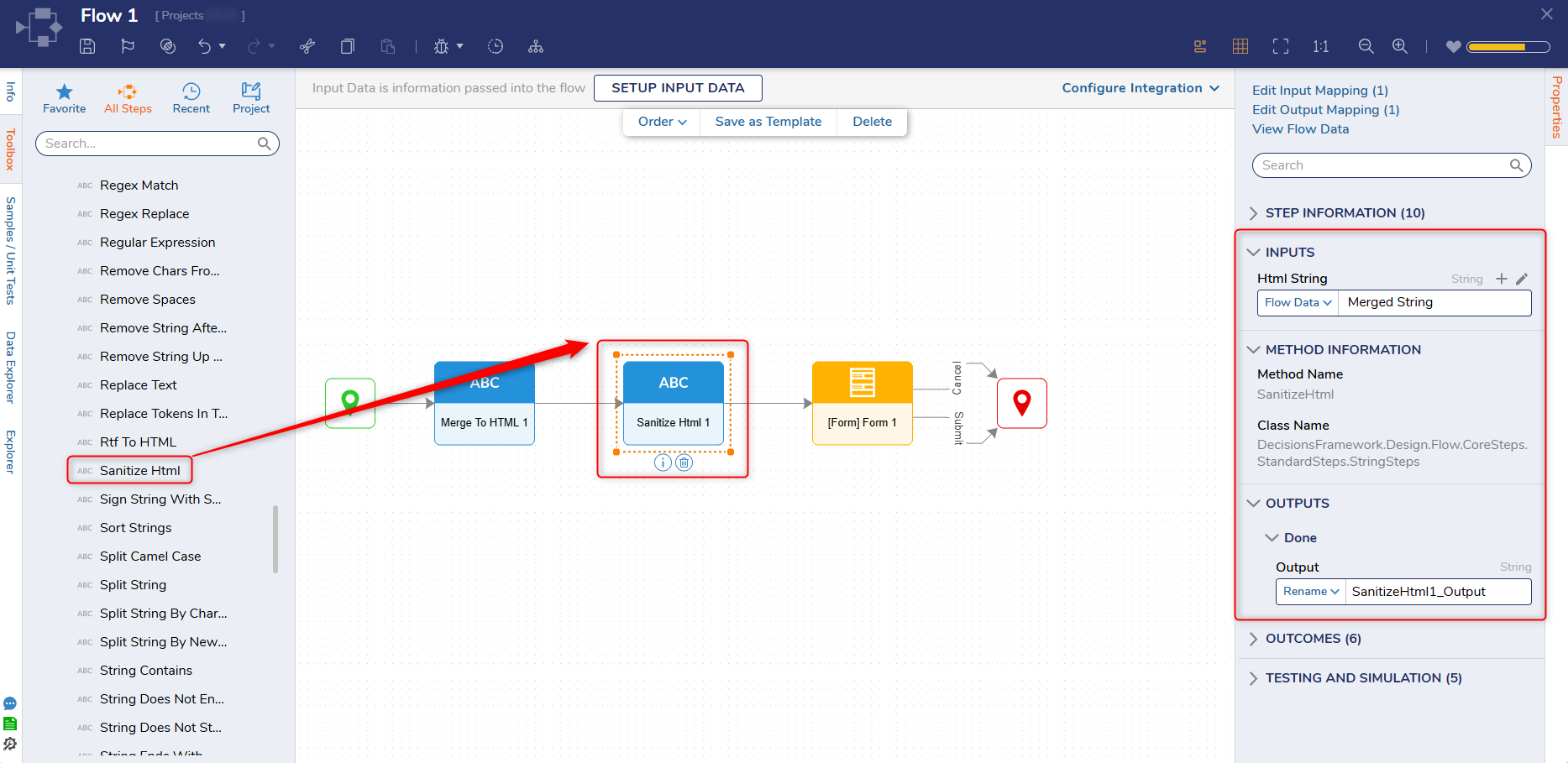
## Properties
#### Inputs
| Property | Description | Data Type |
| --- | --- | --- |
| Html String | Allows Users to specify an HTML string. | String |
#### Outputs
| Property | Description | Data Type |
| --- | --- | --- |
| SanitizeHtml1_Ouput | Sanitized HTML string. | String |
## 
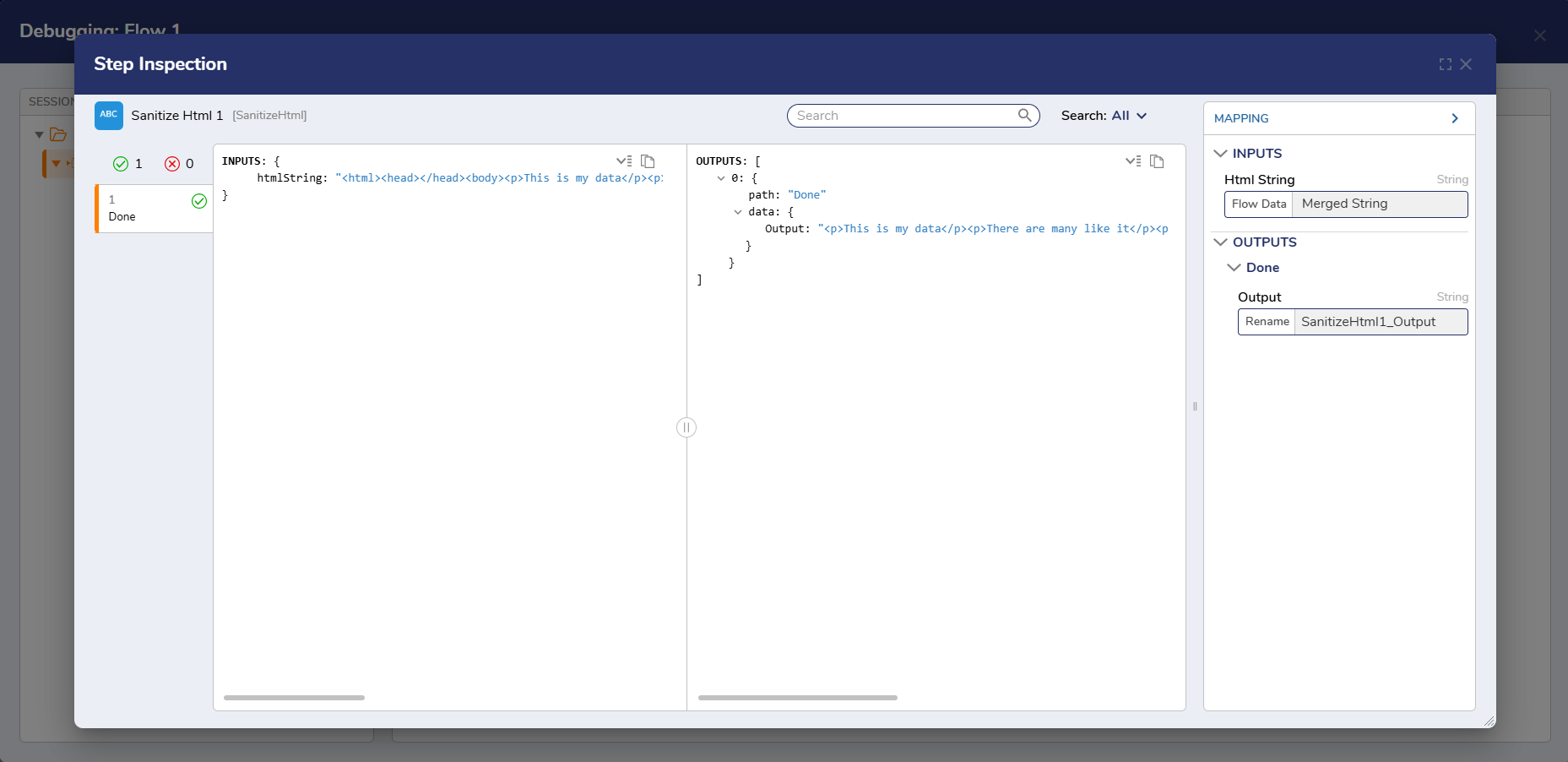
## Example Inputs and Outputs
```none
Inputs: {
htmlstring:
Outputs: [
0: {
path: Done
data: {
Output:
```
####