---
title: "Is HTML Empty"
slug: "is-html-empty"
updated: 2022-11-07T21:27:26Z
published: 2022-11-07T21:27:26Z
canonical: "documentation.decisions.com/is-html-empty"
---
> ## Documentation Index
> Fetch the complete documentation index at: https://documentation.decisions.com/llms.txt
> Use this file to discover all available pages before exploring further.
# Is HTML Empty
| ## Step Details |
| --- |
| **Introduced in Version** | --- |
| **Last Modified in Version** | 7.12.0 |
| **Location** | Data > Text |
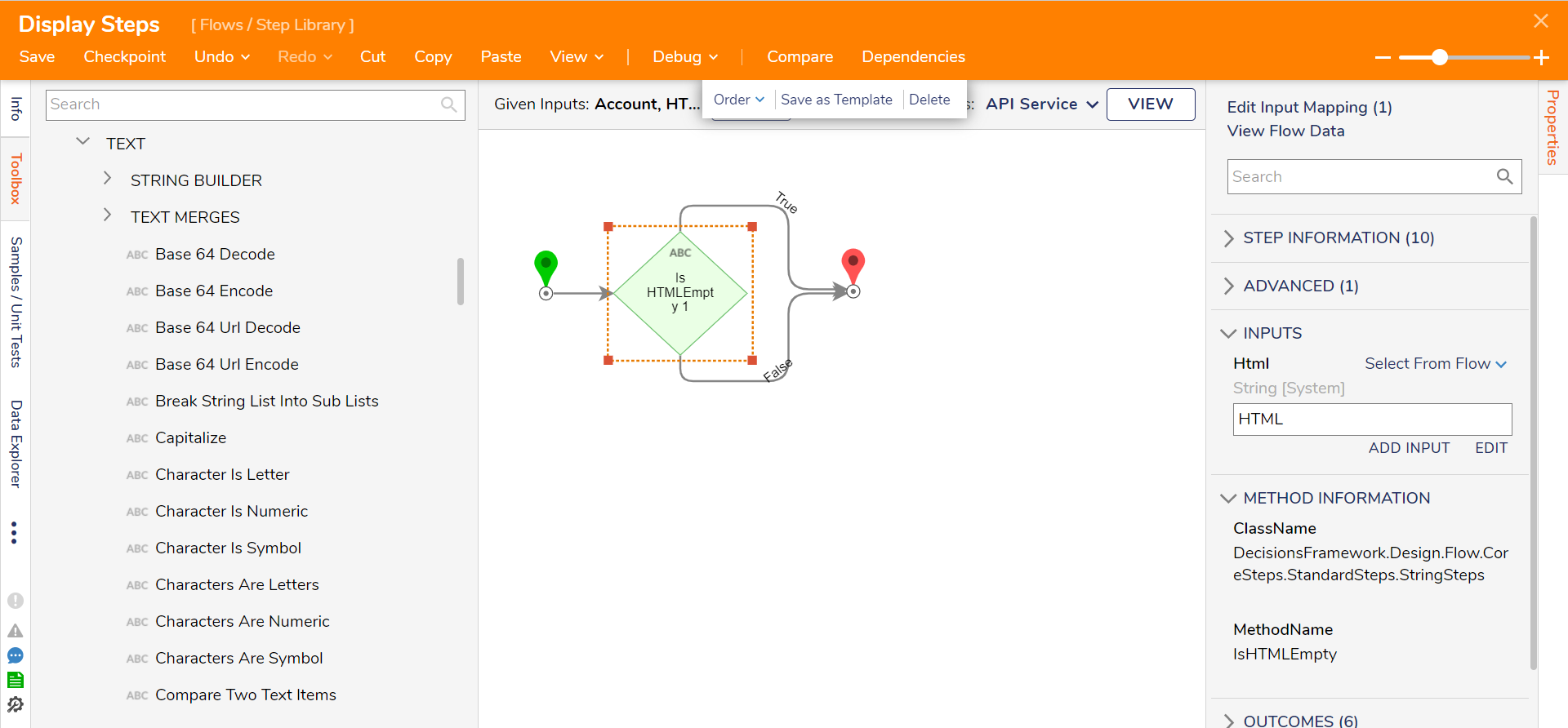
The Is HTML Empty component checks whether a given string input is "null" or non-existent. Based on its determination, the component returns a "True" outcome if the input string is null or a "False" outcome if the input has a value.
---
## Properties
#### Inputs
| Property | Description | Data Type |
| --- | --- | --- |
| HTML | The step looks at this input to check whether it is empty. If the value is empty, the Flow will go down the True path. | String |
#### Outputs
| Property | Description | Data Type |
| --- | --- | --- |
| None | --- | --- |
####