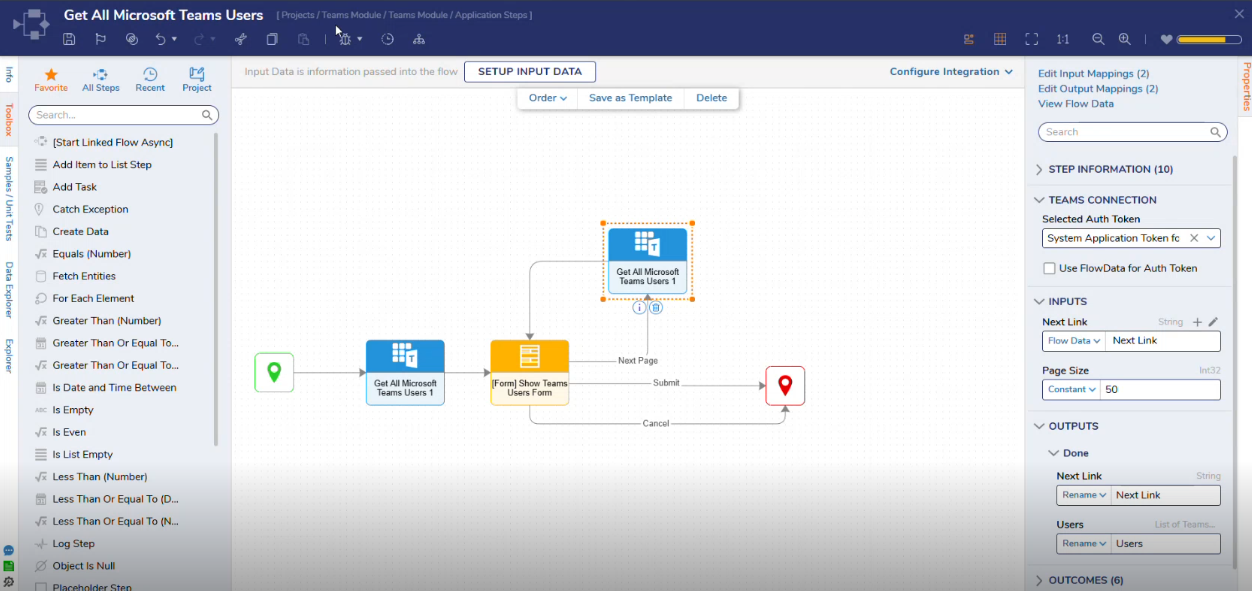
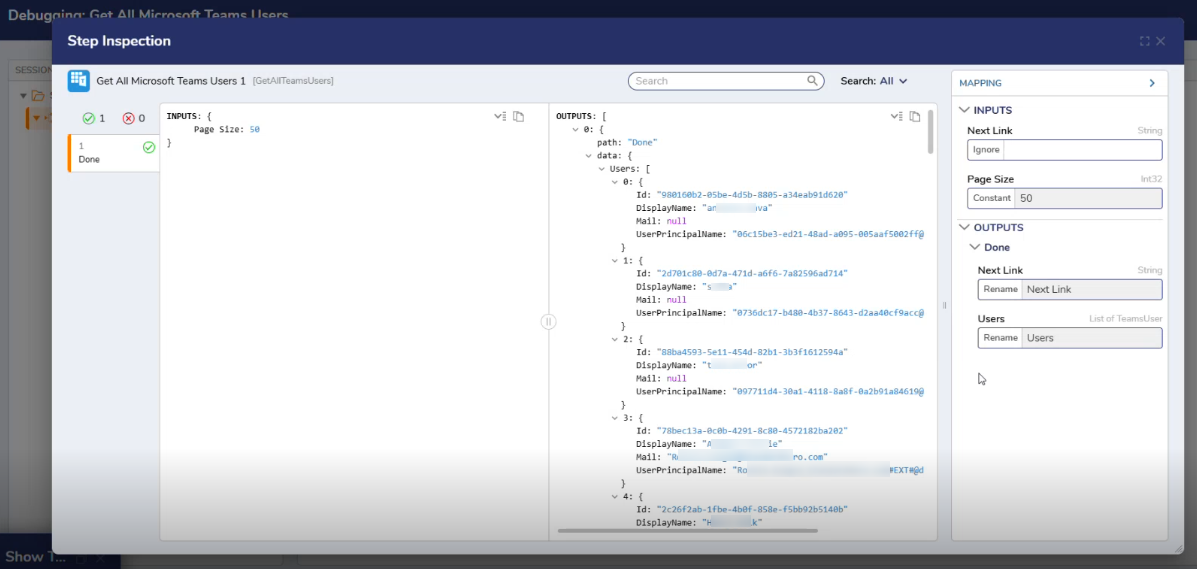
The Get All Microsoft Teams Users step retrieves a list of users available in Microsoft Teams using the configured Microsoft 365 connection. The step uses the selected authentication token to access user data based on the permissions assigned in Azure.
Teams Connection
Property
Description
Data Type
Selected Auth Token
Selects the Microsoft 365 authentication token used to connect to Microsoft Teams. The available options are populated based on configured tokens.
Dropdown
Use FlowData for Auth Token
When enabled, it allows the authentication token to be provided dynamically via Flow data rather than selecting a predefined token.
Boolean
Inputs
Property
Description
Data Type
Next Link
Indicates the URL or reference used to retrieve the next page of results when data is returned in multiple pages.
String
Page Size
Specifies the number of records returned per page when retrieving paginated data.
Int32
Outputs
Property
Description
Data Type
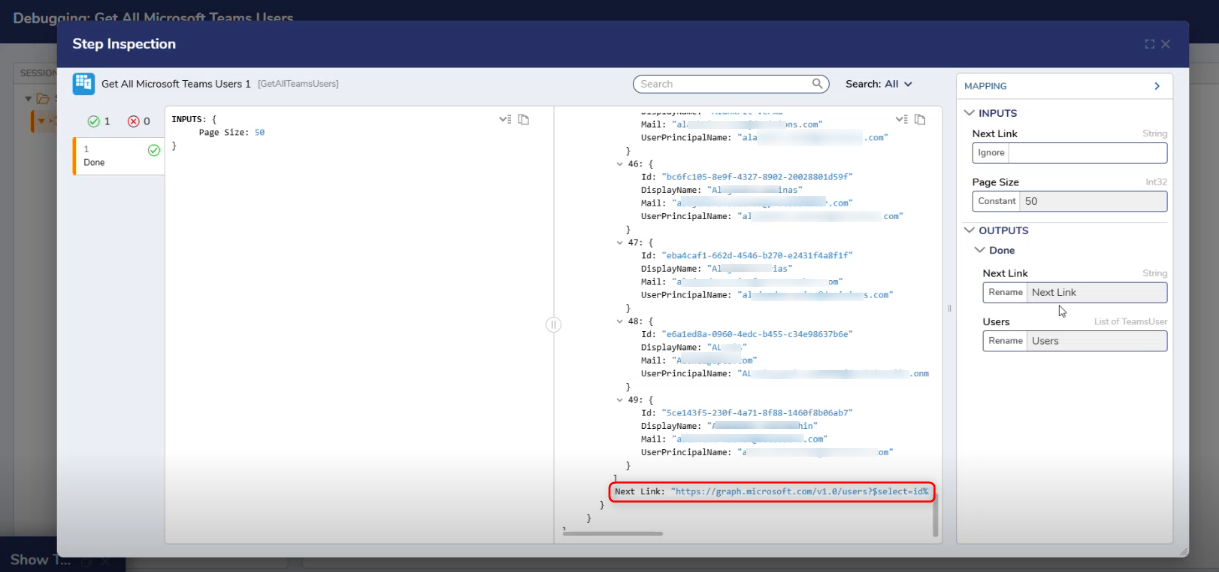
Next Link
Indicates the URL or reference used to retrieve the next page of results when data is returned in multiple pages.
String
Users
Returns a list of Microsoft Teams users available through the configured connection and token permissions.
List of TeamsUser
Step Changes
Description
Version
Date
Developer Task
The Get All Microsoft Teams Users step was introduced.