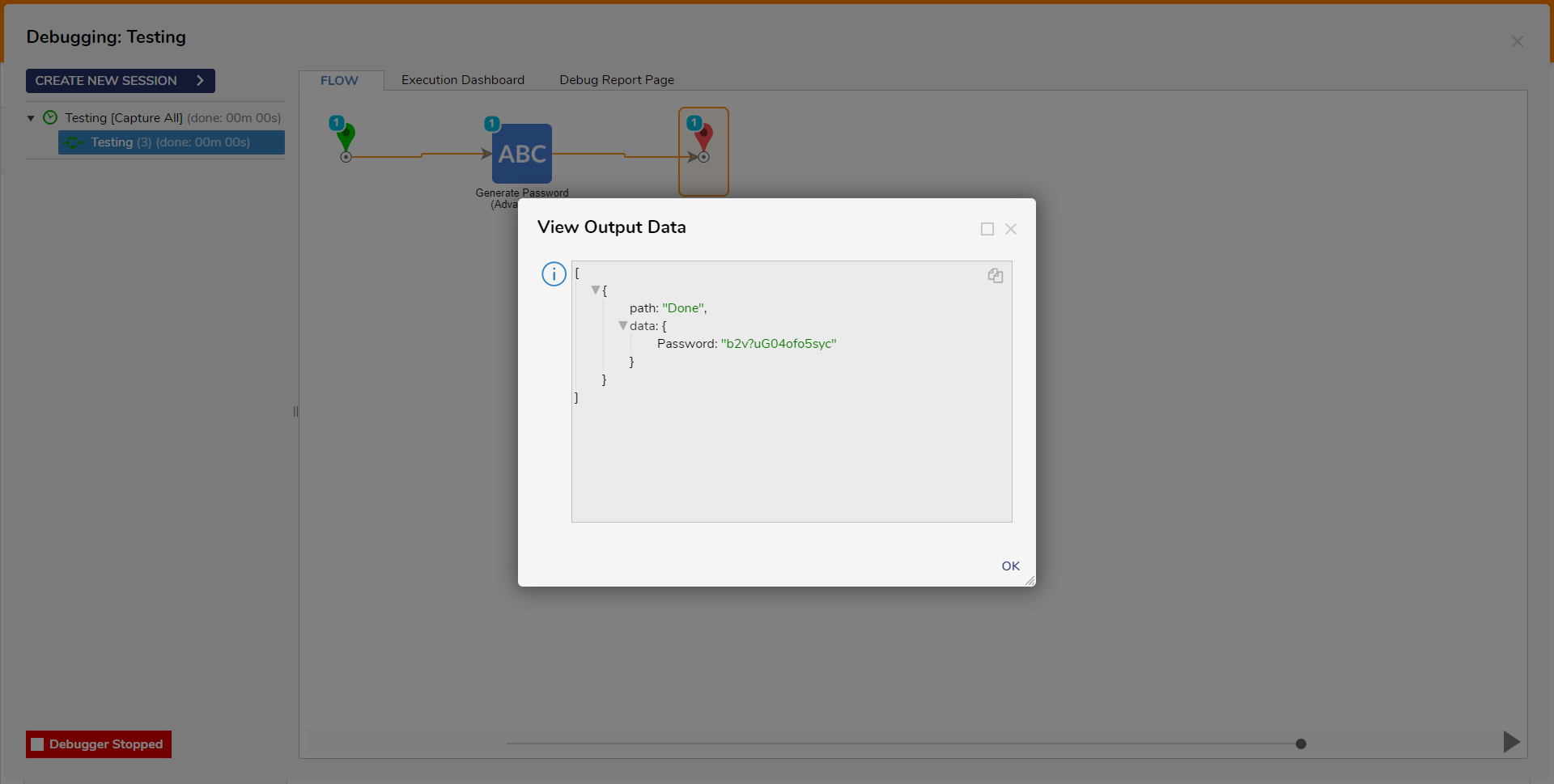
The Generate Password (Advanced) step allows users to manually generate password strings instead of using only the Portal Settings. If the password needs to be generated for Decisions accounts, then it must conform to the options defined in Portal Settings. Currently added Active Directory accounts will not be affected.
Properties
Settings
Property
Description
Data Type
Use Portal Settings
Generates a string based on the selection from Portal Settings > Password Settings
---
Minimum Password Length
The minimum length of the generated string
Int32
Use Mixed Case
Enables the use of mixed casing for the generated string
Boolean
Use Numbers
Enables the use of alphanumeric numbers for the generated string
Boolean
Use Symbols
Enables the use of symbols for the generated string