| Step Details |
| Introduced in Version | 10.1 |
| Last Modified in Version | -- |
| Location | AI > Azure Foundry |
The Create Embeddings step allows Users to generate text embeddings. Example Use Cases include semantic search and Retrieval-Augmented Generation (RAG).
Prerequisites
This step requires installing the AI.Common, and AI.Azure Foundry Modules and adding their dependencies to the Project before they are available in the toolbox.
Properties
API Configuration
| Property | Description | Data Type |
|---|
| Override API Key | Enables Users to override the API key. | Boolean |
Model
| Property | Description | Data Type |
|---|
| Select Model | Enables Users to specify an Ollama Model or specify the module via Flow. | Boolean |
Input Settings
| Property | Description | Data Type |
|---|
| Allow Multiple Values | Enables Users to toggle on off/, allowing multiple values. Note: Users should ensure the selected model supports multiple inputs before enabling this setting. | Boolean |
Inputs
| Property | Description | Data Type |
|---|
| Text to Process | Allows Users to specify the text used for the embedding. | String |
Outputs
| Property | Description | Data Type |
|---|
| Resulting Embeddings | The created embedding from the input text. | -- |
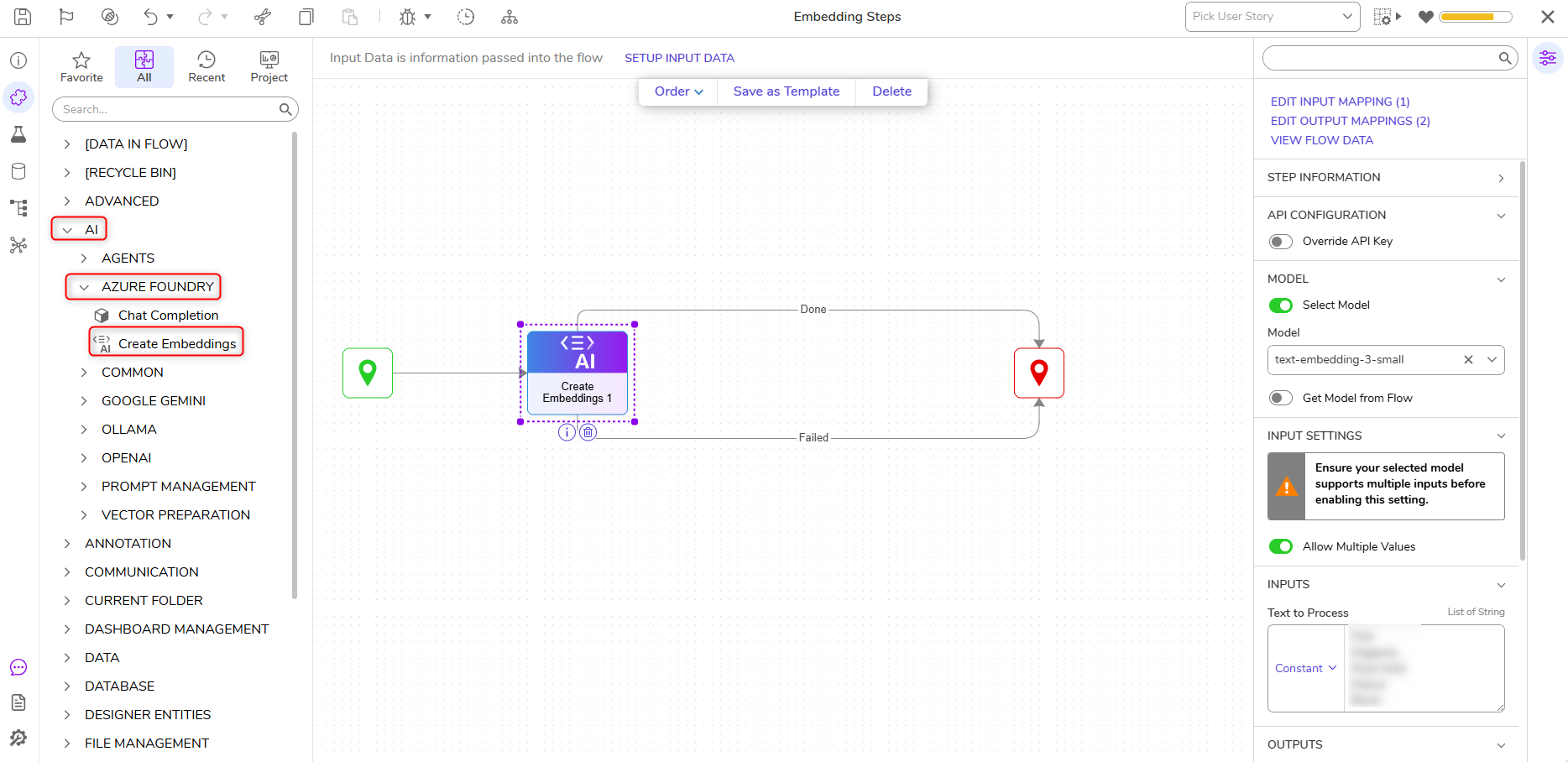
Example Inputs & Outputs
Inputs:
{
"Text to Process": [
0:
1:
2:
3:
4:
Outputs: [
0: {
path: "Done"
data: {
Resulting Embeddings: {
Object:
data: [
0: {
object:
index:
embeddings: [
0:
1:
2:
...
Step Changes
| Description | Version | Date | Developer Task |
|---|
| Added Embedding steps for Ollama, Azure Foundry, and Google Gemini. | 10.1 | August 2026 | [DT-047149] |