View Document Details
Follow these steps to view details of a document after IDP has analyzed it:
Click a document to open it. A preview is displayed for PDF and image files.
Click the
 to view document metadata.
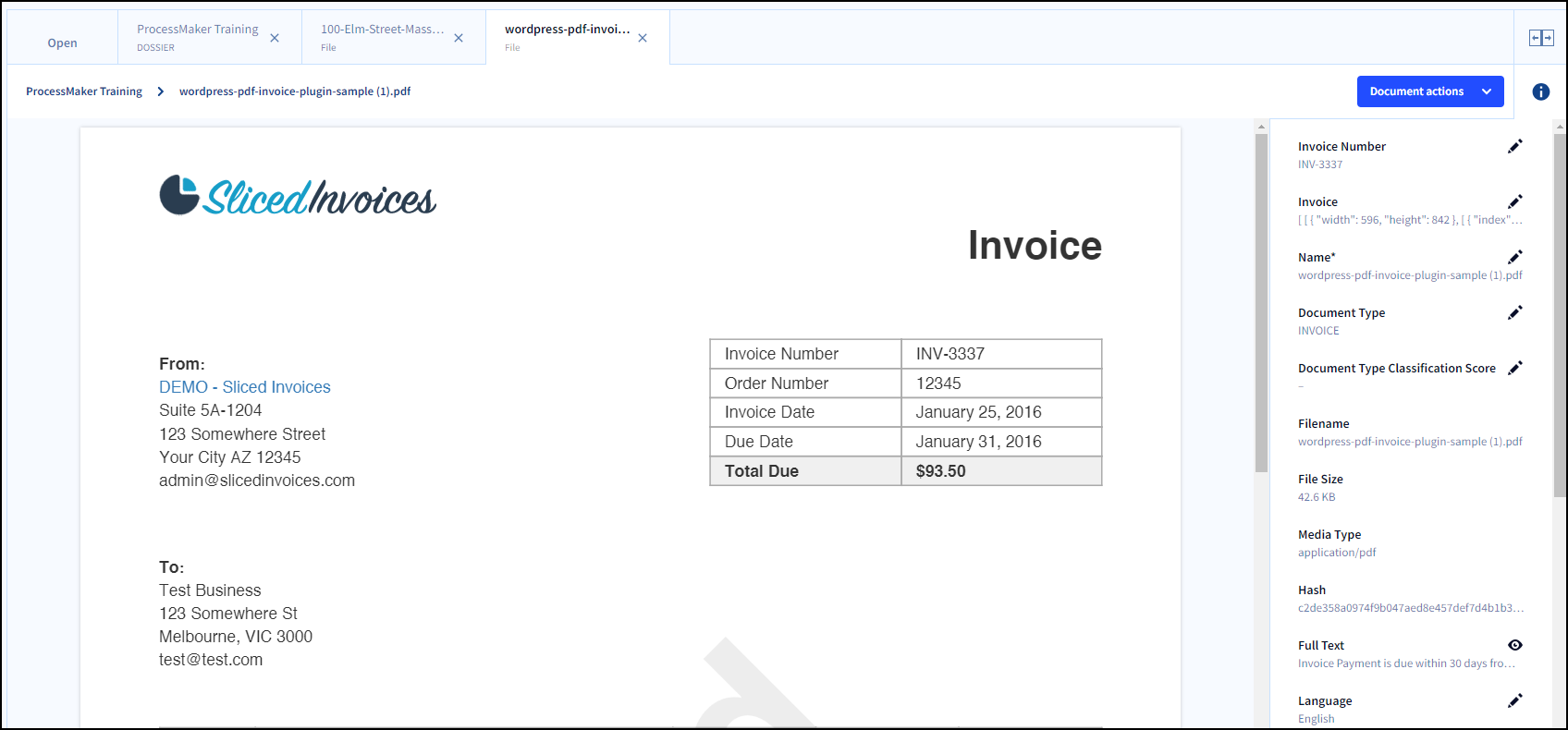
Click the Edit icon to view or modify an attribute.
Click the Document Actions menu to view available actions for the document.
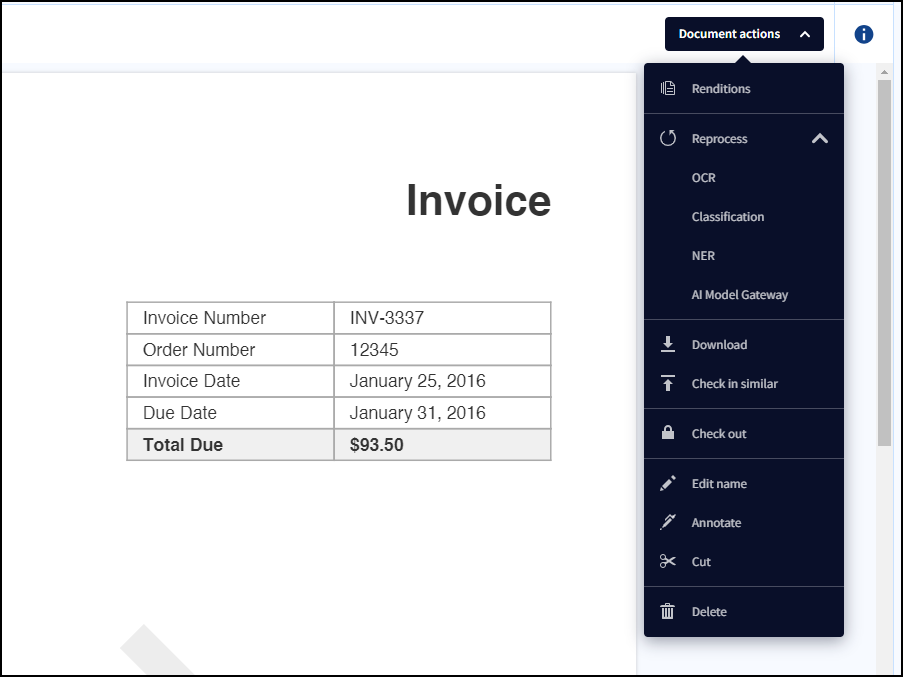
Reprocess Document Actions are available only to Administrators.
Download Folders and Documents
Follow these steps to download dossiers, subfolders, or files:
Click a folder or file to view it.
From the Dossier / Folder / File Actions menu, select Download.
The selected resource is downloaded to your default downloads folder.
Downloading a folder includes all subfolders and files.
Downloading a subfolder includes only its contents and child subfolders.
Folders are downloaded as ZIP files, while individual documents are downloaded in their original format.
Renditions
Renditions are alternative representations of a document, or its content after ProcessMaker IDP has processed and analyzed it. These versions highlight the data and attributes identified by IDP, making it easier to review and analyze extracted information.
Renditions must be configured by an Administrator before they are available to users.
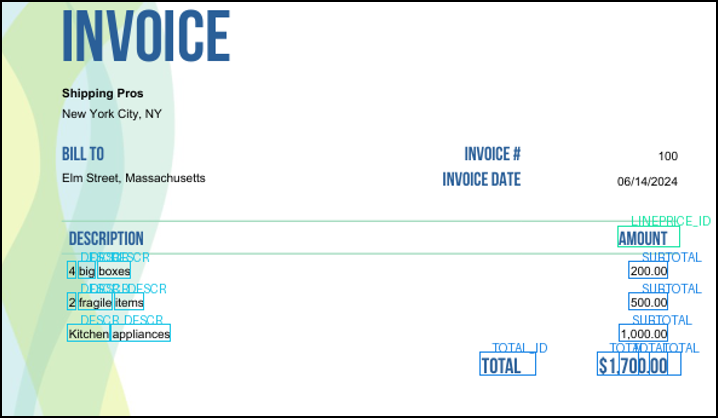
Follow these steps to view renditions of a document:
Click a document to open it.
From the Document Actions menu, select Renditions to view all available renditions.
Click a rendition to open it.
With the rendition open, click the Document Actions menu again to download it.
If any document action is rerun, such as Reprocess OCR, Reprocess Classification, Reprocess NER, or Reprocess AI Model Gateway, a new rendition of the document is created.