Departmental Evaluation
As a department reviewer, you can evaluate and articulate courses that have been routed to your department for review. Follow these steps:
When an application is forwarded to your department, you’ll receive an email notification.
Click the link in the email to access the application.
Choose one of the pending courses to review.
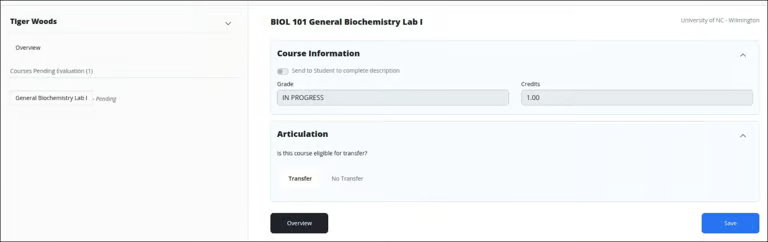
To approve the course for transfer credit, select Transfer. Otherwise, select No Transfer.
Choose Single to map the course to one equivalency, or Multiple to map it to more than one course.
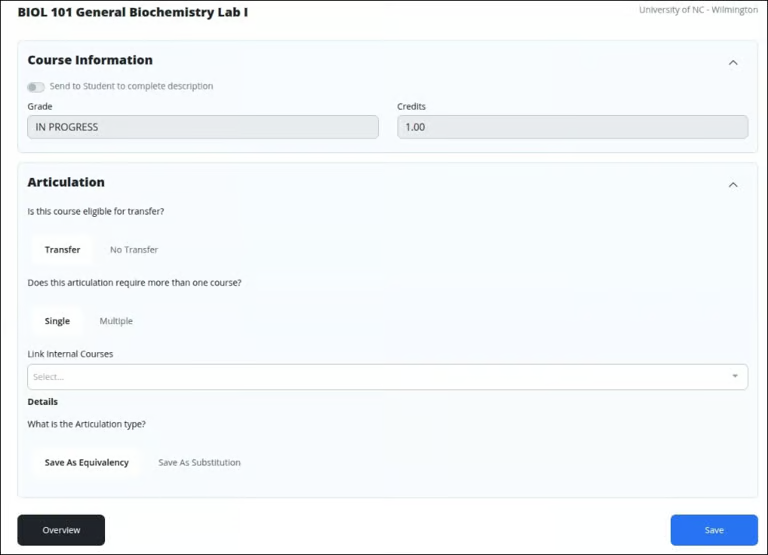
Select the appropriate equivalent course(s) from the list.
Click Save as Equivalency to finalize the articulation.
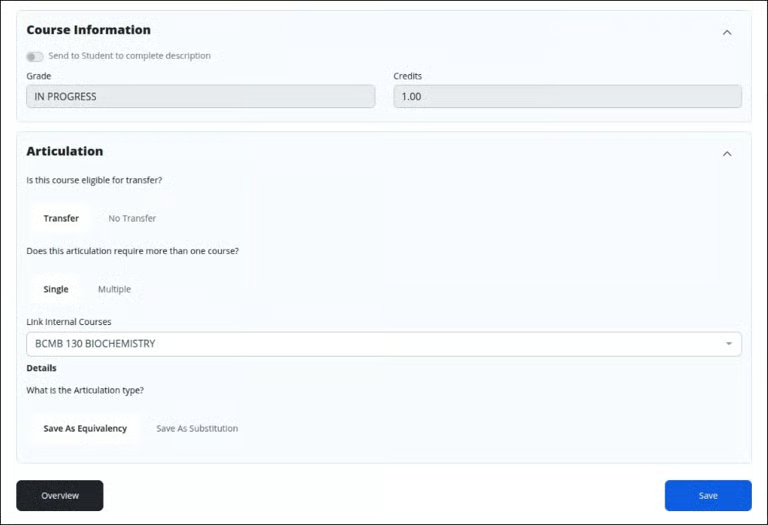
Click Save to apply your changes.
Click Confirm & Send to submit the articulation and notify the responsible Credit Officer.