The Usage Basic flow
There are two main methods to add new applications, windows, and processes for tracking in the Process Intelligence platform’s data collection:
Define Applications and Data Collection Rules Yourself:
Navigate to
Admin Panel -> Configure Data Collection -> Track New Application.
Use the Application Catalog:
Navigate to
Admin Panel -> Configure Data Collection -> View Application Catalog.
After creating the rules, they are displayed in the list.
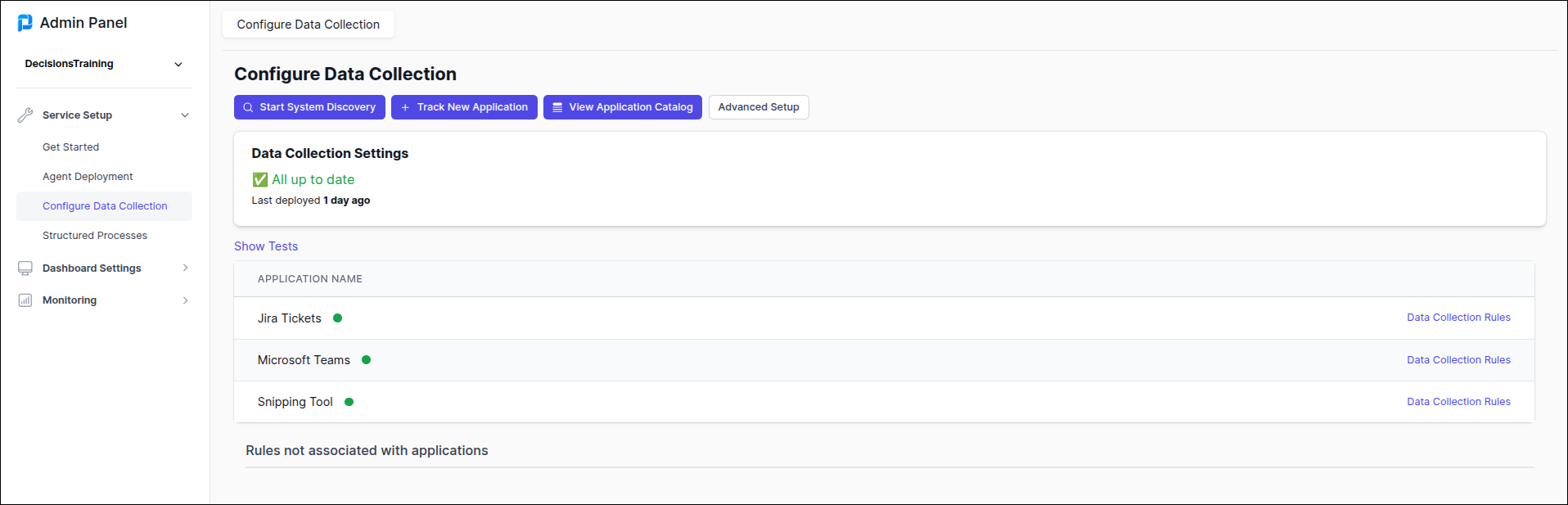
Click Data Collection Rules to manage or edit each rule through the following options:


For additional examples of Data Collection, see Advanced Examples for Data Collection.