Arrange the order that multiple Saved Search charts display in the Charts tab of a Saved Search.
Arrange the Order of Saved Search Charts
Follow these steps to arrange the order of the charts of a Saved Search:
View the search results for a Saved Search in which to view its charts. The Data tab displays the data details for that Saved Search.
Click the Charts tab. The Charts tab displays all charts created for this Saved Search.
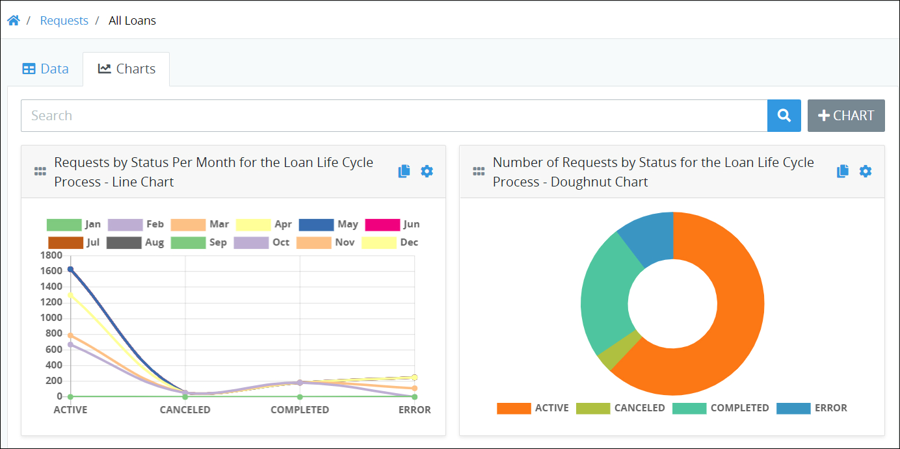
Hold the
 icon that displays to the left of the chart's title, and then drag that chart to the location on the Charts tab to display that chart.