Overview
| Feature Details | |
| Introduced in Version | 9.20 |
| Modified in Version | 9.20 |
| Location | Public > Integrations > gRPC |
This feature allows developers on the platform to expose Flows for use with the gRPC protocol. This integration method is commonly used in microservice-style architectures. It sends data as a binary-serialized payload, which improves performance compared to REST-based methods.
Example
Here is an example of setting up a flow to be configured as a gRPC endpoint.
- Create a gRPC FlowFlow RestrictionsgRPC is a specialized Flow behavior designed for gRPC endpoints. It includes restrictions in the Flow Designer to ensure you follow the required gRPC standards.
Your gRPC flow needs to have the following criteria met:
- No Capital Letters, Special Characters, or Spaces in the Flow Name
- Inputs/Outputs must be Composite Objects
- Async steps are not supported. A validation error is displayed if an async step is added to the Flow.
- If these criteria are not met, errors may occur when downloading the protobuf file. A good tip is to review Flow validations. If the Flow has validation errors, the protobuf file may not download correctly.
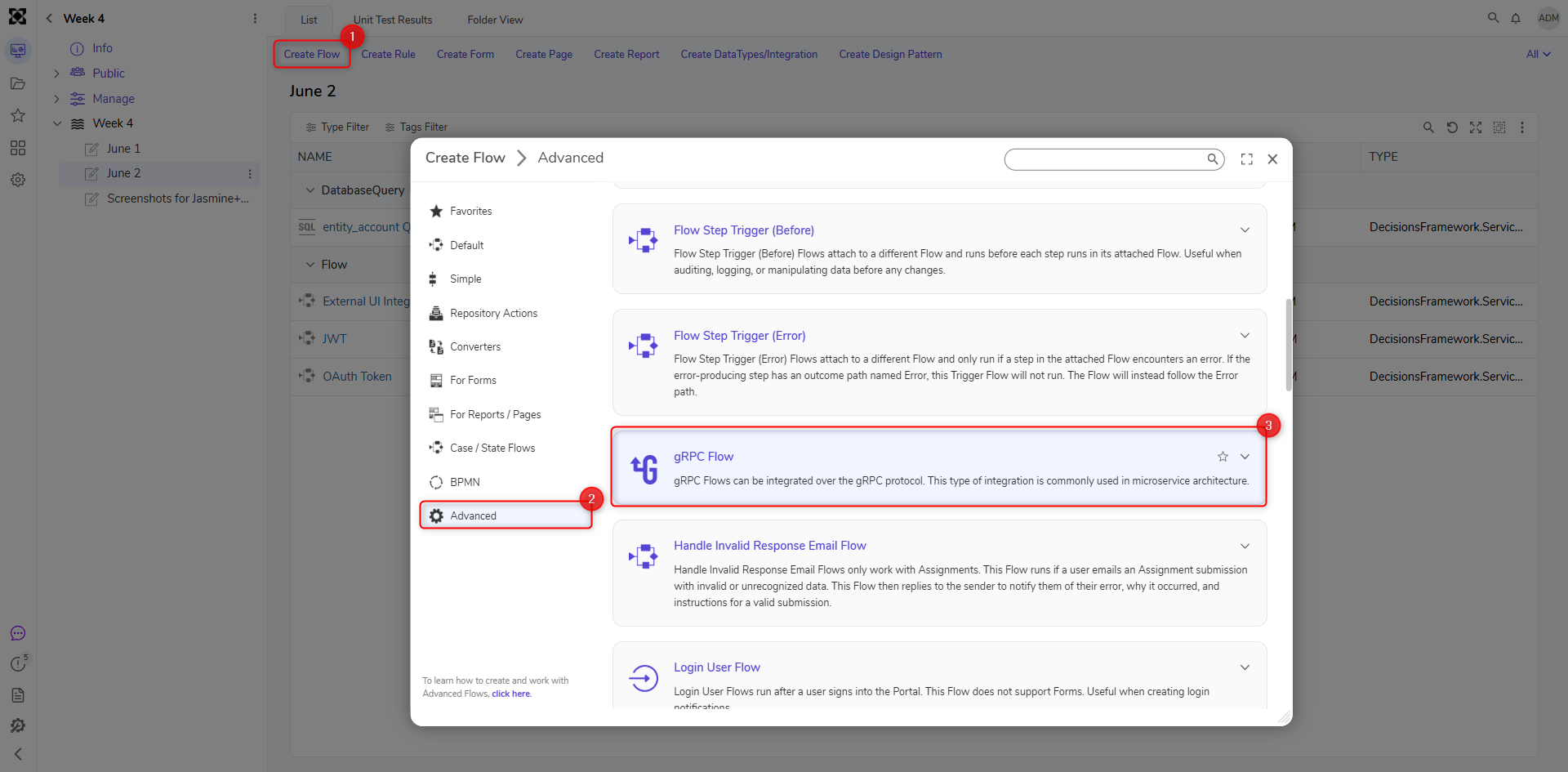
- Download Protobuf File
There is an action on the gRPC folder (Public > Integration > gRPC) called Download Proto Files that allows users to download the protobuf file. This file is required for external applications to interact with the exposed services.

- Use Service
Once you have the protobuf file, you can use it to call the Flows configured in the Decisions application through the gRPC service.
gRPC in PostmanDue to some restrictions on the Postman application, our gRPC service at this moment will not be testable using Postman.